Cross Stitch Pattern Maker
Make patterns you’ll love to stitch.
Turn photos, sketches, and ideas into clean cross stitch patterns — without the confetti chaos, mystery floss lists, or “well, good luck stitching that” nonsense.
Start with a photo, a blank canvas, or a reshaped source image. Then push it further: view and track every stitch, manage your floss, and stitch along in one place.
The online cross stitch pattern generator: turn a photo into a chart in minutes
Start with a pet portrait, family photo, or your own art. Drag the frame, choose the shape, adjust the detail, and watch the pattern preview update as you go. This preview uses sample images. Start free to make one from your own photo.
Frame shape
Detail
Your photo · Drag the frame
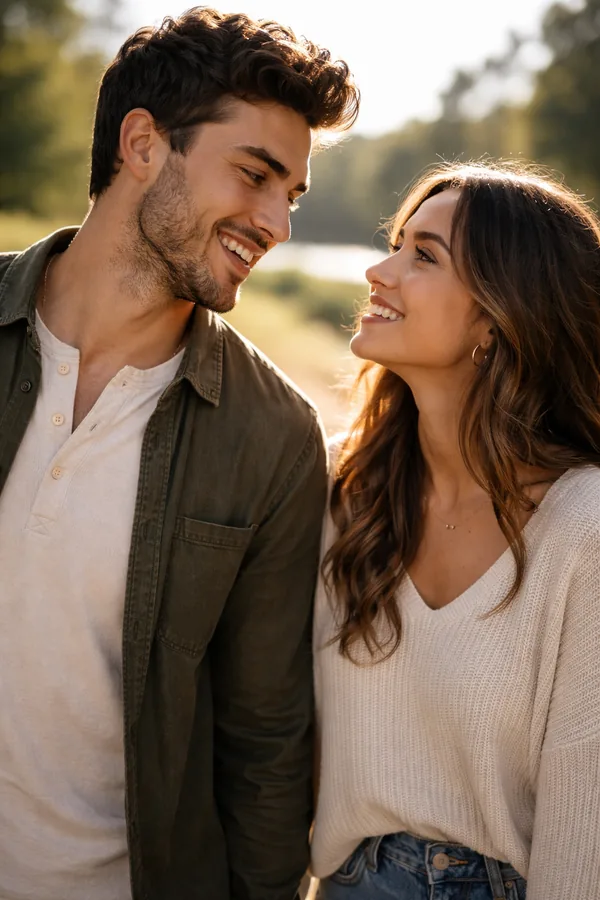
Actual rendered pattern

Sample photos — but every pattern shown is a real render from the StitchThis tool, not a mockup.
Free to start. Stitcher includes unlimited patterns, the full pattern viewer, progress tracker, floss-stash management, community access, and your first PDF free — no credit card.
Keep the detail. Lose the stitching misery.
Most converters treat every pixel like it matters equally. That’s how you end up with scattered single stitches, muddy faces, and a floss list that looks like a craft-store receipt.
StitchThis gives you control over what becomes a pattern — so the finished chart is cleaner, calmer, and actually stitchable.
Detail where it matters
StitchSense keeps your subject crisp and true to the photo, with far less confetti in the busy background — a clean, faithful chart that looks the way you pictured it.
Ultimate control
You’re in the driver’s seat — dial the detail up or down, choose how many colors you want, and shape the result until the chart is exactly what you’ll enjoy stitching.
Custom frames
An ever-expanding catalog of frame shapes — rectangle, circle, oval, heart, and stocking — so the pattern fits the thing you’re making, not the other way around.
Built around your floss
Most converters hand you a 200-color palette when you own exactly one of them. StitchThis leans new patterns toward the floss already in your stash — and gives you a shopping list for only the gaps.
The free online chart maker — design every stitch, text and lettering included, from a blank canvas
Not every pattern starts with a photo. Open a blank chart and build the design yourself with pencil, fill, shapes, text, stickers, symmetry, gradients, color swaps, and backstitch.
Every color snaps to real floss from DMC, Anchor, Cosmo, Gamma, and Madeira — so your design stays creative on screen and stitchable in real life.
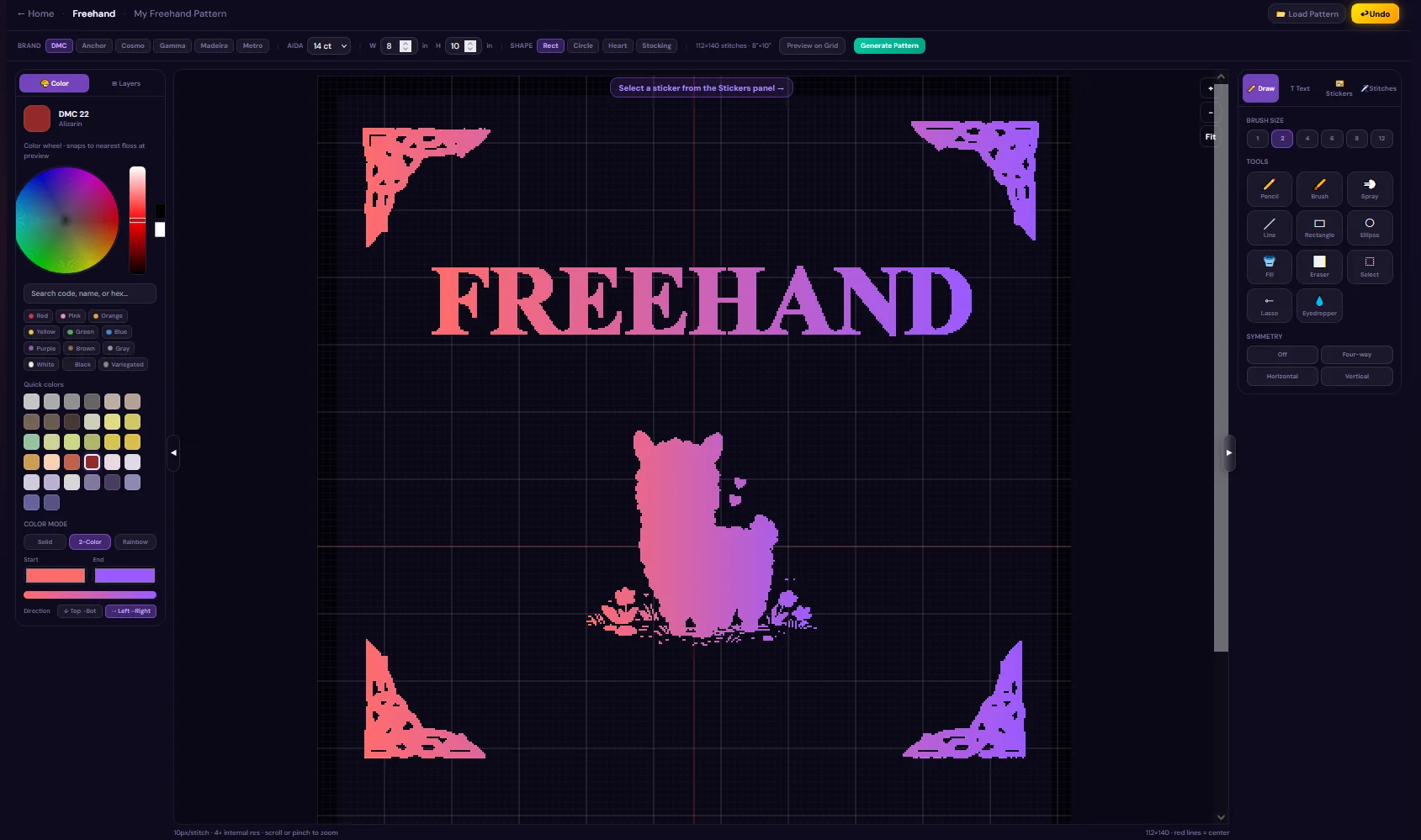
Reshape your photo before you chart it
Sometimes the pattern problem starts with the photo. A messy background, low-res image, awkward crop, or missing subject can make even a good idea hard to stitch.
Use StitchThis photo tools to clean up the source image first. Then your pattern is rendered faithfully from that edited image — no guesswork in the stitches.
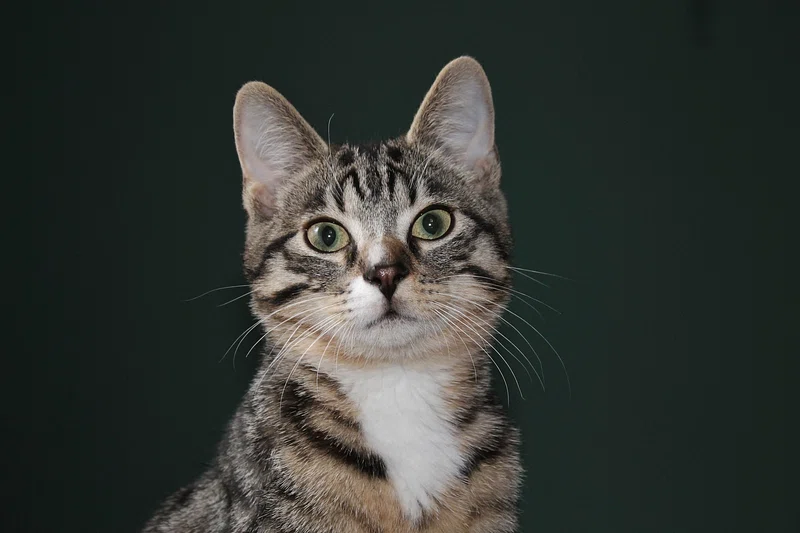
Your photo
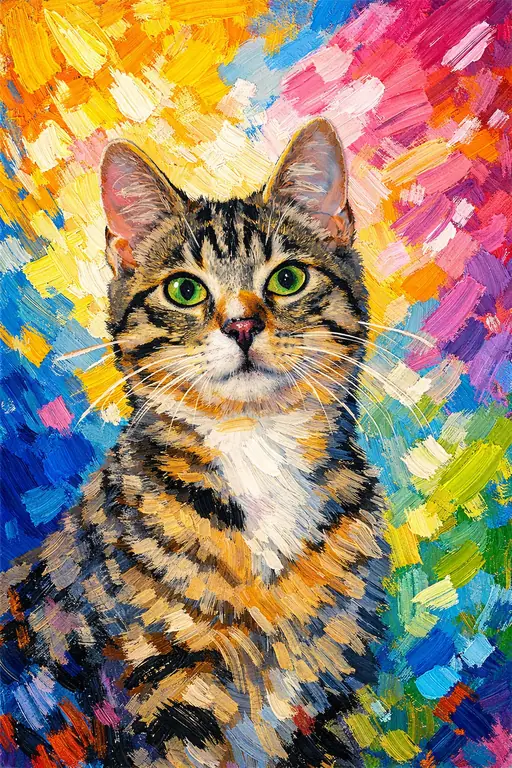
Reshaped source
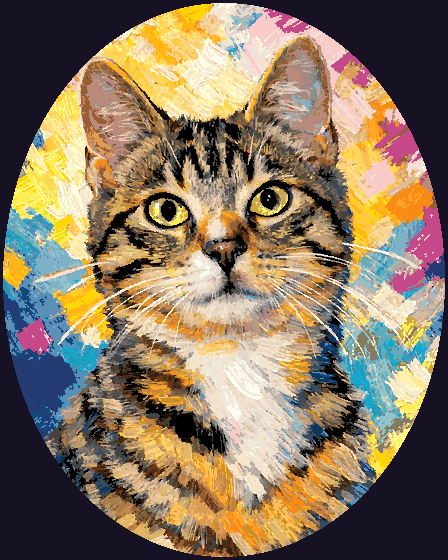
Your pattern
Remove or replace the background
Drop the clutter so your subject is what actually lands in the pattern.
Sharpen and upscale an old photo
Give blurry or low-resolution images a better chance before they become stitches.
Combine two photos
Bring subjects from separate pictures into one source image, then chart the result.
Merge images
Blend two pictures into a single composition for a more custom pattern.
Restyle a finished design
Rework one of your own designs with a new palette, mood, or visual direction before charting again.
Start from a description
No photo yet? Describe a scene to create a starting image, then chart it, edit it, and refine every stitch by hand.
It doesn’t stop at the pattern
A pattern is only the beginning. StitchThis helps you make it, edit it, stitch it, and keep track of everything along the way.
Stitch with the floss you already own
Keep a running inventory of your DMC, Anchor, Cosmo, Gamma, and Madeira floss. Import a CSV or snap a photo of your floss box and StitchThis reads the numbers.
New patterns can bias toward thread you already own, and every chart gives you a shopping list for only the colors you’re missing.
Stitch along and never lose your place
Open your chart on a computer, tablet or phone, mark off stitches as you go, and edit on the fly with Draw, Fill, Change-All, and backstitch tools.
As you finish, your floss stash updates too — so your next project starts with a cleaner inventory.
Works with your floss brand — DMC · Anchor · Cosmo · Gamma · Madeira
Frequently asked questions
Is there a free cross stitch pattern maker?
How do I turn a photo into a cross stitch pattern?
Can I make a cross stitch pattern of my pet?
What’s the best photo to use?
How do I avoid too many colors and confetti?
Can it use the floss I already own?
Can I edit the pattern after converting it?
Which floss brands does it support?
Do I need to download software?
Can I track my progress while I stitch?
What does Maker include?
What's the difference between a pattern maker and a pattern generator?
Make a pattern you’ll actually finish
Start from a photo, design from scratch, or reshape your source image first. Then edit the chart, track your floss, and stitch along — all in one place.
Start freeAlready bought a chart? Import the PDF and track it stitch by stitch.