Cross-Stitch Pattern File Formats (PDF, OXS.pat) and How to Convert Them
Confused by.pat.xsd, OXS, and PDF cross-stitch files? A plain-English guide to every pattern format, what opens them, and how to convert between them.
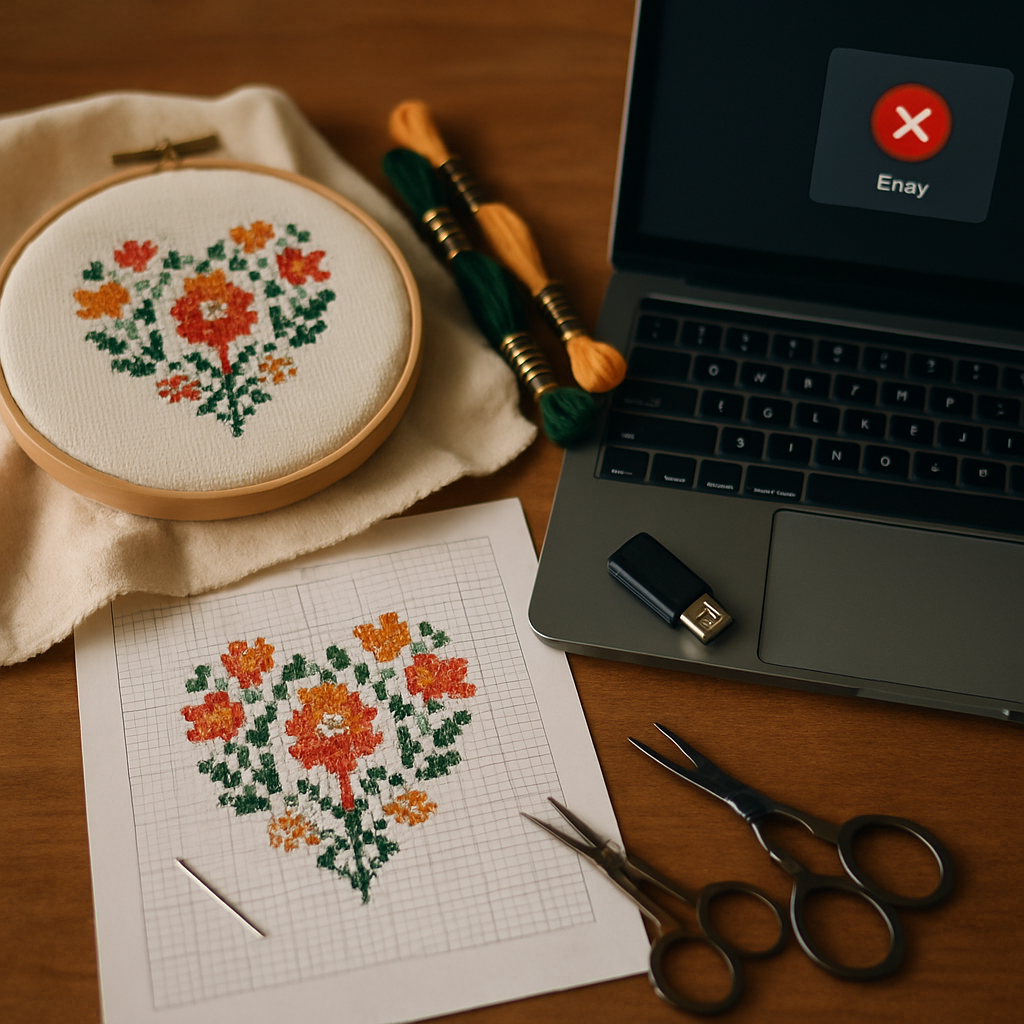
You downloaded a cross-stitch pattern, double-clicked it, and… nothing. Your computer doesn't know what a .pat file is. Or someone sent you an .xsd, or an OXS, or a .fcjson, and you have no idea which program — if any — will open it. Welcome to one of the quiet frustrations of digital cross-stitch: a zoo of file formats, most of them tied to specific software, none of them obvious.
This guide explains every format you're likely to meet in plain English: what each one is, what opens it, which are proprietary and which are open, and — the part you actually came for — how to convert between them so you can finally use the pattern you have.
The quick answer
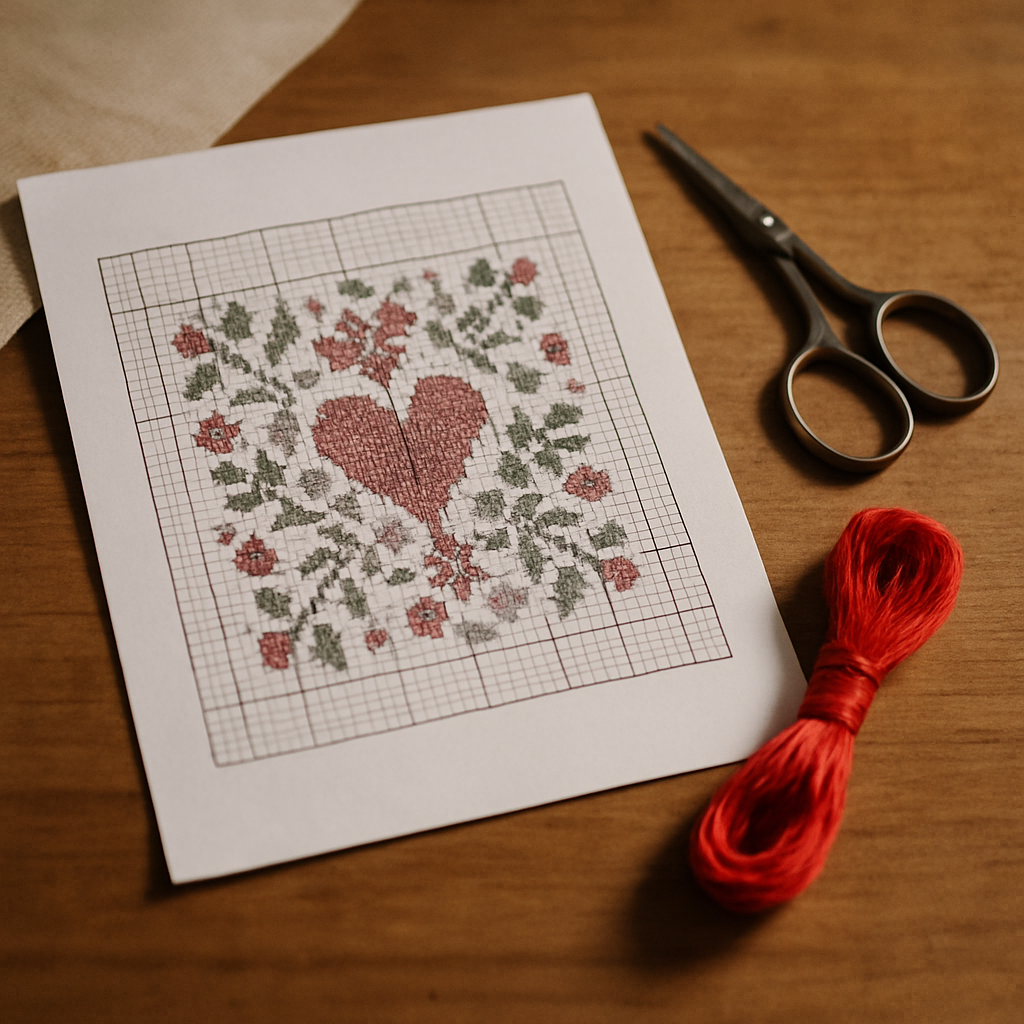 If you just want to stitch a pattern and don't care about editing it, you almost always want it as a PDF. PDF is the universal output format — every cross-stitch program can export to it, and anything (your phone, your tablet, a printer) can open it. Most format headaches disappear the moment the pattern is a PDF.
If you want to edit or redesign a pattern, that's a different and harder problem, because editable formats are usually locked to the program that made them. We'll cover both.
The cross-stitch file formats, explained
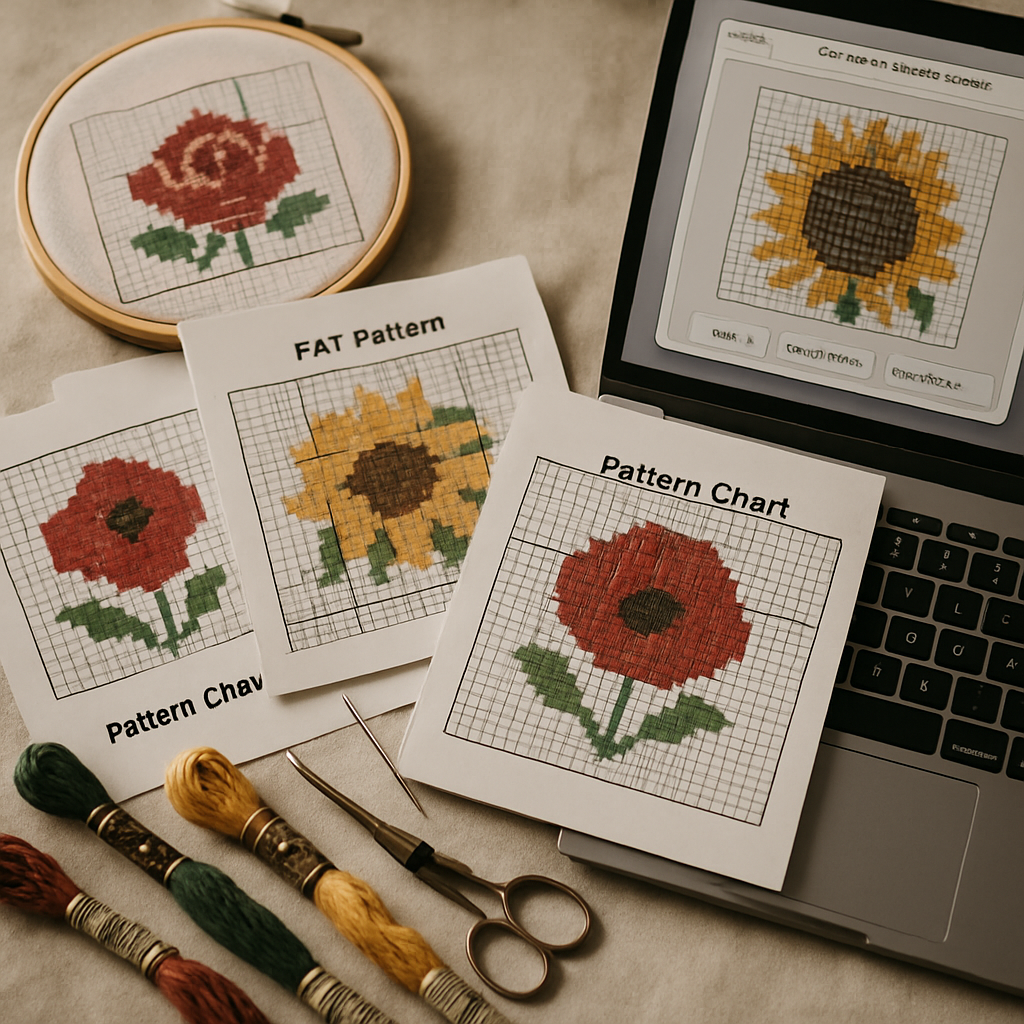 Here's the landscape, from most universal to most proprietary:
| Format | What it is | Made/opened by | Editable? | Open or proprietary |
|---|---|---|---|---|
| The finished, printable chart + legend | Exported by nearly everything; opened by anything | No (it's an output) | Universal | |
| PNG / JPG | A pattern saved as a flat image | Any image tool | No | Universal |
OXS (.oxs) | An open XML format for cross-stitch charts | Several programs that support the open standard | Yes | Open standard |
| .pat | PCStitch's native project file | PCStitch (Windows) | Yes | Proprietary |
| .xsd | Pattern Maker's native project file | Pattern Maker (Windows) | Yes | Proprietary |
| .fcjson /.chart | Stitch Fiddle's saved design | Stitch Fiddle (web) | Yes | Proprietary |
| .saga / others | Various app-specific project files | Their own apps | Yes | Proprietary |
The key distinction isn't the file extension — it's editable project file vs. finished output, and proprietary vs. open.
Proprietary project files (.pat.xsd, and friends)
These are the "source files" of a pattern — the fully editable version, with every stitch, color, and layer intact. The catch: they usually open only in the program that created them. A .pat is a PCStitch file; without PCStitch (which is Windows-only), it's just an unreadable blob. Same with Pattern Maker's .xsd. This is software lock-in, and it's the single biggest reason people end up stuck with a pattern they "can't open."
OXS — the open-standard attempt
OXS (Open Cross Stitch) is an XML-based format designed to be a shared language between programs, so a chart isn't trapped in one app forever. Several tools can read and write it. It's the closest thing the hobby has to an open interchange format for editable charts — but support is uneven, and not every program speaks it.
PDF — the universal common denominator
PDF isn't editable (it's the printed result, not the source), but that's exactly why it works everywhere. Every design program exports to PDF. Every device opens it. If your goal is to stitch a pattern — not redesign it — PDF is almost always the format you want, and the format worth converting to.
How to actually convert between formats
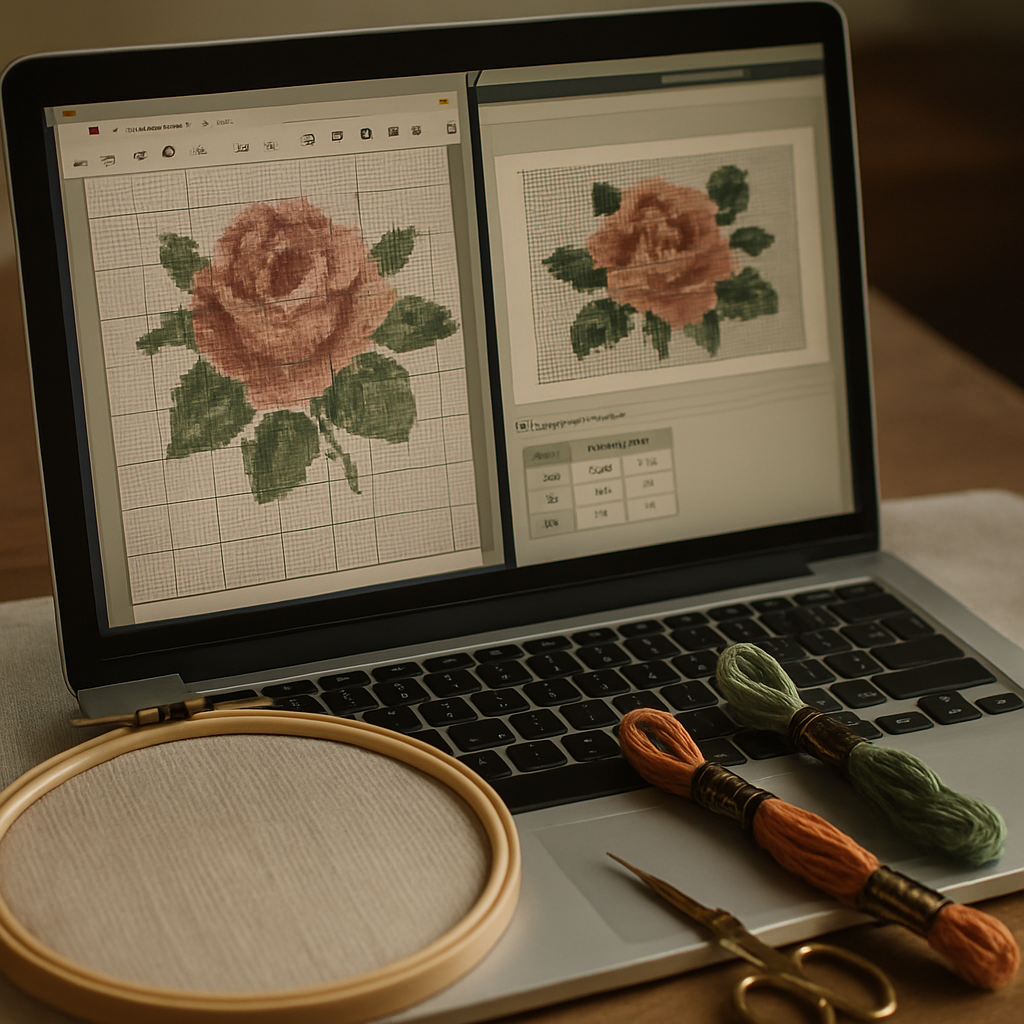 There's no single magic converter, but the practical paths are straightforward once you know the rule: convert toward the format that matches your goal.
Goal: "I just want to stitch it"
Get the pattern to PDF. If you have a proprietary file (.pat, .xsd), open it in its native program and use Export to PDF. If you were sent a PDF already, you're done. PDF prints, displays on any device, and works in a stitch tracker.
Goal: "I want to edit or redesign it"
This is harder and sometimes impossible. Your options, in order of likelihood of success:
- If both programs support OXS, export to OXS from one and import to the other. This is the cleanest editable bridge.
- If not, you may be stuck editing in the original program, or rebuilding the design.
- Be aware that any conversion between editable formats can lose data — backstitch, fractional stitches, and special notations are the usual casualties. Always check the result against the original.
Goal: "I only have a paper chart or a photo of one"
If your pattern exists only on paper (an old magazine chart, a scanned page), there's no file to convert — you need to digitize it. That means photographing or scanning the chart and using a tool that can read it into a usable pattern.
Where StitchThis fits — PDF as the hub
For most stitchers, the real job isn't "convert .pat to .xsd" — it's "I have a pattern, get it onto my screen so I can stitch, track, and tidy it." That's where a browser-based platform makes the format question mostly disappear.
StitchThis leans on PDF as the universal interchange format:
- Import pattern PDFs. StitchThis reads pattern PDFs from many of the common sources — PCStitch exports, the DMC free library, cross-stitch.com / Pic2Pat, Stitch Fiddle, and generic charts — and brings them into a viewer you can actually use. (Pattern PDFs vary wildly, so unusually-formatted ones may not parse cleanly — see the photo option below.)
- Stitch and track. Once imported, the pattern opens in a built-in stitch tracker — tap each stitch as you complete it, progress saved between sessions.
- Edit, don't just view. Unlike a flat PDF you can't touch, StitchThis lets you edit an imported chart — fill a region, replace a color, paint over a stray stitch — so you can clean up a confetti-heavy import or fix a color before you stitch.
- Digitize paper charts. For patterns that exist only on paper, a Photo Pattern Import option (a Maker-tier beta) reads a photo or scan of the chart instead of a file — useful when there's no digital version to convert at all.
- Export a clean PDF. When you create or finish a pattern, export it as a clean, printable PDF — the format that works everywhere.
So rather than hunting for a .pat-to-something converter, the practical move is usually: get your pattern to PDF, bring it into StitchThis, and stitch, track, and tidy it there.
Bring your pattern to life free You can import a pattern PDF, design your own from a photo, and stitch from the built-in tracker on StitchThis free PDF in, clean PDF out, with a real editor and tracker in between. Try StitchThis free →
A note on sharing and licensing
When you convert and share patterns, remember that the format is separate from the rights. Converting a paid pattern to PDF doesn't make it yours to redistribute. If you're a designer distributing your own work, PDF is the standard delivery format — and our forthcoming guides on PDF best practices and pattern licensing cover how to do it professionally.
Frequently asked questions
How do I open a.pat cross-stitch file?
A .pat is PCStitch's native format and normally opens only in PCStitch (Windows). To use it elsewhere, open it in PCStitch and export to PDF, which any device can read. If you don't have PCStitch, ask whoever sent it for a PDF version.
What is an OXS file? OXS (Open Cross Stitch) is an open, XML-based format meant to be shared between different cross-stitch programs, so a chart isn't locked to one app. Several tools can read and write it, making it the best bridge for moving an editable chart between programs.
How do I convert a cross-stitch pattern to PDF? Open the pattern in the program that created it and use "Export to PDF" (or "Print to PDF"). Every major cross-stitch program supports this. PDF is the universal format for printing and stitching, and it opens on any device.
Can I edit a PDF cross-stitch pattern? A PDF is a finished output, so it's not editable in the design sense in most viewers. But a tool that imports the pattern into an editor — like StitchThis — lets you change colors, fill regions, and fix stray stitches on an imported chart, then re-export a clean PDF.
How do I convert a paper pattern to a digital file? There's no file to convert — you digitize it. Photograph or scan the chart clearly and use a tool that can read a chart from an image. StitchThis offers a Photo Pattern Import (a Maker-tier beta) for exactly this.
Will converting between formats lose any detail? It can. Converting between editable formats often drops backstitch, fractional stitches, or special notations. Always compare the converted file against the original. Converting to PDF preserves the printed appearance faithfully because it's just capturing the finished chart.
What's the best format to share a pattern in? PDF, almost always. It prints cleanly, opens on every device, and doesn't require the recipient to own any particular software. (Sharing rights are separate from format — don't redistribute patterns you don't have the license to share.)
The format question, solved
Cross-stitch file formats look intimidating, but the logic underneath is simple: editable project files (.pat, .xsd, OXS) are powerful but locked to specific software, while PDF is the universal format that works everywhere. If you want to stitch, convert to PDF. If you want to edit, OXS is your best bridge — and accept that some conversions lose data.
And if your real goal is just to use the pattern — stitch it, track it, fix a color, print it clean — you can skip most of the format wrangling entirely. Bring your pattern into StitchThis free: import a pattern PDF, edit and track it in the browser, and export a clean PDF when you're done. Pattern creation, floss stash tracking, an in-browser viewer + chart editor, and a community of stitchers all in one place — that's the StitchThis workflow. Try StitchThis free →
The full StitchThis workflow
Whatever you're making — a beginner piece, a memorial portrait, a gift, a pattern to sell — the StitchThis pipeline is the same handful of pieces working together, and each one is built around a friction that kills other tools.
- Photo-to-pattern conversion with StitchSense keeps the detail where the eye lands (faces, eyes, focal subjects) and simplifies what's behind it, so the finished piece looks like the subject rather than a confetti smear.
- Six floss brands in the legend — DMC, Anchor, Cosmo, Gamma, Madeira, Metro — so the pattern arrives in the brand you actually own.
- Floss stash tracker with CSV upload (from an existing spreadsheet) or photo upload (snap your skein organiser to import in seconds, no manual data entry).
- In-browser viewer that doubles as a chart editor — tap each stitch to track progress, paint or fill new stitches with the draw tools, change all instances of one colour to another, edit fractional stitches and backstitch.
- Freehand designer for drawing patterns from scratch or adding names, dates, and personal touches to a generated chart.
- Studio-tier FORGE batch generation for designers producing multiple variations from one source.
- Clean PDF export ready to print, share, or sell.
- The whole workflow in one place — pattern creation, floss tracking, the in-browser viewer with chart editor, and a community of stitchers cheering each other on.
Try StitchThis free — the workflow is built around the small frictions that kill other tools, so you can spend the time stitching instead of fighting your software.
Related reading on StitchThis:
Ready to turn your photo into a cross-stitch pattern?
Try StitchThis freeTwo patterns per month. No card required.