How to Survive Confetti-Heavy Cross-Stitch Patterns (A Stitcher's Guide)
Confetti-heavy cross-stitch patterns, decoded: what causes those maddening single stitches, proven techniques to survive them, and how to avoid confetti entirely.
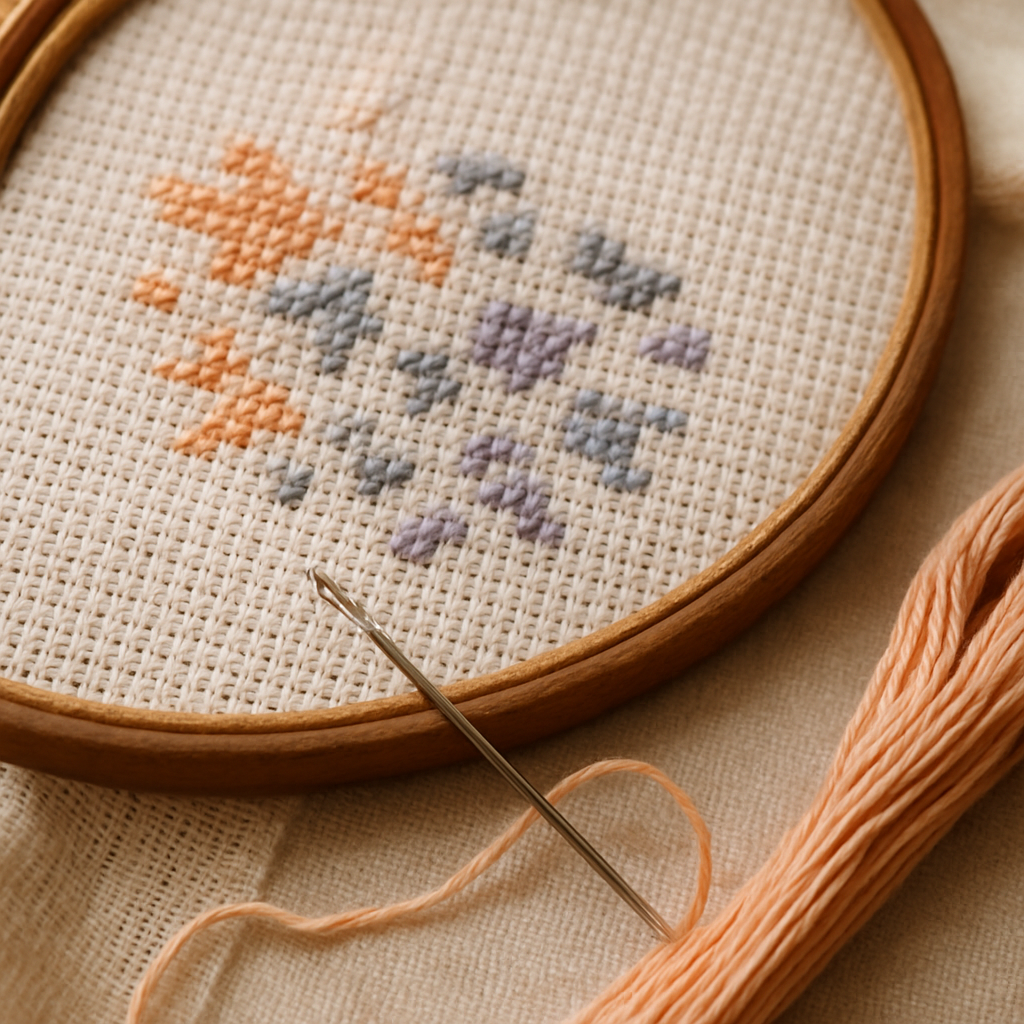
Every stitcher knows the feeling. You're partway into a beautiful portrait or landscape chart, and suddenly the design dissolves into chaos: a single peach stitch surrounded by four greys, then a lone blue, then a stray lavender — each one its own color, each one demanding you re-thread, place one stitch, and start over. This is confetti, and it's the single most common reason a promising project ends up stuffed in a drawer.
Here's the good news: confetti is survivable, and a lot of it is avoidable in the first place. This guide covers both — the hands-on techniques that make a confetti-heavy chart bearable, and the upstream decisions that keep confetti out of your pattern before you ever cut fabric. If you've ever wondered whether the problem is your skill or the chart itself, the honest answer is usually the chart — and that's fixable.
What confetti actually is (and why it happens)
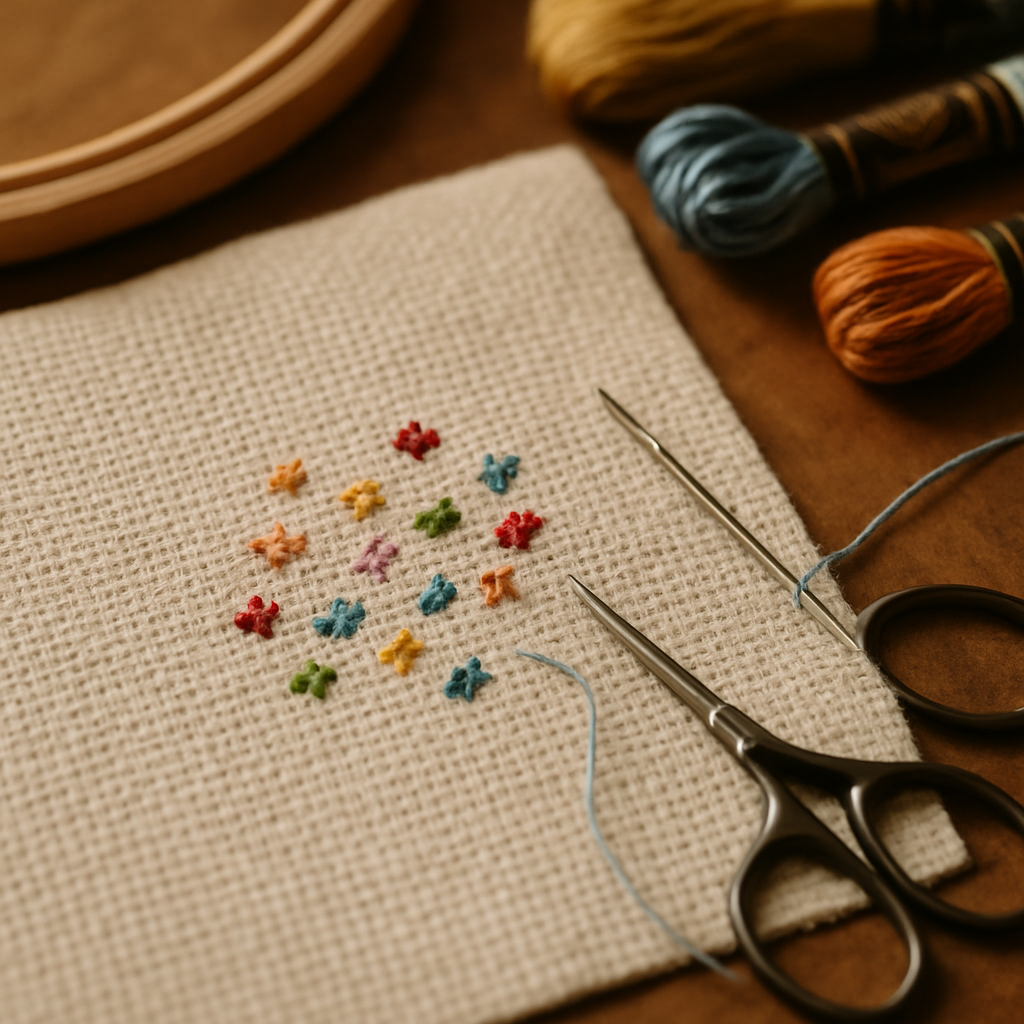 Confetti is a region of single, isolated stitches in many different colors, scattered so that no two adjacent squares share a color. Instead of stitching a comfortable block of one shade, you're hopping between five or six colors to fill a few square inches.
A little confetti is normal and even necessary — it's how a chart renders a freckle, a glint in an eye, a subtle gradient. The problem is excessive confetti, where huge areas are nothing but one-off stitches. And that almost always comes from one source: a photo converted to a pattern without any judgment about what matters.
When a basic converter turns a photo into a chart, it can treat every pixel as equally important. A slightly different shade in an out-of-focus background becomes its own floss color. A JPEG's compression noise becomes a dozen near-identical greys. The result is technically accurate to the photo and practically miserable to stitch. (This is exactly the trap we warn about in our honest guide to free patterns — the cheapest generators produce the worst confetti.)
So before you blame yourself: a confetti-choked chart is usually a generation failure, not a stitching one.
Part 1 — Surviving the confetti you already have
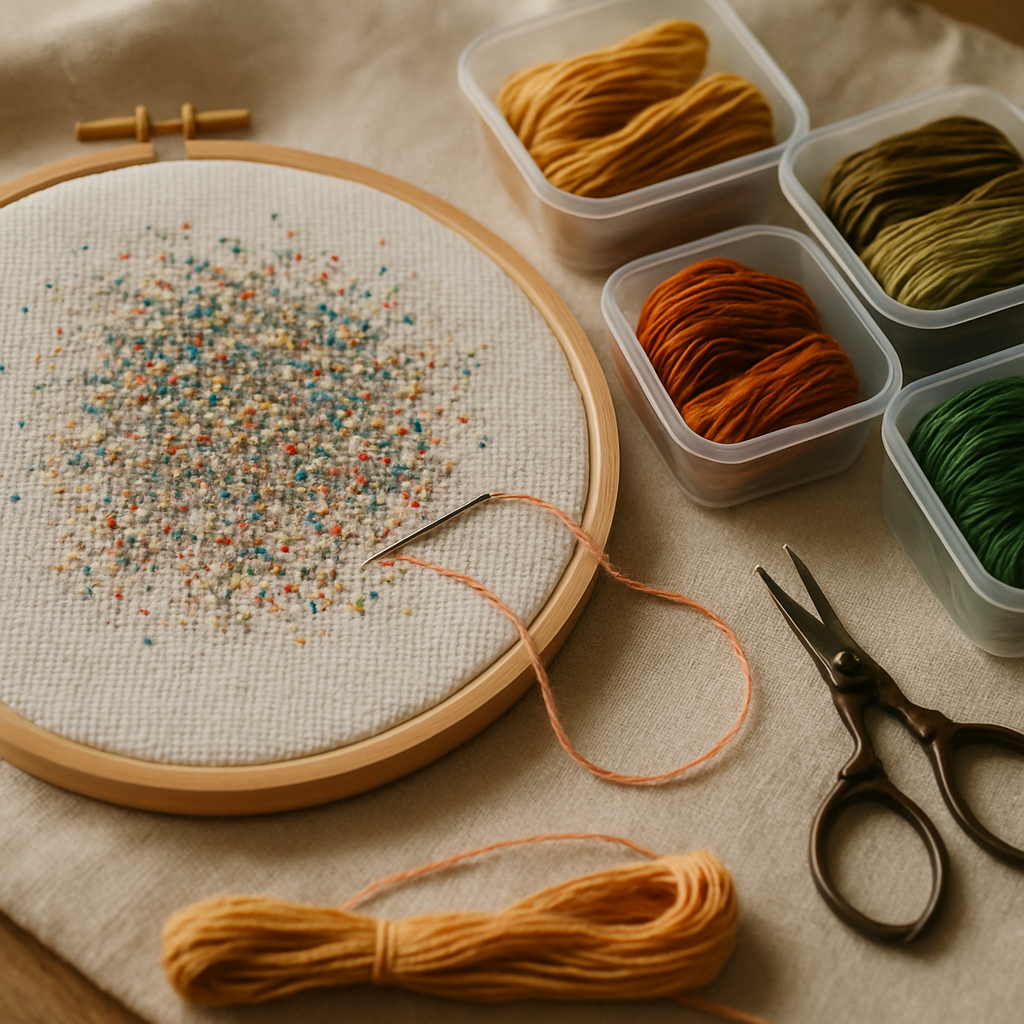 Got a confetti-heavy chart in front of you right now? These are the techniques experienced stitchers swear by. None of them are magic, but together they turn an impossible chart into a slow-but-doable one.
Park your threads
Thread parking is the number-one confetti survival skill. Instead of finishing one color completely before starting the next, you keep multiple needles in play. When you reach a square that needs a color you're not currently holding, you bring up the relevant thread, place the stitch, and "park" that needle a square or two ahead where that color appears next — leaving it dangling on the front of the fabric.
You work a small area (say a 10×10 grid block), placing each color as you come to it and parking the needle for next time. When you move to the next block, every color you need is already parked nearby and waiting. It feels strange at first and looks like a hedgehog of dangling threads, but it eliminates the constant re-threading that makes confetti so exhausting. Our beginner's guide introduces parking; confetti is where it truly earns its keep.
Grid your fabric first
Before you stitch a single X, mark your fabric into 10×10 squares with removable gridding thread or a washable pen, matching the bold grid on your chart. On a confetti chart you will lose your place — gridding means you only ever lose it within one small box, not across the whole piece. This single habit prevents the miscounts that send confetti projects off the rails.
Light it up and magnify
Confetti forces your eyes to distinguish tiny color and symbol differences, square by square. A daylight lamp and a magnifier aren't luxuries here — they're the difference between an enjoyable evening and a headache. This matters even more on higher fabric counts; see Aida 14 vs 16 vs 18 for how count affects eye strain.
Work in tiny chunks and verify
Don't try to clear a whole row of confetti at once. Pick a small block, complete every color in it, then check it against the chart before moving on. Catching a one-stitch error inside a 10×10 box is trivial; catching it three rows later is heartbreak. Distinct symbols help enormously here — if your chart muddles similar colors with similar symbols, mark them with different highlighters on a printed copy. (More on reading tricky symbols in our symbols and notation guide.)
Manage the back
Confetti tempts you to carry threads long distances across the back of the fabric to the next lone stitch of that color. On light fabric those carries shadow through and show on the front. Keep carries short (under an inch), or end and restart the thread. Parking helps here too, because your colors travel only a square or two at a time.
The confetti mindset A confetti-heavy section is a marathon, not a sprint. Set a small daily goal — one grid block, ten minutes — instead of trying to power through. Confetti rewards patience and punishes hurry. If a section is genuinely sucking the joy out of the project, that's a signal worth listening to (more on that below).
Part 2 — It's not you, it's the pattern
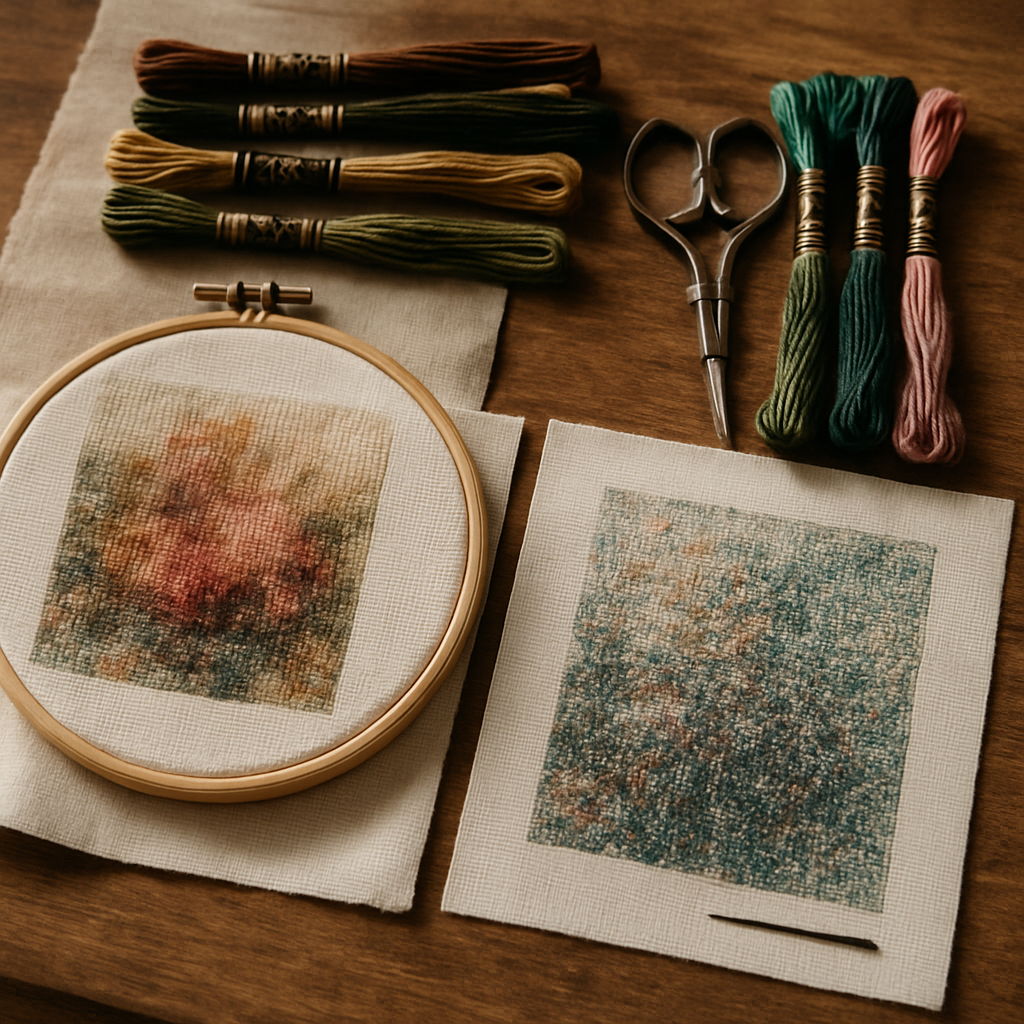 Here's what the survival blogs rarely say out loud: the best way to deal with confetti is to not generate it in the first place. Two patterns of the same photo can be equally faithful and wildly different to stitch, purely based on how the conversion handled color and detail. (Our forthcoming deep-dive on why some patterns feel miserable to stitch unpacks exactly this.)
A well-built pattern spends its colors where your eye actually looks — the face, the focal subject — and calms the busy, unimportant areas instead of exploding them into one-off stitches. That's not dumbing the pattern down; it's putting the detail where it counts and the simplicity where it doesn't.
This is where StitchThis is built specifically to fight confetti, and it does it from both ends.
Control the complexity when you generate
When you create a pattern on StitchThis, you choose how detailed or minimal it is with a simple Quality setting:
- Simplified — fewest threads, bold blocks. Almost no confetti; great for beginners and clean graphic looks.
- Balanced — moderate threads, balanced detail. The everyday sweet spot.
- Detailed — more threads, fine detail, with confetti kept in check.
- Full Color — maximum threads, photorealistic, for experienced stitchers who want the density.
The point is that you decide where on that spectrum your pattern lands — and the tool is honest about the trade-off. It actually flags that the Full Color setting can introduce confetti and is best for experienced stitchers, instead of quietly handing a beginner an unstitchable chart. Underpinning all of it is StitchSense, which keeps detail sharp on the focal subject while calming the noisy areas, so even the more detailed settings carry far less stray-stitch chaos than a naive conversion. The pattern is charted faithfully from your photo — the AI only helps refine the source image, never the stitches themselves.
Dial confetti down before you stitch On StitchThis you set the complexity before the chart is built — pick Simplified or Balanced and StitchSense keeps the important detail while sparing you the confetti. You can do this free: Pattern creation, floss stash tracking, an in-browser viewer + chart editor, and a community of stitchers all in one place — that's the StitchThis workflow. Try StitchThis free →
Edit out the confetti that's left
Sometimes you want most of a chart's detail but there's a stubborn patch of confetti in, say, a blurry background corner. Most free generators hand you a flat image you can't change — what you got is what you stitch. StitchThis opens every pattern in a built-in editor right in the viewer, so you can clean up stray stitches by hand:
- Fill — flood-fill a speckled region with a single color, erasing a whole patch of confetti at once.
- Change All — replace every stitch of one stray color with another across the entire chart, merging a near-duplicate shade into its neighbor.
- Draw — paint over individual lone stitches one at a time for precise touch-ups.
- Dropper — grab the exact color of a neighboring block so your fix blends in seamlessly.
A few minutes with Fill and Change All can take a 70-color chart down to something far more stitchable without re-generating from scratch. It's the cleanup pass that turns a good auto-generated pattern into a yours-quality one.
Should you survive it, fix it, or start over?
A quick decision guide when you're staring down a confetti chart:
| Situation | Best move |
|---|---|
| Small confetti patch, rest of the chart is clean | Survive it — park your threads, grid your fabric, push through |
| You made the pattern yourself and it's too busy | Regenerate at a Simplified or Balanced quality |
| Mostly good chart, one or two noisy regions | Edit it — Fill or Change All the offending area in the viewer |
| Bought/free chart that's confetti top to bottom | Consider remaking it from the source photo with the detail controlled |
There's no shame in any of these. Plenty of experienced stitchers happily stitch dense confetti for the realism; plenty of others choose simplicity and finish three projects in the time the first group finishes one. Neither is wrong — but you should get to choose, and a good pattern tool hands you that choice instead of deciding for you.
Frequently asked questions
What is confetti in cross-stitch? Confetti is a cluster of single, isolated stitches in many different colors, with no two adjacent squares sharing a shade. It's used to render fine detail and gradients, but in excess it makes a pattern slow and frustrating to stitch because you're constantly switching colors for one stitch at a time.
Why does my pattern have so much confetti? Almost always because it was converted from a photo without controlling the detail. Basic generators turn every slight color variation — including background blur and JPEG noise — into its own floss color. Choosing a simpler complexity setting, or using a tool that preserves focal detail while calming busy areas, dramatically reduces it.
How do I stitch confetti without losing my mind? Park your threads (keep multiple needles in play and finish small regions at a time), grid your fabric into 10×10 blocks, use good light and magnification, and verify each small block against the chart before moving on. Work in short sessions with small goals.
Can you remove confetti from a pattern? Yes. If you generate the pattern yourself, choose a simpler quality setting up front. If a chart already has confetti, an in-browser editor lets you flood-fill noisy regions, replace a whole stray color at once, or paint over individual lone stitches — StitchThis includes exactly these tools in its viewer.
Is confetti always bad? No. Some confetti is essential for realism — eyes, gradients, fine texture. The problem is excessive confetti in areas that don't need it. The goal isn't zero confetti; it's confetti only where it earns its place.
Does higher Aida count cause more confetti? Not directly — confetti is about color distribution, not fabric count. But a higher count means smaller stitches, so confetti on 18-count strains your eyes more than the same chart on 14-count. See Aida 14 vs 16 vs 18.
The takeaway
Confetti isn't a test of your worthiness as a stitcher. It's a design outcome — and like any design outcome, it can be controlled. When you're handed a confetti-heavy chart, park your threads, grid your fabric, and work in patient little blocks. When you're making the chart, you have even more power: choose how detailed it should be, let the important detail stay sharp while the noise gets calmed, and tidy up anything left over right in the editor.
You can do all of that free. Start a pattern on StitchThis — pick your complexity, keep detail where it matters, and edit out any stray stitches in the built-in viewer. Pattern creation, floss stash tracking, an in-browser viewer + chart editor, and a community of stitchers all in one place — that's the StitchThis workflow. and a chart that's faithful to your photo without the confetti headache. Try StitchThis free →
The full StitchThis workflow
Whatever you're making — a beginner piece, a memorial portrait, a gift, a pattern to sell — the StitchThis pipeline is the same handful of pieces working together, and each one is built around a friction that kills other tools.
- Photo-to-pattern conversion with StitchSense keeps the detail where the eye lands (faces, eyes, focal subjects) and simplifies what's behind it, so the finished piece looks like the subject rather than a confetti smear.
- Six floss brands in the legend — DMC, Anchor, Cosmo, Gamma, Madeira, Metro — so the pattern arrives in the brand you actually own.
- Floss stash tracker with CSV upload (from an existing spreadsheet) or photo upload (snap your skein organiser to import in seconds, no manual data entry).
- In-browser viewer that doubles as a chart editor — tap each stitch to track progress, paint or fill new stitches with the draw tools, change all instances of one colour to another, edit fractional stitches and backstitch.
- Freehand designer for drawing patterns from scratch or adding names, dates, and personal touches to a generated chart.
- Studio-tier FORGE batch generation for designers producing multiple variations from one source.
- Clean PDF export ready to print, share, or sell.
- The whole workflow in one place — pattern creation, floss tracking, the in-browser viewer with chart editor, and a community of stitchers cheering each other on.
Try StitchThis free — the workflow is built around the small frictions that kill other tools, so you can spend the time stitching instead of fighting your software.
Related reading on StitchThis:
Ready to turn your photo into a cross-stitch pattern?
Try StitchThis freeTwo patterns per month. No card required.