Гид по подбору палитры для вышивки крестом (выбираем цвета, которые действительно работают)
Как подобрать палитру для вышивки крестом, которая красиво смотрится и хорошо вышивается — количество цветов, тон важнее оттенка, выбор бренда мулине и как собрать палитру из того, что уже есть в запасе.
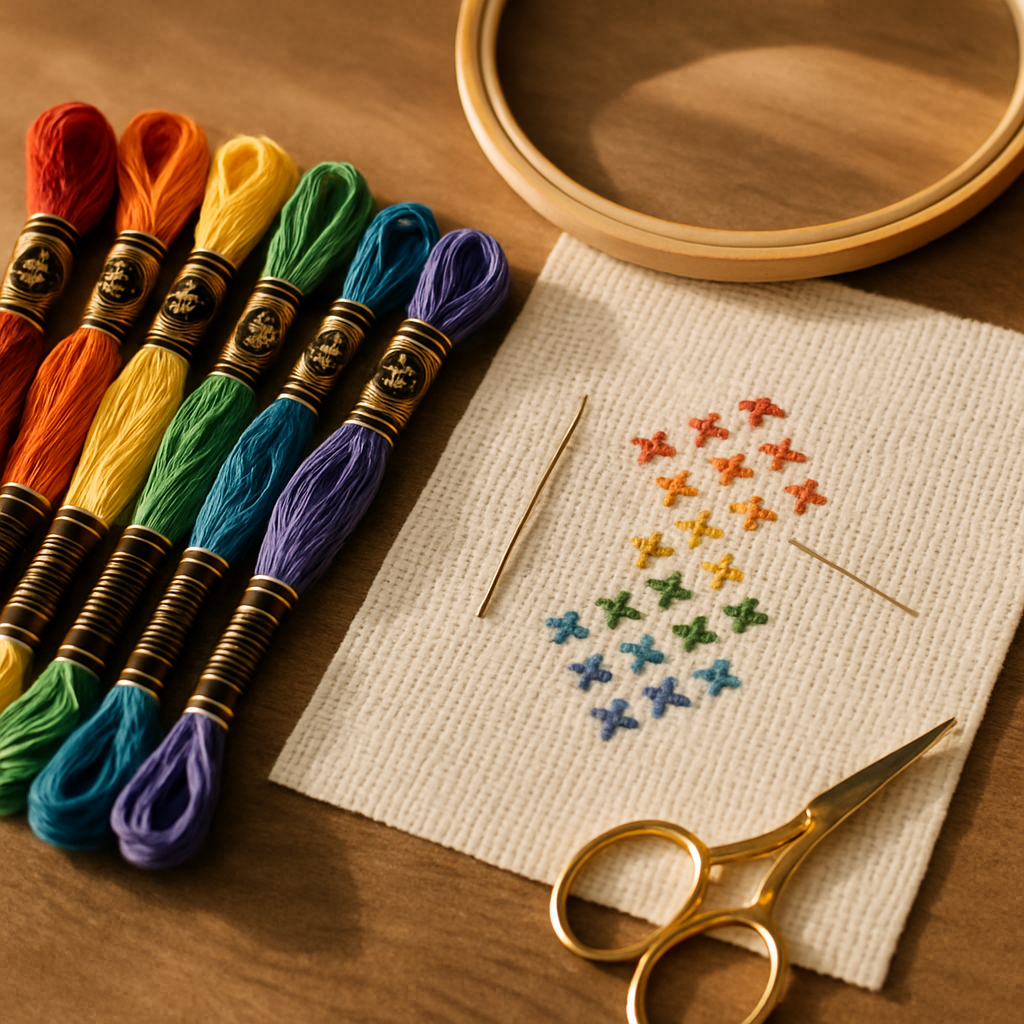
Цвет — первое, что замечаешь в готовой работе, и одновременно то, что незаметно губит больше проектов, чем что-либо ещё. Слишком много цветов — и получите кошмар из конфетти: медленный, дорогой и мутный на расстоянии. Слишком мало — и работа выглядит плоской. Промахнётесь со светлотой — и портрет превратится в незнакомца. Хорошая палитра незаметна — она просто работает, — и научиться её собирать стоит того.
Этот гид охватывает принципы, которые отличают палитру, звучащую как музыка, от той, что сопротивляется вам, разбирает сложные случаи (телесные тона, зелёные, тот самый невозможный синий) и предлагает действительно другой способ планировать палитру: отталкиваясь от мулине, которое у вас уже есть, вместо того чтобы выбирать цвета вслепую. Вы можете попробовать StitchThis бесплатно и собирать палитру прямо во время чтения.
Главный компромисс: количество цветов
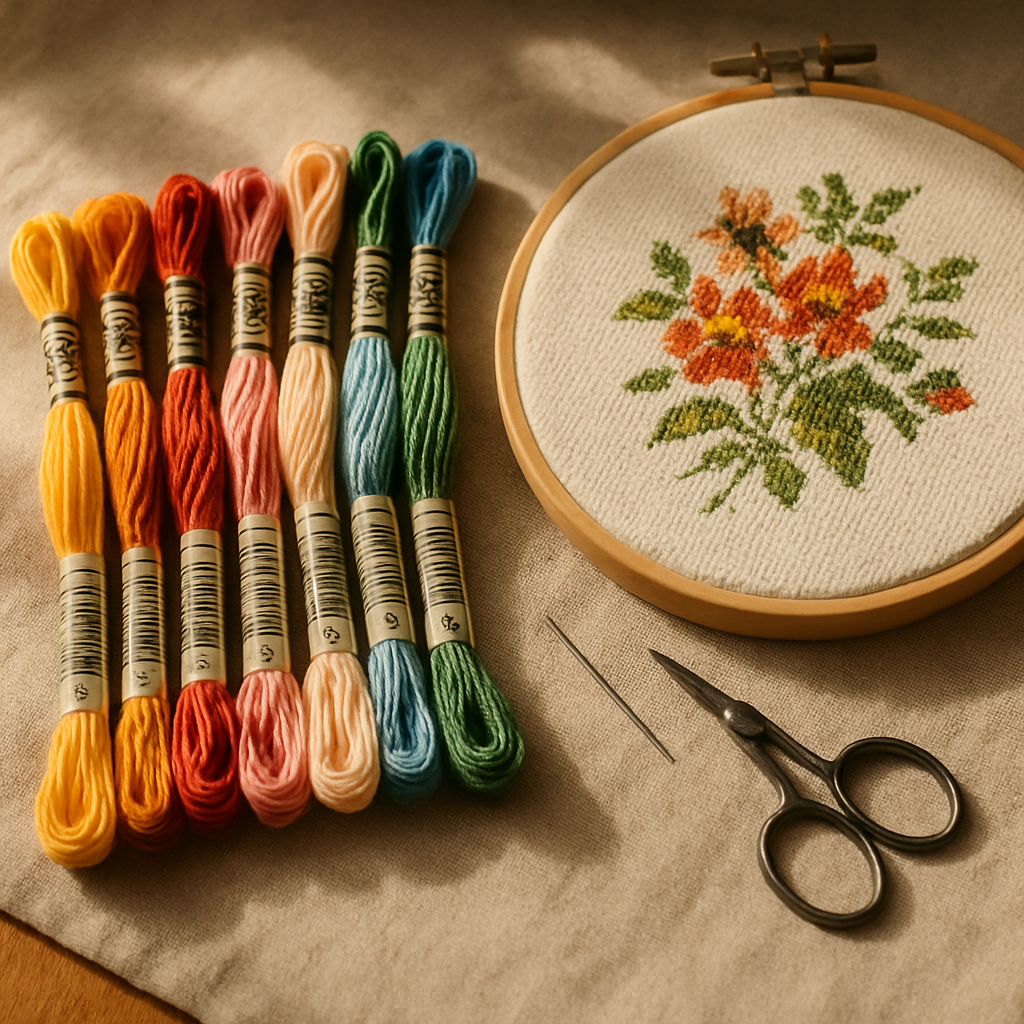 Почти любое решение про палитру сводится к вопросу сколько цветов. Больше цветов — больше нюансов и реалистичности, но также больше конфетти, больше мотков на закупку, больше смен нити и более медленная вышивка. Меньше цветов — более смелая, быстрая и дешёвая работа, которая может выглядеть плоской, если перестараться с урезанием.
Волшебного числа нет, но есть честные диапазоны:
- Смелый графический дизайн (иллюстрация, логотип, простые мотивы): часто великолепен при 5–15 цветах.
- Стилизованный портрет или пейзаж: обычно 20–40 тщательно подобранных цветов.
- Фотореалистичная работа: может уйти за 50+, но каждый цвет за порогом видимой разницы — это чистая трата и конфетти без отдачи.
Мастерство не в том, чтобы использовать больше цветов, — а в том, чтобы использовать правильные. Сжатая, продуманная палитра почти всегда выигрывает у раздутой. Если конфетти — ваш главный враг здесь, наш гид по выживанию в конфетти — отличное дополнение.
Светлота важнее оттенка
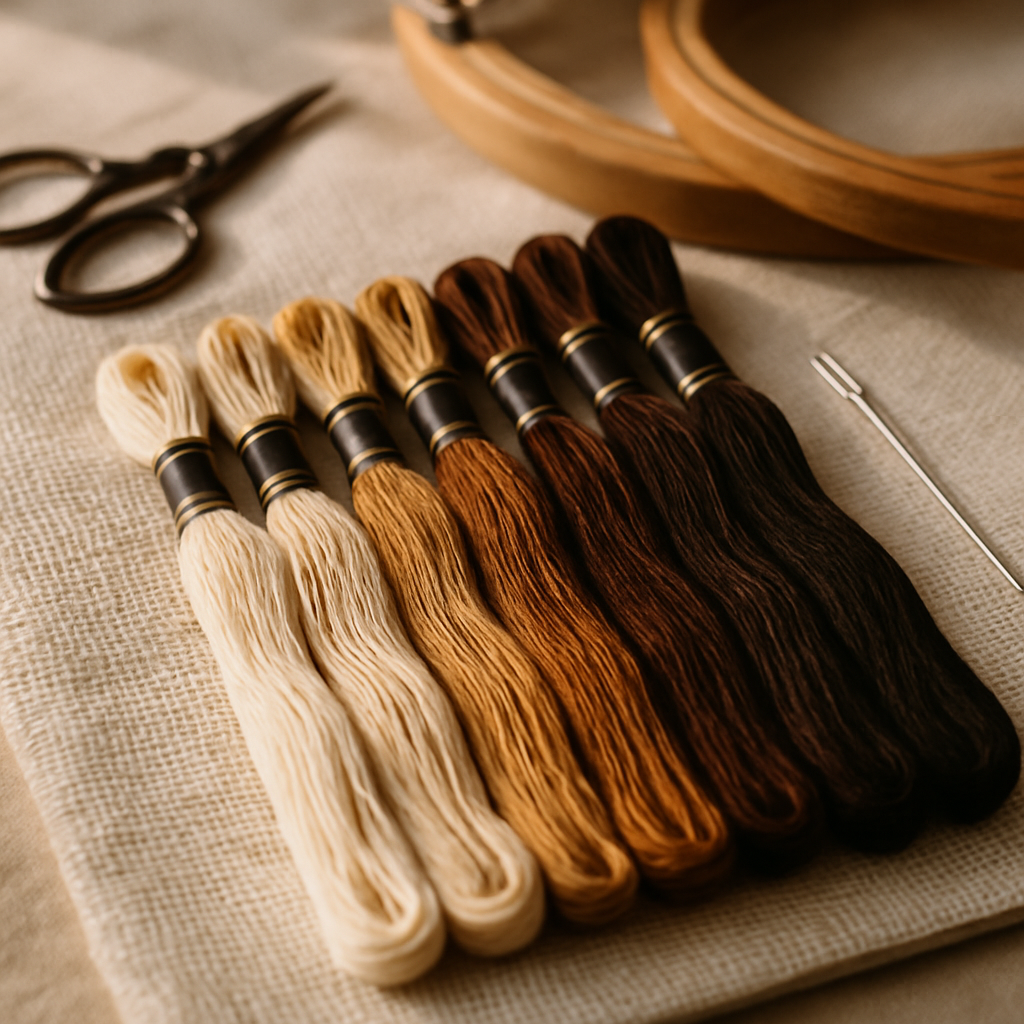 Вот принцип, который пропускает большинство новичков: светлота — насколько цвет светлый или тёмный — работает сильнее, чем оттенок — какой это цвет на самом деле. Глаз считывает форму через контраст тонов. Портрет с идеально подобранными оттенками кожи, но плоский по тону, выглядит мёртвым; портрет с сильной структурой от светлого к тёмному читается, даже если оттенки слегка не те.
Практический тест: прищурьтесь, глядя на свою палитру (или референсное изображение). Когда прищуриваетесь, оттенок размывается, и вы видите только светлое и тёмное. Если всё по светлоте сливается в одну серую кашу, ваш дизайн будет выглядеть плоским, какими бы красивыми ни были отдельные цвета. Вам нужен чёткий разброс от самого светлого светлого до самого тёмного тёмного.
Когда урезаете палитру, группируйте по светлоте: если два цвета почти одинаковы и по светлоте, и по оттенку, вам почти наверняка не нужны оба.
Сложные случаи
 Несколько сюжетов сопротивляются, и о них стоит знать заранее:
- Телесные тона. Ловушка — уйти в слишком розовое или слишком оранжевое. Настоящая кожа менее насыщенная и более разнообразная, чем кажется, и живёт на тонких сдвигах светлоты. Держите светлотную структуру и не пересыщайте.
- Зелень (листва, букеты). В настоящем саду гораздо больше зелёных оттенков, чем вы думаете, и их легко набрать с избытком. Берите узкое семейство — светлый, средний, тёмный, может быть жёлто-зелёный акцент — вместо пятнадцати почти одинаковых листьев.
- Небо и градиенты. Гладкие переходы быстро превращаются в конфетти. Решите, сколько полос цвета вы себе разрешите, и держитесь этого, а не гонитесь за каждым тонким сдвигом.
Бренд тоже имеет значение
Один и тот же «красный» не идентичен у разных брендов. У DMC, Anchor, Cosmo, Gamma, Madeira и Metro свои цветовые линейки, и пересчёт между ними приблизительный, а не точный. Так что часть подбора палитры — это просто выбор бренда и подбор цветов из его реального ассортимента, а не сборка палитры по номерам DMC с надеждой, что конверсия в Anchor попадёт куда надо. Мы сравниваем двух гигантов в нашем гиде DMC vs Anchor.
StitchThis позволяет строить схемы сразу под мультибрендовые палитры, так что вы выбираете реальные, доступные к покупке цвета именно того бренда, которым вышиваете, — без рулетки с ручной конверсией.
Способ получше: соберите палитру из мулине, которое у вас уже есть
Вот где планирование палитры становится по-настоящему умнее. Большинство инструментов — и большинство туториалов — заставляют вас подбирать цвета в вакууме, а затем выдают список покупок на 40 мотков, половина из которых уже лежит у вас в ящике. StitchThis переворачивает эту логику: он планирует палитру вокруг вашего запаса.
Всё начинается с учёта запасов мулине, который знает, чем вы располагаете (наш гид по организации запаса мулине разбирает, как его настроить). И поскольку никто не хочет вручную вбивать 200 номеров цветов, есть два быстрых способа загрузки: импорт CSV из таблицы запаса, которую вы наверняка уже ведёте, или фотография мотков для загрузки по снимку. Как только запас в системе, меняются три вещи:
- Генерация смещается в сторону того, что у вас есть. Когда StitchThis собирает схему, он опирается на цвета, уже имеющиеся в вашем запасе, — так что палитра строится из ниток, которые можно достать из ящика сегодня вечером, а не из похода за 40 мотками.
- Вы получаете список покупок только на пробелы. Каждая схема выдаёт список мулине, и, сверенный с вашим запасом, он показывает ровно те цвета, которые ещё нужно докупить, — не всю палитру, а только недостающие позиции. Меньше денег, меньше дубликатов.
- Можно подменять цвета на запасные прямо в просмотрщике. Откройте схему в просмотрщике-редакторе StitchThis и, если нужного цвета у вас нет, используйте Change All, чтобы заменить все вхождения на ближайший цвет из вашего запаса. Перекрасить готовую схему под ваш ящик за секунды.
Почему StitchThis лучше всех справляется с планированием палитры: мультибрендовые палитры для выбора реального мулине, StitchSense для удержания деталей там, где это важно, чтобы можно было урезать в других местах, пресеты качества для контроля количества цветов и рабочий процесс с учётом запаса — генерация смещается к вашему запасу, список покупок только на пробелы (импорт через CSV или фото мотков для настройки) и Change All для замены любого цвета на тот, что у вас есть. Планирование палитры, которое начинается с вашего ящика, а не с пустого листа. Начать бесплатно →
Подбор палитры по фотографии
Когда палитра приходит из фотографии, конвертация делает первый проход за вас — StitchThis превращает ваше исходное фото в верную схему с палитрой, выведенной из изображения. Два рычага не дают ей разрастись:
- Пресеты качества позволяют крутить количество цветов от упрощённого до полного, так что вы сами решаете, насколько насыщенной будет палитра.
- StitchSense сохраняет детали в фокусе, а значит, можно агрессивно урезать палитру на фоне, не теряя лицо или главный объект. Тратьте цвета там, куда смотрит глаз.
Результат — палитра, которая ловит фотографию, не утопляя вас в полусотне почти одинаковых оттенков. (Подробнее про конвертацию фото — в нашем гиде по бесплатным схемам из ваших фотографий.)
Короткий чек-лист по подбору палитры
- Определитесь с целевым количеством цветов под сложность дизайна
- Проверьте разброс тонов — прищурьтесь; есть ли чёткий диапазон от светлого к тёмному?
- Объедините цвета, совпадающие и по светлоте, и по оттенку
- Выберите бренд мулине и подбирайте цвета из его реальной линейки
- Планируйте от запаса — генерируйте под то, что у вас есть, докупайте только пробелы
- Следите за сложными случаями: телесные тона, зелень, градиенты
- Подтвердите, сколько мулине каждого цвета нужно, до покупки (нормы расхода здесь)
Часто задаваемые вопросы
Сколько цветов должно быть в схеме для вышивки крестом? Зависит от дизайна: 5–15 для смелой графики, 20–40 для стилизованного портрета, 50+ только для фотореализма. За порогом видимой разницы лишние цвета просто добавляют затрат и конфетти.
Как выбрать цвета мулине, которые хорошо смотрятся вместе? Сначала сосредоточьтесь на светлоте — убедитесь, что в палитре есть чёткий диапазон от светлого к тёмному (прищурьтесь и проверьте). Затем держите оттенки в одной семье и сливайте цвета, почти идентичные и по светлоте, и по оттенку.
Какое мулине выбрать — DMC или другое? Берите бренд, который реально можете купить и которым реально вышиваете, и подбирайте цвета из его линейки. Конверсии между брендами приблизительны, поэтому сборка сразу под ваш бренд выигрывает у пересчёта с чужих номеров. StitchThis поддерживает DMC, Anchor, Cosmo, Gamma, Madeira и Metro.
Можно ли собрать палитру из мулине, которое у меня уже есть? Да — это сильная сторона StitchThis. Загрузите свой запас (импорт CSV или фотография мотков), и он будет смещать генерацию схемы к цветам, которые у вас есть, выдавать список покупок только на недостающие позиции и позволит подменить любой цвет на запасной через Change All.
Почему моя палитра выглядит плоской? Почти всегда проблема со светлотой — цвета слишком близки по светлоте. Добавьте контраста между светлыми и тёмными. Разнообразие оттенков не спасёт палитру без светлотной структуры.
Подбирайте цвета осознанно
Великолепная палитра — это серия маленьких, продуманных решений: верное количество, реальный тоновой контраст, выбранный бренд и — часть, которая экономит реальные деньги, — план, построенный вокруг мулине, уже лежащего в вашем ящике. Сделайте это правильно — и цвета растворятся в работе, которая просто выглядит правильно.
Попробовать StitchThis бесплатно — собрать палитру с учётом запаса и докупить только то, чего не хватает.
Ready to turn your photo into a cross-stitch pattern?
Try StitchThis freeTwo patterns per month. No card required.