Free Cross-Stitch Patterns from Your Own Photos: The Honest Guide
Yes, you can turn your own photos into cross-stitch patterns for free — but "free" and "stitchable" aren't the same. Here's how to get a pattern worth stitching.
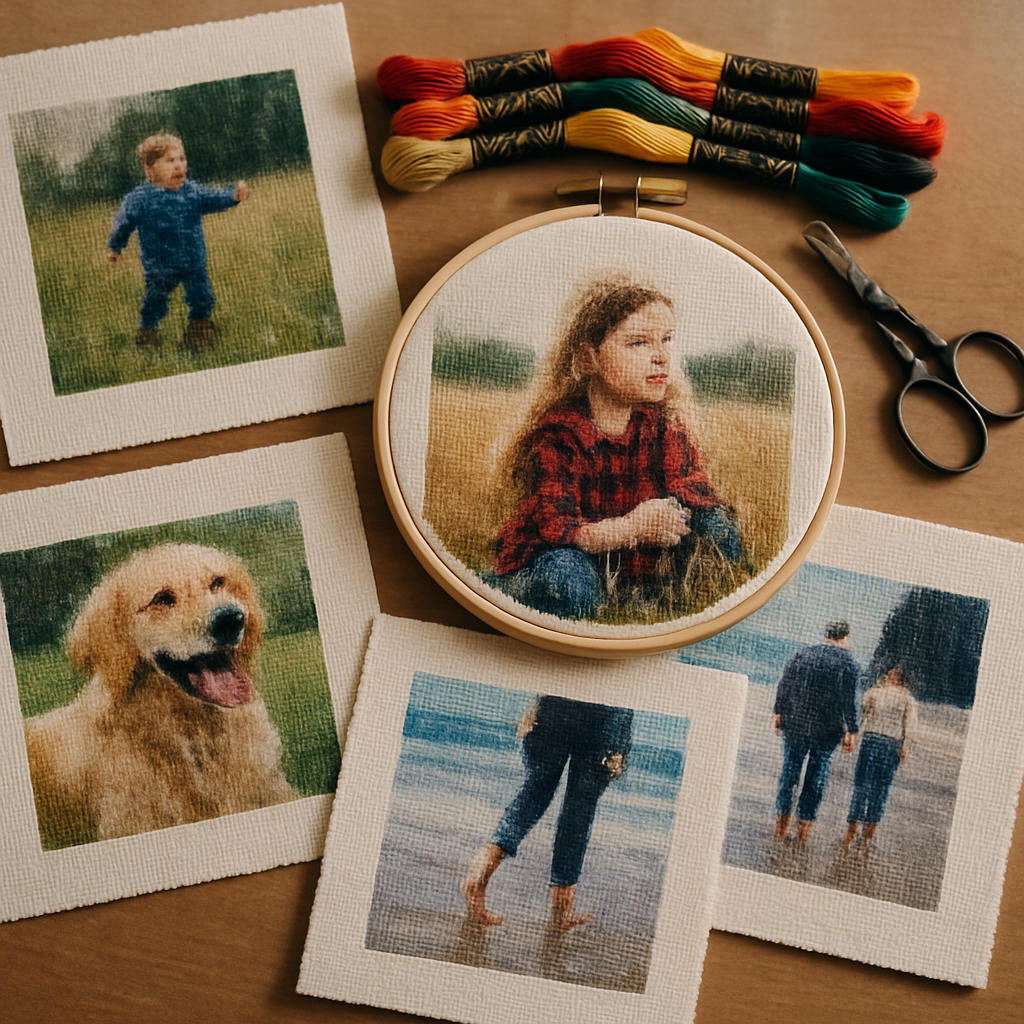
Type "free cross stitch pattern from photo" into a search bar and you'll get pages of results promising exactly that. Upload a picture, click a button, get a pattern, pay nothing. And it's true — you can absolutely turn your own photos into cross-stitch patterns for free.
The catch isn't the price. It's that free and stitchable turn out to be two very different things. Plenty of free tools will hand you a "pattern" in seconds. Far fewer will hand you one you'd actually want to spend forty hours stitching. This guide is about getting the second kind — a free pattern that's genuinely worth your needle and thread — and about spotting the traps along the way.
First, what do you actually mean by "free"?
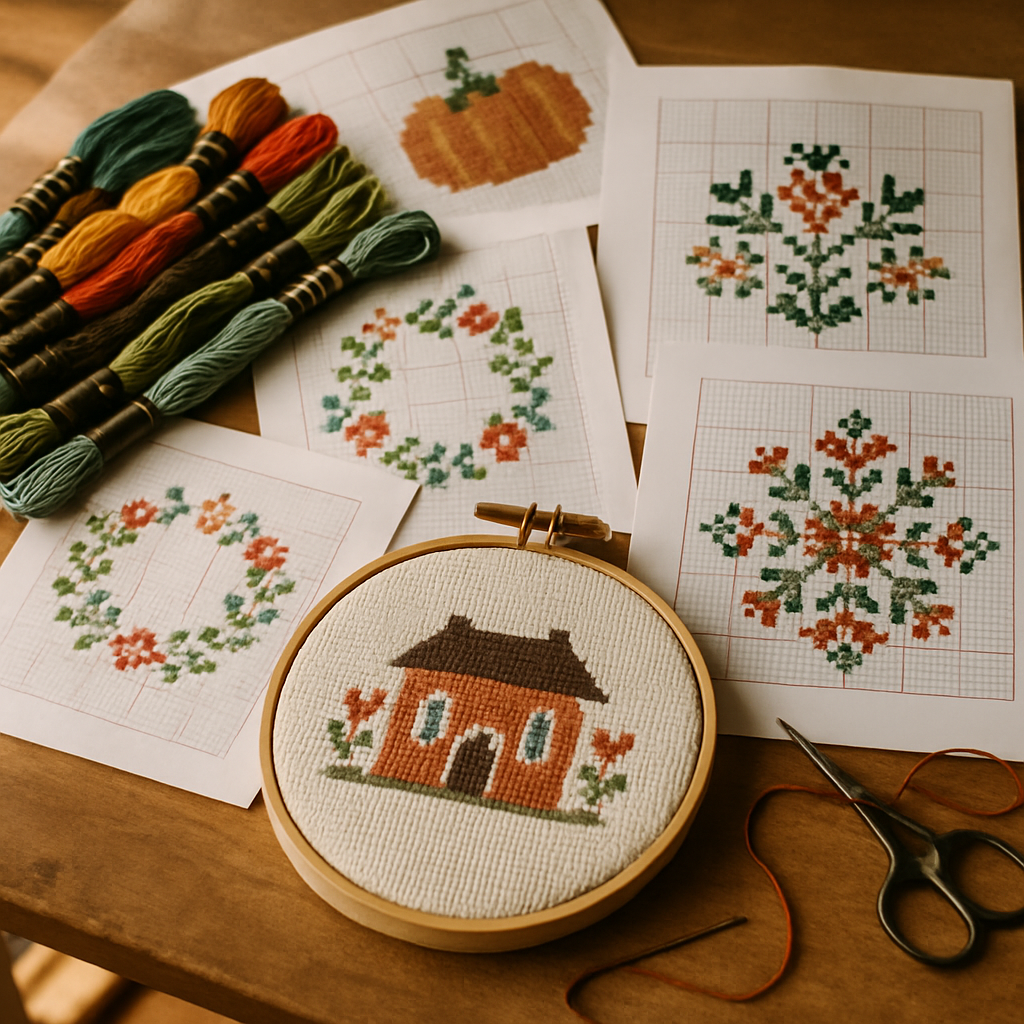 A quick fork in the road, because "free cross stitch patterns" hides two different wishes.
Some people want free pre-made charts — finished designs by other people, downloadable at no cost. That's a real thing, and there's plenty of it out there (though quality varies wildly).
But if you're here, you almost certainly want the other thing: to take a photo you own — your dog, your grandmother, last summer's trip — and turn it into a custom pattern without paying. That's what this guide covers. It's a more personal result, and honestly a more satisfying one. It just asks a little more of you than downloading someone else's chart.
Why most free photo-to-pattern converters disappoint
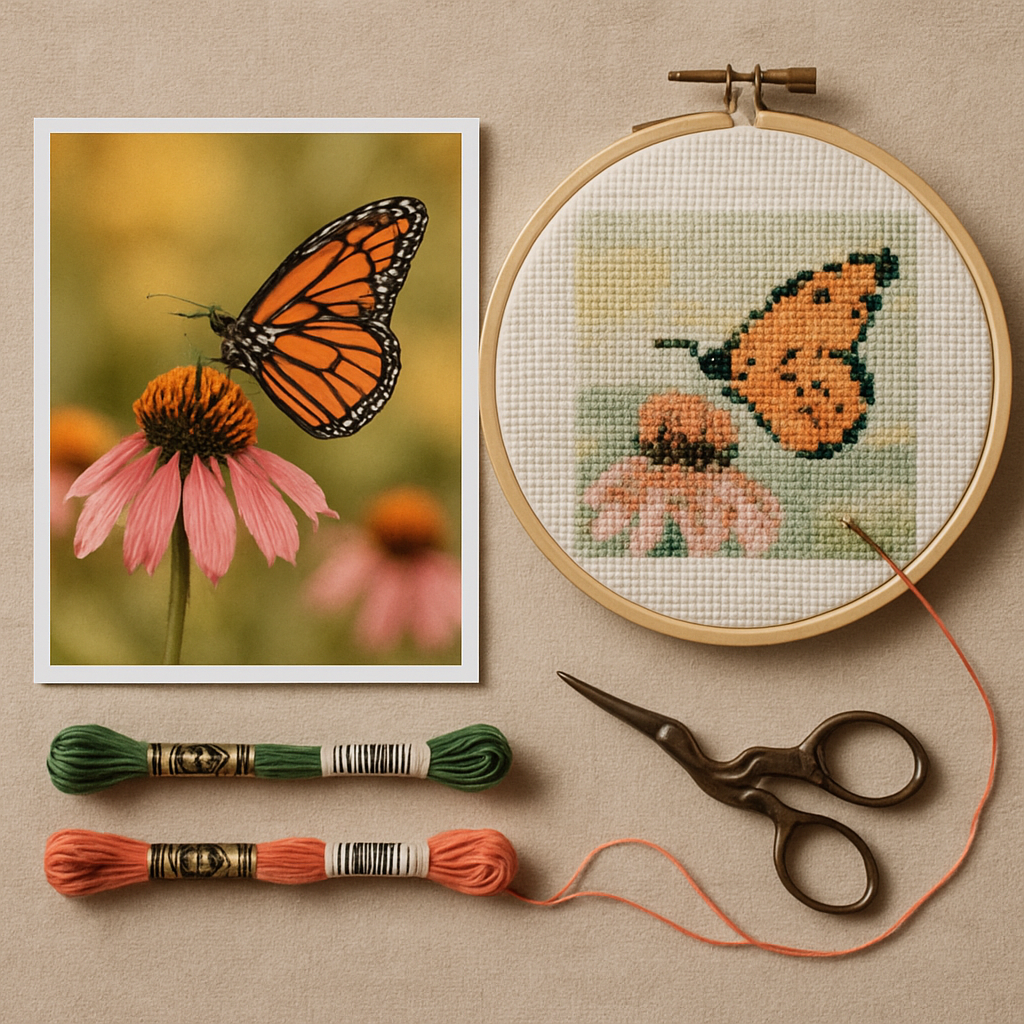 If you've ever fed a photo into a random online converter and recoiled at the result, you're not alone. Here's why it happens.
The confetti problem
Most free converters do the cheapest possible thing: they look at your photo pixel by pixel and assign each little region the closest matching floss color. It sounds reasonable. It produces disasters.
The result is confetti — vast fields of single, scattered stitches in dozens of barely-different shades. A patch of sky becomes fourteen near-identical blues, each appearing once or twice, with no two adjacent stitches the same. On screen it might look like a faithful copy of your photo. On fabric it's a nightmare: constant color changes, endless thread management, and a finished piece that looks muddy because the eye can't resolve all that noise. (This is the number-one reason a finished pattern looks bad.)
Naive conversion also throws detail away where you need it most. Faces and eyes — the parts that make a portrait feel alive — get the same dumb treatment as the background, so they dissolve into the same scatter.
| Why free patterns look bad | The fix |
|---|---|
| Every pixel mapped to a separate color → confetti | Conversion that groups colors and varies detail intelligently |
| Hundreds of colors, most used once or twice | A controlled, realistic palette |
| Faces and focal points lost in the noise | Detail preserved where the eye lands |
| Output sized too large to stitch reasonably | Sensible size limits and guidance |
The "free until you download" trap
The other classic disappointment: the conversion is free, the preview is free, and then a paywall slams down the second you click download. You've already fallen in love with the result, so the fee feels like a hostage negotiation.
This isn't always dishonest — tools need to make money somewhere. But it means "free" deserves a closer look before you invest time.
How to spot a real free tier vs. a trial trap
- ✅ Green flags: clear, stated limits (e.g. a set number of patterns per month and a max size); required to start; you can actually export within those limits.
- 🚩 Red flags: "free" with no stated limits; a card required up front "just to verify"; the download price only appears at checkout; watermarks you can't remove without paying mid-project.
What a genuinely good free pattern looks like
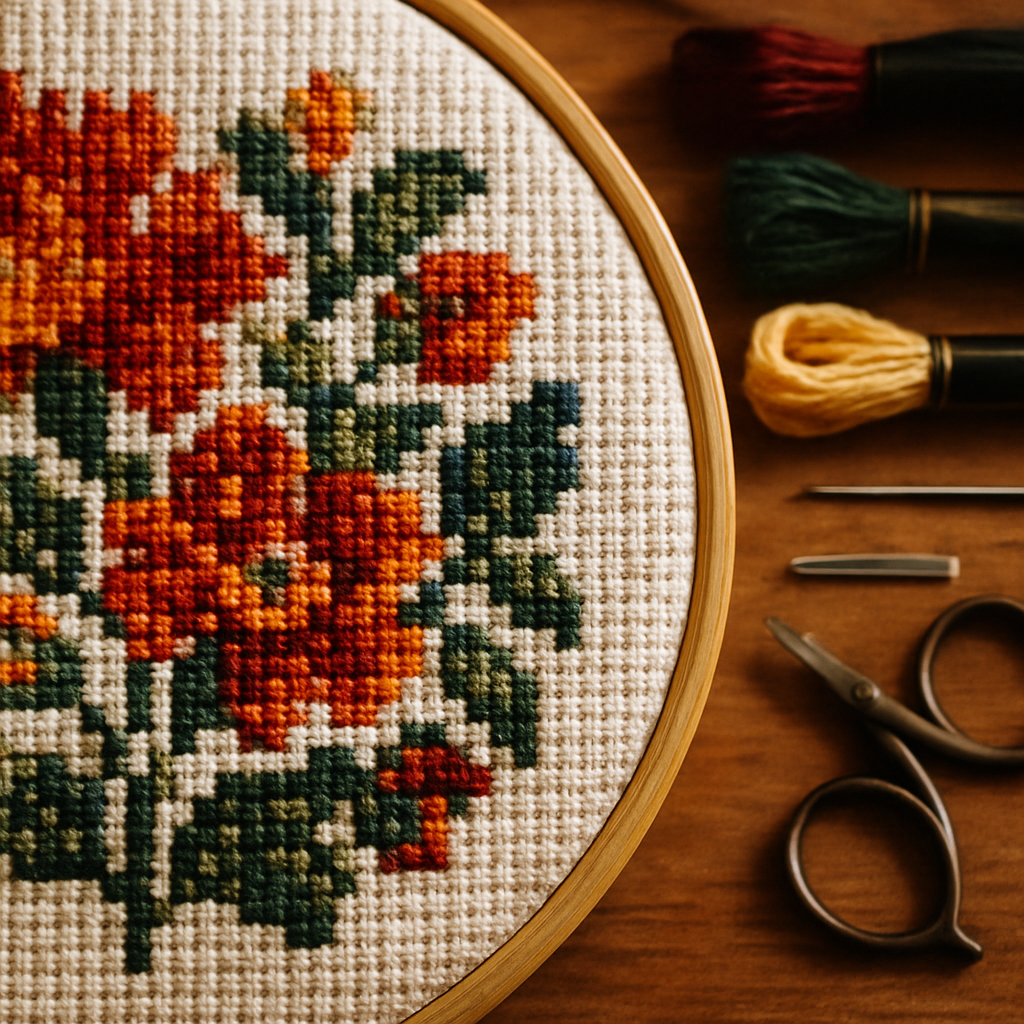 Before you commit hours, judge the output like a stitcher, not a window-shopper. A free pattern worth making will:
- Have a sensible color count — enough for richness, not so many that half are used once.
- Keep detail where it matters — the face, the eyes, the focal subject read clearly.
- Avoid confetti storms in flat areas like sky, walls, or backgrounds.
- Come at a stitchable size for your fabric and skill level.
- Use real, named floss colors you can actually buy.
If a free result fails most of these, no amount of stubbornness at the frame will save it. A good free tool gets you most of the way there automatically — which is exactly the bar StitchThis is built to clear. Its conversion is designed to hand you a clean, stitchable chart on the first try, not a confetti mess you have to fight. See what your photo looks like, free →
How to make a free cross-stitch pattern from your photo
Here's the straightforward path, using a genuinely free, no-download option.
- Pick the right photo. Sharp focus, good light, your subject filling the frame, a simple background. (Doing a pet? Our guide to photographing your pet walks through exactly what to capture.)
- Create a free account. With StitchThis you can start free It's web-based, so there's nothing to download.
- Upload and convert. The conversion uses StitchSense, which keeps detail sharp where it matters and quiets the busy areas — so you start from a clean, stitchable chart instead of a confetti field.
- Review the preview honestly. Check the face/focal point, the color count, and the busy areas against the checklist above.
- Export your PDF. Within the free limits, you get a real, exportable pattern with a color legend — yours to print and stitch.
That's it. No download, no card, a finished chart you can actually work from.
Getting the most out of a free pattern
Free tiers reward a little preparation. A few moves dramatically improve what you get.
Prep the photo first
Garbage in, garbage out applies hard here. Before converting, use the built-in image tools to remove a distracting background, boost contrast on a flat or dark photo, or merge two shots. Five minutes of prep often makes the difference between a free pattern you abandon and one you frame. (For the deeper version, see how to turn a photo into a cross-stitch pattern.)
Keep it within the free size limits
The free tier tops out at 200×200 stitches, which is plenty for a beautiful piece — but it means choosing your subject wisely. Crop in tight on the face or the focal point rather than trying to capture a whole wide scene at small size. A tightly framed 150×150 portrait will always out-stitch a sprawling 200×200 landscape where everything is tiny. Not sure how big that finishes on fabric? Run the numbers with a fabric size calculator before you start.
Use floss you already own
Free patterns are about saving money, and floss adds up. StitchThis includes a floss stash tracker that records what you own and can bias new patterns toward those colors — so a "free" pattern doesn't quietly cost you twenty new skeins. It also supports multiple floss brands (DMC, Anchor, Cosmo, Gamma, Madeira, Metro), so you're not locked into one maker.
Free-pattern quality checklist Before you start stitching a free pattern, confirm:
- ☐ The focal point (face/eyes/subject) reads clearly
- ☐ Color count feels reasonable, not overwhelming
- ☐ No confetti storms in flat areas
- ☐ Size fits your fabric and patience
- ☐ You own (or can easily buy) the floss colors
Why StitchThis is the free pattern maker worth using Most "free" converters are free because they cut the corner that matters — conversion quality. StitchThis doesn't:
- StitchSense keeps detail where the eye lands and calms busy areas, so your free pattern is actually stitchable.
- Built-in image tools — background removal, contrast, two-photo merge, painterly style — to prep your photo before converting, all included.
- A floss stash tracker and multi-brand palettes (DMC, Anchor, Cosmo, Gamma, Madeira, Metro) so a free pattern doesn't cost you a pile of new floss.
- Clean PDF export with a real color legend — yours to print and stitch.
- the full workflow, nothing to download. Two patterns a month, up to 200×200 stitches. Make a free pattern now →
When free isn't enough (the honest part)
A free tier is a genuine gift, but it's not infinite, and pretending otherwise would be exactly the kind of dishonesty this article is warning you about.
Two patterns a month is perfect for the hobbyist making the occasional personal piece or gift. If you're a prolific stitcher churning through projects, or a seller producing patterns to sell, you'll bump into the cap and the size ceiling — and at that point a paid plan is the honest answer. There's no shame in free not covering a professional workload; that's what it's for. (If you're weighing tools at that level, our best cross-stitch software guide lays out the landscape.)
The point of the free tier isn't to be a crippled demo. It's to let you make real, stitchable patterns from your own photos at no cost — and to find out, with no risk, whether the results are good enough to build a habit around.
Frequently asked questions
Can I really make a cross-stitch pattern from my photo for free? Yes. Genuine free tiers exist — StitchThis lets you create up to two patterns a month, sized up to 200×200 stitches, with and nothing to download. The key is choosing a tool whose free output is actually stitchable, not just technically "a pattern."
What's the catch with free converters? Usually one of two things: the free output is low quality (confetti, too many colors, lost detail), or the tool is "free" until you try to download and hit a surprise paywall. Look for clearly stated limits and the ability to export within them.
Why do free patterns from photos look so bad? Most cheap converters map each pixel to its nearest floss color with no judgment, producing confetti and burying important detail like faces. Better conversion groups colors sensibly and preserves detail where it matters, which is what makes a chart pleasant to stitch.
How many colors and what size can I get for free? On StitchThis's free tier, patterns can be up to 200×200 stitches. Rather than chasing maximum size, crop tightly to your subject — a smaller, well-framed portrait stitches far better than a large, sparse scene.
Do I need to download software? No. A web-based tool runs in your browser, so there's nothing to install. Create a free account, upload, convert, and export.
Can I make a pattern from any photo I have? You can convert photos you own or have the right to use. Your own snapshots of family, pets, and travels are fair game. Be cautious with images you found online or professional photos you didn't take, which may be copyrighted.
Free, but worth stitching
The internet is full of free pattern converters, and most of them will happily hand you something unstitchable. The trick isn't finding "free" — it's finding free output good enough to justify the weeks of work you'll pour into it. Prep your photo, judge the result honestly, keep it within sensible limits, and stitch with floss you already own.
Want to try it right now? You can create a free cross-stitch pattern from your own photo on StitchThis — StitchThis covers the full workflow — pattern creation from your photo, multi-brand floss tracking, the in-browser viewer that doubles as a chart editor, and a community of stitchers to keep you going. nothing to download. Upload a favorite photo and see what a clean, stitchable conversion actually looks like. Try StitchThis free →
How StitchThis converts your photo into a faithful pattern
Photo-to-pattern conversion is exactly where most tools fall down — they treat every pixel the same, scatter the detail evenly across the image, and the result is a chart that looks correct in thumbnail and unrecognisable on the fabric. StitchThis is built around the opposite principle: StitchSense preserves detail where the eye reads expression (faces, eyes, focal subjects) and simplifies the areas where the eye doesn't notice. Confetti drops dramatically, the focal subject stays recognisable, and the chart respects what stitching can actually render on your fabric count.
The same generator hands you the rest of the project at once. The legend renders in any of six floss brands — DMC, Anchor, Cosmo, Gamma, Madeira, Metro — so the pattern arrives in the brand you actually own. The floss stash tracker can be imported via CSV from an existing spreadsheet or by photographing your skein organiser, and the pattern then filters its shopping list against what's in your floss drawer. The in-browser viewer doubles as a chart editor — paint, fill, change-all colour replacement, half-stitch and backstitch tools — so you can fine-tune cells around the eyes or other focal areas before you commit a single stitch. Studio-tier users add FORGE batch generation for several variations from the same source image. Everything exports to a clean PDF when you're done. StitchThis covers the full workflow — pattern creation from your photo, multi-brand floss tracking, the in-browser viewer that doubles as a chart editor, and a community of stitchers to keep you going.
Try StitchThis free — upload a photo, pick a brand, see your pattern in a few minutes.
Related reading on StitchThis:
Ready to turn your photo into a cross-stitch pattern?
Try StitchThis freeTwo patterns per month. No card required.