DMC vs Anchor Floss: Conversion Chart, Quality Comparison, and Pro Tips
DMC vs Anchor floss — which is better, when to substitute, and a complete conversion chart with notes on the color families that don't translate cleanly.
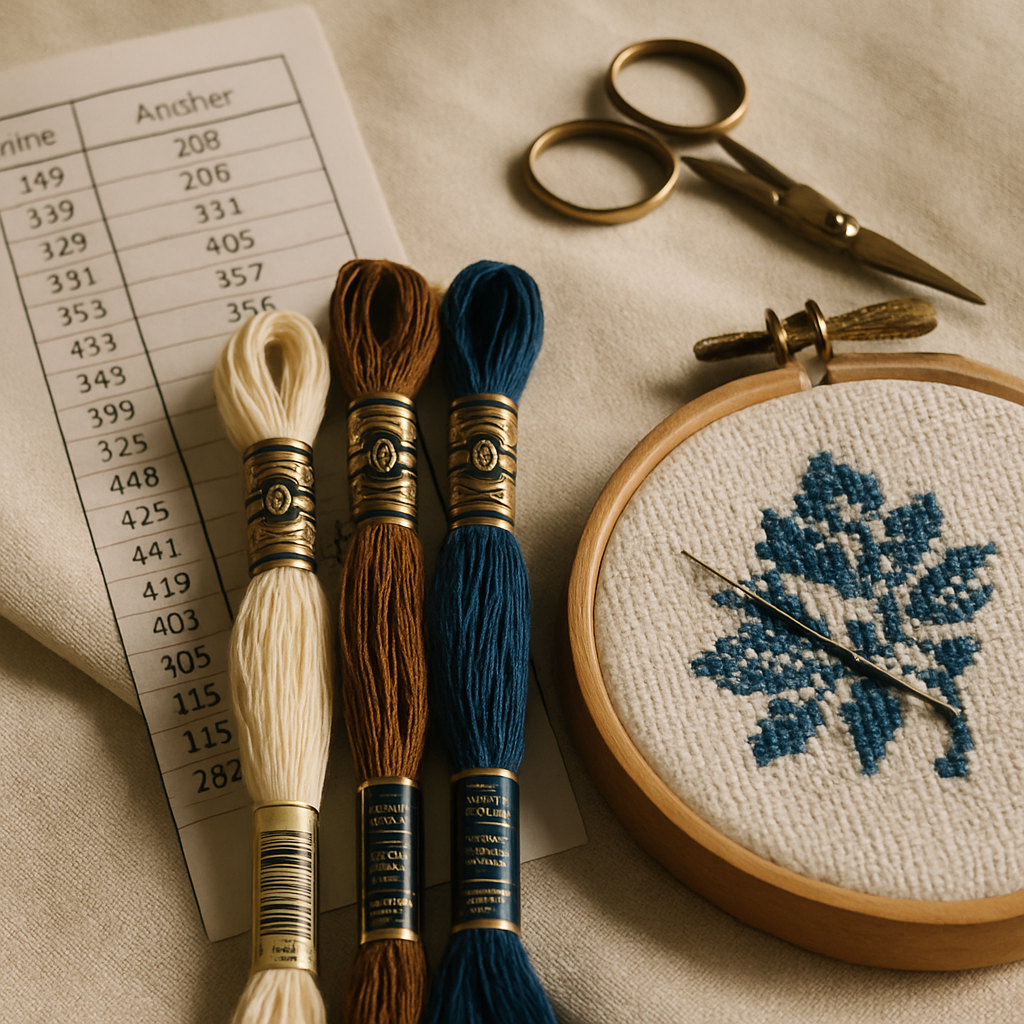
You're holding a beautiful free cross-stitch pattern that calls for DMC 712, DMC 433, and DMC 798 — but your entire floss stash is Anchor. Or the opposite: a pattern arrived in Anchor numbers and your local craft store carries nothing but DMC. Now what?
The short answer is yes, you can convert. Most DMC colors have a workable Anchor equivalent and the other way around. The longer answer — the one that saves you from finishing a pet portrait with weirdly chalky skin tones, or a Christmas piece where the red has slid noticeably toward orange — is that not every conversion is exact, some color families translate worse than others, and there's a smarter way to avoid the conversion problem entirely.
This guide covers everything you actually need to know: how the two brands really compare, the conversion chart for the most common shades, the color families where you should stop and double-check before substituting, and how to skip conversion altogether by generating patterns in your preferred brand from the start.
What's actually different between DMC and Anchor?
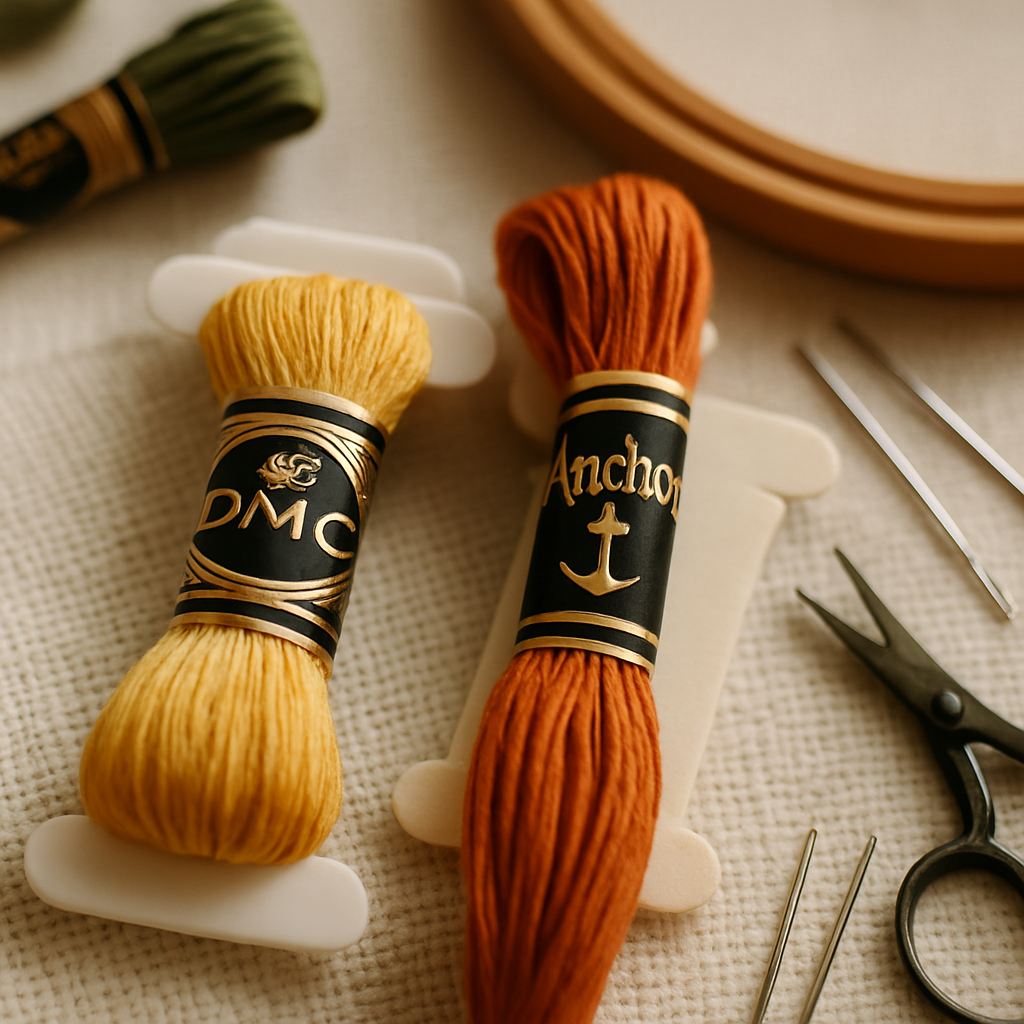 Both DMC and Anchor are six-stranded mercerized cotton floss intended for cross-stitch, embroidery, and surface stitching. The fiber composition, the strand count, and the way the floss behaves at the needle are functionally identical. Quality-wise, they're peers — neither is meaningfully "better" than the other.
What differs is everything around the floss itself.
| DMC | Anchor | |
|---|---|---|
| Origin | France (Mulhouse, founded 1746) | Britain (originally Coats Crafts; now MEZ Crafts) |
| Color count | ~500 colors plus variegated + special ranges | ~460 colors plus variegated + special ranges |
| Numbering | 3- or 4-digit numeric (with Blanc and Ecru) | 1-4 digit numeric |
| Global availability | Default in most countries; easy to find in the US, Australia, Asia | Strong in UK + much of Europe; harder to find at retail in the US |
| Pattern compatibility | The default brand for most published patterns worldwide | Standard for many UK/European publishers and older patterns |
| Skein weight & length | ~8 metres / ~8.7 yards | ~8 metres / ~8.7 yards |
| Price (skein) | ~$0.55 USD at major retailers | ~$0.60–$0.90 USD (often more in US; cheaper in UK) |
DMC's worldwide default status is the main practical difference. If you're in the United States and you walk into a craft store, you'll find DMC. Anchor is increasingly mail-order in the US, which is fine — but it shifts the calculus when you're choosing which brand to standardize your stash on.
Color saturation is essentially equivalent for the bulk of the range. Where the two brands diverge is in a handful of color families covered in detail below.
Can you convert DMC to Anchor exactly?
 Mostly, with caveats. The vast majority of DMC colors have a published Anchor equivalent that's close enough that a stitcher couldn't tell the difference if shown the finished work in isolation. A smaller subset have equivalents that are close but visibly off in side-by-side comparison — fine for projects where the color appears in isolation, less ideal where it sits adjacent to other shades in a gradient. A handful of DMC colors have no clean Anchor match at all, and the published "conversion" is more of a best-guess substitution.
That ratio looks roughly like this in practice:
- ~80% of DMC colors convert to Anchor with a near-imperceptible difference.
- ~15% convert to Anchor with a noticeable but acceptable shift — usually a small change in saturation, warmth, or value.
- ~5% have no clean equivalent — published conversion charts disagree, and the right substitution depends on context.
Conversion charts you'll find online (including the one below) reflect the consensus mappings from DMC's and Anchor's official documentation and the cross-stitch community's accumulated experience. They're a reliable starting point, but for a project where color accuracy matters — portrait work, memorial pieces, anything with subtle gradients — verify by comparing actual skeins before you commit hundreds of hours to stitching.
The DMC to Anchor conversion chart
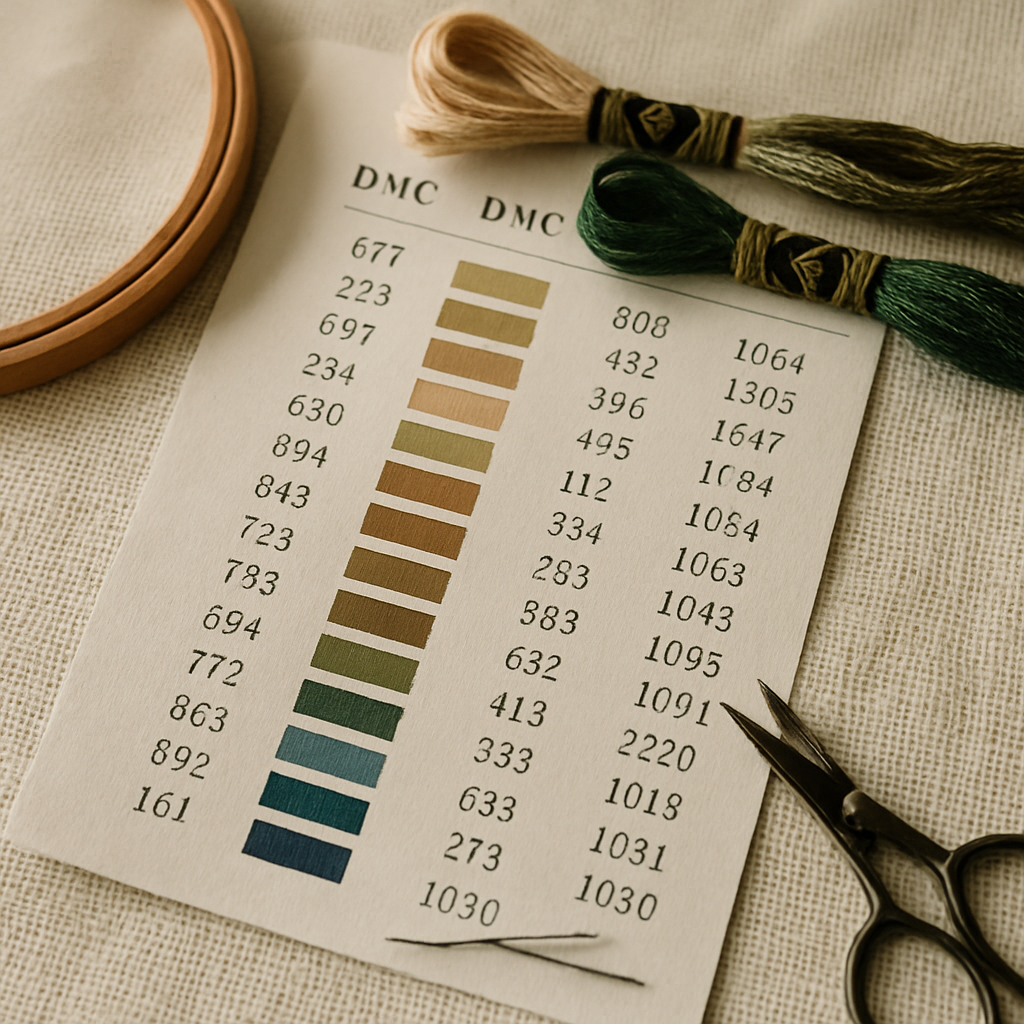 Here are 25 of the most commonly referenced conversions across both directions. These appear consistently across published sources and represent the safest substitutions.
| DMC | Anchor | Color description |
|---|---|---|
| Blanc | 2 | Pure white |
| Ecru | 387 | Off-white, warm |
| 310 | 403 | Black |
| 321 | 9046 | Christmas red |
| 304 | 1006 | Medium red |
| 666 | 46 | Bright red |
| 350 | 11 | Medium coral |
| 760 | 1022 | Salmon |
| 712 | 926 | Cream |
| 743 | 305 | Medium yellow |
| 444 | 290 | Dark lemon yellow |
| 740 | 316 | Tangerine orange |
| 433 | 358 | Medium brown |
| 938 | 381 | Ultra-dark coffee brown |
| 367 | 217 | Dark pistachio green |
| 470 | 267 | Light avocado green |
| 561 | 212 | Very dark jade green |
| 798 | 131 | Dark delft blue |
| 826 | 161 | Medium blue |
| 824 | 164 | Very dark blue |
| 519 | 1038 | Sky blue |
| 552 | 99 | Medium violet |
| 553 | 98 | Violet |
| 415 | 398 | Pearl gray |
| 645 | 273 | Very dark beaver gray |
For the full 500+ color cross-reference, the published DMC and Anchor master charts cover the complete range. Bookmark this article for the common substitutions you'll reach for most often.
Color families where conversion gets tricky
If you're working on anything involving subtle gradients — portraits, landscapes, animals — pay extra attention to these color families. The published conversions are functional but the visual shift can be enough to bother you in finished work.
Skin tones (peach and pink range)
DMC's peach and pink range — 754, 948, 3770, 945, 3779 — translates to Anchor's peach family with a small but visible warmth shift. Anchor's equivalents read slightly warmer and rosier; DMC's tend to read cooler and more neutral. On portrait work where skin tone is the focal subject, this matters. If the original pattern was designed in DMC, the conversion to Anchor can make complexions look flushed; the reverse can make them look pale.
For memorial pieces and pet portraits especially — where preserving the subject's actual coloring is the entire point — verify by comparing skeins in natural light before committing. Or skip the problem entirely by generating the pattern in your preferred brand from the start.
Off-whites (cream, ivory, ecru)
DMC Blanc, DMC Ecru, DMC 712, and DMC 822 all have Anchor equivalents — but the equivalents shift among themselves. DMC 712 (cream) often gets converted to Anchor 926, which is a touch warmer than the original. DMC 822 (light beige gray) to Anchor 390 reads cooler. On a piece with multiple off-white shades sitting close together, the conversion can collapse two distinct DMC tones into a single Anchor shade — eliminating the subtle contrast the original pattern relied on.
Pistachio and avocado greens
DMC 367, 368, 369 (pistachio range) and 469, 470, 471 (avocado range) are well-loved for botanical work. The Anchor equivalents are technically correct but skew slightly more yellow-green. For a wreath, a wedding sampler, or any piece where the green needs to read as a specific shade of "sage" or "moss," this is the family to verify.
Yellow-to-orange transitions
DMC's yellow-orange gradient (444 → 743 → 742 → 741 → 740 → 970 → 947) maps cleanly enough one-to-one, but Anchor's equivalent range jumps in value at slightly different intervals. If your pattern relies on a smooth gradient through this family, the Anchor version may show subtle "stepping" — visible color shifts where the original was meant to read as continuous.
For a deeper dive into the patterns where this kind of jarring color shift actually causes problems, why some patterns feel miserable to stitch covers the broader category of stitchability issues including confetti and abrupt color transitions.
Can you mix DMC and Anchor in the same project?
Technically yes. The fiber is comparable, the strand count matches, and the floss behaves the same way at the needle. You can use DMC 310 (black) in one area and Anchor 9046 (red) in another and the finished piece will look exactly as intended.
What you should not do is mix DMC and Anchor within the same color family in the same piece. Imagine you've run out of DMC 712 cream halfway through a wedding sampler and you decide to substitute Anchor 926 for the rest. Those two threads are notionally "the same" cream — but stitched next to each other, the small tonal difference shows. Areas stitched with one look slightly warmer than areas stitched with the other, and on a sampler where the off-white is meant to be uniform, the seam between them becomes visible in raking light.
The safer practice is to mix brands across separate color regions but keep individual color families brand-consistent. The boundary at which the eye catches the difference is usually at the same color name (cream-to-cream, blue-to-blue), not across a clear color jump (cream-to-blue).
How to convert an entire pattern's thread list at once
If you've got a published pattern in DMC and you want the full thread list in Anchor (or vice versa), there are three practical approaches.
1. Cell-by-cell manual conversion. Open the conversion chart, work down the pattern's thread list, write the Anchor equivalent next to each DMC code in the legend. This works but it's tedious for a pattern with 30+ colors and error-prone — write the wrong code once and you'll be unpicking later.
2. Spreadsheet conversion. Type the pattern's DMC list into a spreadsheet, paste a lookup table from a conversion chart, use VLOOKUP. Better than manual but you still need a reliable master chart and you're working from a static reference that may be out of date for newer DMC additions.
3. Generate the pattern in your preferred brand from the start. This is the modern workflow and the reason most cross-stitchers' conversion problems can disappear: pattern-creation tools that let you choose your brand at generation time. If the pattern starts as DMC because that's what the original designer used, it stays DMC. If you generate the same pattern fresh against an Anchor palette, every color in the legend is already Anchor — no conversion required.
StitchThis supports six floss brands as palette options at pattern-generation time: DMC, Anchor, Cosmo, Gamma, Madeira, and Metro. You upload your photo, pick the brand you actually own, and the pattern's thread list comes out in those numbers from the moment it's generated. The same source photo gives you a DMC pattern, an Anchor pattern, a Cosmo pattern — whatever's already in your stash. The pattern is faithfully charted from the source image; choosing the brand just controls which color codes label the cells.
This is the cleanest solution if you're choosing between brands for your stash. Pick the one your local store carries, the one that's cheaper in your country, or the one you've already invested in — and stop thinking about conversion entirely. For patterns you're making from your own photos, this means your finished thread list always matches what's already in your floss drawer.
What about Cosmo, Gamma, Madeira, and Metro?
DMC and Anchor get the most attention because they're the global heavyweights, but a serious stitcher's stash often includes one or more of these:
- Cosmo (Japanese — Lecien): exceptional color depth, particularly in subtle gradients and skin tones. Popular for botanical and portrait work. ~440 colors.
- Gamma (Russian): strong color saturation, frequently used in European Eastern patterns. Cross-references DMC for most shades.
- Madeira (German — Madeira Garnfabrik): another quality six-stranded cotton, popular in Germany and used in some kit-based patterns.
- Metro (Anchor's economy line in some markets): lower price point with reduced color range; functional but slightly less even in stitch coverage than the main line.
Each has its own quirks — color counts, palette emphasis, regional availability. If you've inherited a stash that mixes brands, or you're a designer publishing patterns for an international audience, supporting all of them matters. StitchThis lets you generate a pattern against any of the six (DMC, Anchor, Cosmo, Gamma, Madeira, Metro) so your project's thread list matches whatever floss you have on hand.
A note on stash awareness
Even when conversion is straightforward, the answer to "what should I buy?" depends on what's already in your floss drawer. Converting a 30-color DMC pattern to Anchor doesn't help much if 12 of those Anchor colors aren't in your stash either — you're still making a shopping list, just a different one.
The smarter workflow is checking your stash before generating the pattern, then letting the pattern be generated against the brand and the specific colors you already own. The bigger your stash, the more this matters. A stitcher with a 200-color Anchor stash and no DMC at all should never receive a DMC pattern that requires them to buy floss; the pattern should arrive in Anchor numbers from the moment it's generated, with the legend already filtered against what they own.
Getting your stash into the tool without re-typing 200 colors
The reason most stitchers don't use a digital stash tracker — and the reason existing spreadsheets keep winning by default — is that nobody wants to manually type 200 floss codes into a fresh app. StitchThis's stash tracker dodges that step two ways. If you already maintain a spreadsheet of your stash, upload it as a CSV and the rows import directly — your brand codes, names, skein counts all bring across. If you don't have a spreadsheet, upload a photo of your floss skeins (laid out in their organizer, fanned in a project box, whatever you've got) and the tracker identifies the colors for you. A single picture of a 50-skein storage box can be most of your stash imported in under a minute, instead of an afternoon of data entry.
Once your stash is in, every pattern you generate matches against it automatically: the legend shows which Anchor (or DMC, Cosmo, Gamma, Madeira, Metro) colors you already have and which the pattern would require you to buy. That's the version of the workflow where "DMC vs Anchor conversion" stops being something you do mid-project and becomes a one-time stash-organization decision that the tools handle from there.
FAQ
Is Anchor cheaper than DMC? In the UK and much of Europe, Anchor is competitive with DMC at retail and sometimes slightly cheaper. In the US, Anchor is harder to find at major retailers and often costs more per skein when bought through online specialty shops; DMC is the default and cheaper option. Pricing changes regularly — check both brands at your usual shop before deciding.
Where can I buy Anchor floss in the US? Anchor is available online through specialty cross-stitch retailers (123Stitch, Stitchnerd, Yarn Tree, and others) and occasionally at independent yarn shops. Big-box craft stores (Michaels, JoAnn) primarily stock DMC. If you're committing to Anchor as your main brand and you're US-based, plan to buy in larger batches online rather than running to a local store mid-project.
Are Anchor colors more saturated than DMC? In a few specific shades, slightly. The reds, especially the deeper jewel reds, can read marginally more saturated in Anchor. The yellows and creams tend to read slightly warmer. Across most of the range the brands are visually equivalent at a stitch's distance.
Can I substitute random Anchor colors for missing DMC if I don't have a chart? You can, but the results vary wildly. Without a chart, you're guessing — and a guess based on the color name on the skein label is rarely accurate, because both brands use poetic descriptors ("delft blue," "dusty rose") that don't always describe the actual shade. Use a published conversion chart or compare physical skeins in good light before substituting.
Do Anchor numbers correspond to DMC numbers in any logical way? No. The two numbering systems were developed independently. There's no pattern like "DMC + 100 = Anchor" or anything similar. Each conversion has to be looked up individually.
What's the difference between DMC 310 and Anchor 403, really? Both are pure black, six strands, mercerized cotton. Held up to good light, side by side, they're indistinguishable to most eyes. This is one of the easiest conversions in the chart and the substitution is safe in any project.
Does the conversion chart work in both directions? Yes. If you have a pattern in Anchor and want DMC, read the chart in reverse — find the Anchor code, follow the row back to the DMC equivalent. The same caveats apply: most conversions are clean, some shift in subtle ways, a few are best-guesses.
The smarter way forward
Conversion charts are useful, and the one above will save you on plenty of mid-project moments. But the fundamental tension — "my pattern is in the wrong brand for my stash" — exists because patterns historically locked you into one brand at design time. That's a legacy constraint, not a permanent one.
The cross-stitcher who never has to think about conversion is the one whose patterns are generated against their actual stash from the start. Pick your brand, generate your pattern, the thread list matches what's in your floss drawer. No chart, no spreadsheet, no surprise trip to a craft store the night before a project deadline.
If you want to skip the conversion problem entirely on your next pattern, you can try StitchThis free — upload a photo, pick your preferred brand from DMC, Anchor, Cosmo, Gamma, Madeira, or Metro, and the pattern comes out in those numbers. Two free patterns per month
In the meantime: bookmark this page. The next time you find a free pattern in the "wrong" brand, the chart and the color-family warnings above will save you most of the headache.
Where StitchThis fits this workflow
The floss problem only gets harder as your stash grows, which is why StitchThis is built around it from both ends. The floss stash tracker holds your inventory — import it once via CSV upload (from any spreadsheet you already keep) or by uploading a photo of your skein organiser, and the tracker identifies every colour in seconds rather than the afternoon of typing that usually kills digital stash tools. From there every pattern's legend filters against what you own: the shopping list shows only the gaps.
The legend itself renders in any of six floss brands — DMC, Anchor, Cosmo, Gamma, Madeira, or Metro — so the pattern arrives in the brand you actually have, not the brand the original designer chose. StitchSense preserves focal detail (faces, eyes, important subjects) on photo-based patterns while simplifying the busier areas that produce confetti, and the in-browser viewer doubles as a chart editor — tap each stitch to track progress, paint or fill new stitches with the editor tools, swap one colour for another across the chart, or fine-tune any cell before you put needle to fabric. Studio-tier users add FORGE batch generation for producing several variations from one source. All of it exports to a clean PDF when you're ready to print or sell. The whole workflow lives in StitchThis — build the pattern, manage your floss stash, view and track and edit the chart in the browser, and stitch alongside a community of other cross-stitchers. — enough to load your stash and run the pipeline end to end on a real project.
Try StitchThis free to set up the stash side as you go.
Related reading on StitchThis:
- Cross-Stitch Aida 14 vs 16 vs 18: The Complete Fabric Count Guide — fabric count affects how the floss reads in finished work.
- Free Cross-Stitch Patterns From Your Own Photos — make patterns in any of six brand systems from the start.
- Pet Memorial Cross-Stitch Pattern Guide — color accuracy matters most on portrait work; here's how to handle it.
- How to Photograph Your Pet for a Cross-Stitch Pattern — the source photo matters before brand selection.
- Cross-Stitch Pattern Maker for Mac (Definitive Guide) — browser-based pattern creation that works on every platform.
- The Designer's Guide to Pattern Testing — for designers publishing patterns with brand alternatives.
- Memorial Cross-Stitch Patterns: A Thoughtful Guide
- Cross-Stitch Family Portrait Pattern Guide
- The Complete Cross-Stitch Floss Stash Organization Guide
- Cross-Stitch Pattern Maker vs Generator: What's the Difference?
Ready to turn your photo into a cross-stitch pattern?
Try StitchThis freeTwo patterns per month. No card required.