How to Design a Cross-Stitch Pattern of Your Dog's Breed
Capture your dog's breed in a cross-stitch pattern — coat texture, markings, and face. Why generic breed charts fall short and how to make one of your actual dog.
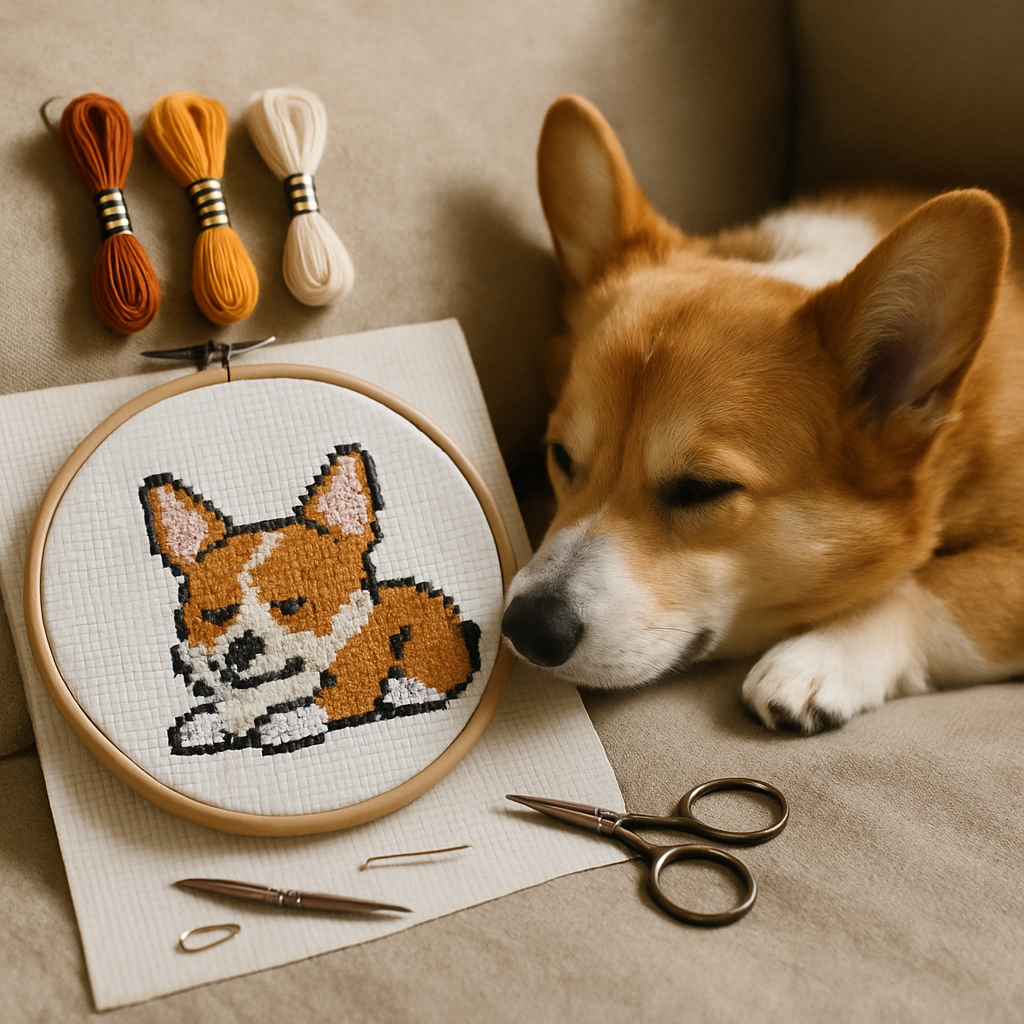
Search "corgi cross-stitch pattern" or "dachshund cross-stitch" and you'll find hundreds of charts. They're cute. They're also not your dog. They're a generic representative of the breed — a stock corgi, a clip-art dachshund — and the moment you put one next to a photo of the actual dog asleep on your couch, the difference is obvious. Your dog has a specific face, specific markings, a particular way the ears sit. That's the dog worth stitching.
This guide is about designing a pattern that captures your dog while honoring what makes the breed recognizable — the coat, the markings, the structure. It's also about avoiding the very real traps that make dog portraits one of the harder photo subjects to convert well. Dogs are gorgeous and tricky in equal measure, and a little know-how makes all the difference.
Generic breed charts vs. a pattern of your actual dog
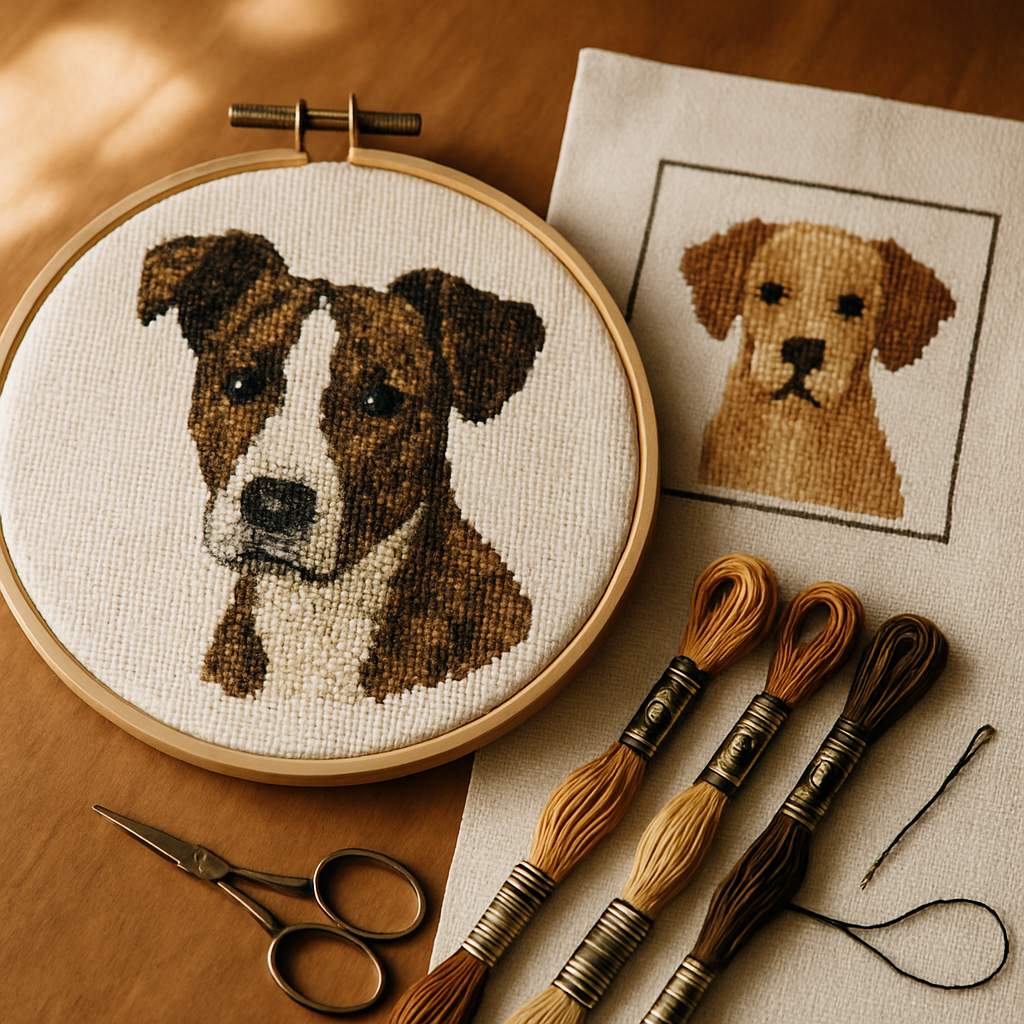 A generic breed pattern has its place — it's quick, cheap, and fine for a card or a small motif. But it can't do the thing most people actually want, which is to capture this dog: the asymmetric blaze, the one floppy ear, the grey coming in around the muzzle, the exact warmth of that brindle coat.
Designing from your own photo gets you all of that, plus the breed character comes along for free — because your dog is the breed, photographed. You don't have to choose between "looks like a Border Collie" and "looks like Bandit." A good conversion of a good photo gives you both.
What makes dogs hard to convert (and how to win anyway)
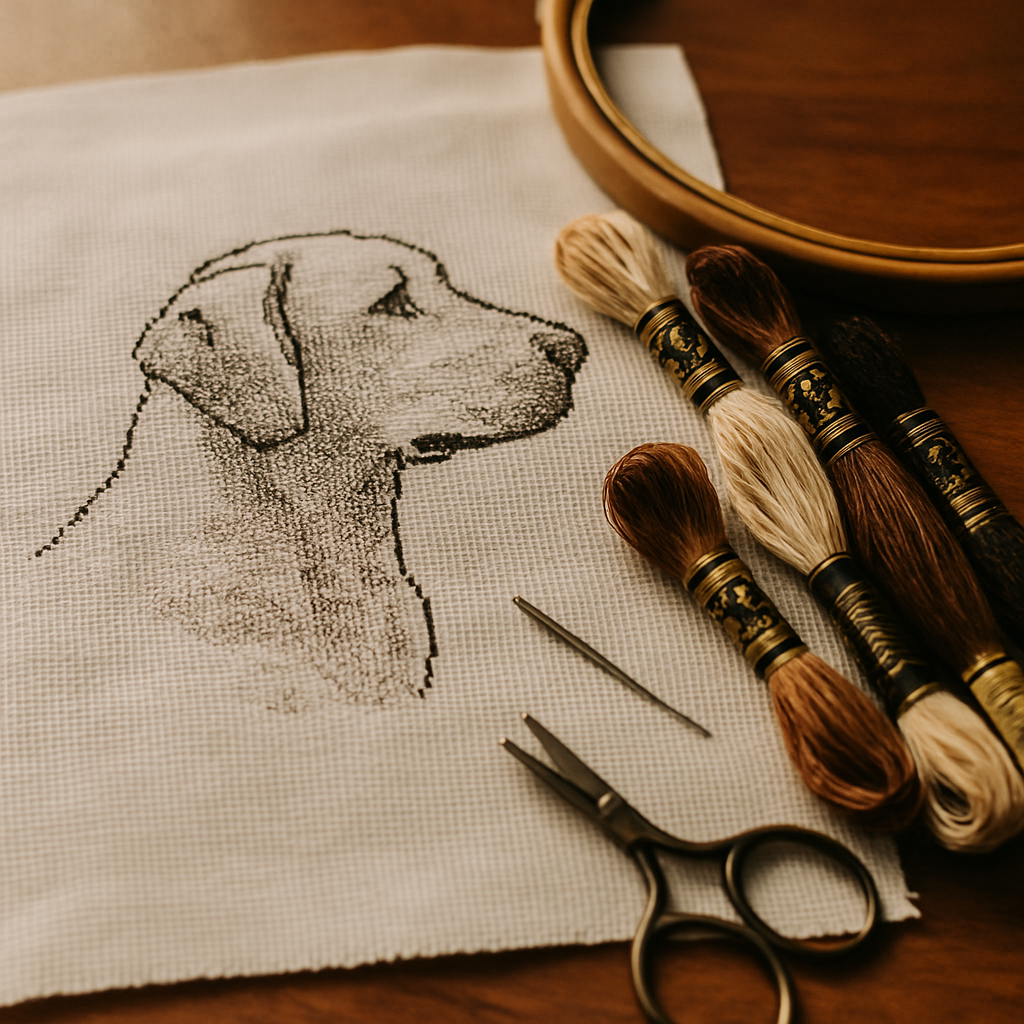 Dogs defeat naive photo-to-pattern converters in a few specific ways. Knowing them up front is half the battle.
Fur becomes confetti
Coat texture is a sea of subtly different tones. A converter that treats every strand-shadow as its own color produces a chart drowning in single, isolated stitches — the dreaded confetti — that's miserable to stitch and looks muddy when finished. The fix is a conversion that preserves meaningful detail (the eyes, the muzzle, the markings) while calming the uniform fur into stitchable blocks.
Dark dogs lose their faces
Black Labs, black Poodles, dark brindles — solid dark coats are the classic nightmare. A careless conversion crushes all that dark fur into a single flat black, erasing the face entirely. A good one finds the many near-blacks and deep browns that actually describe the form — the shine on the snout, the shadow under the brow — so the dog reads as a dog, not a silhouette.
White and cream dogs blow out
The opposite problem: Samoyeds, white Bichons, cream Goldens. Push the exposure and the whole dog becomes a featureless white blob. The trick is the same in reverse — capturing the gentle greys, ivories, and shadow tones that give a pale coat its shape.
Distinctive markings get lost or smeared
The thing that makes your dog your dog is often a marking: a husky's mask, a corgi's blaze, a Bernese's tricolor pattern, a Dalmatian's spots. A weak conversion blurs the edges of these markings into mush. Preserving crisp marking boundaries is what keeps the portrait recognizable.
The honest truth about dog portraits These aren't reasons to give up — they're reasons to use the right tool and the right photo. Every one of these problems is solved by (1) a good source photo and (2) a conversion that knows the face and markings matter more than the fur. Get those two right and a dog portrait is deeply rewarding to stitch.
Start with the right photo
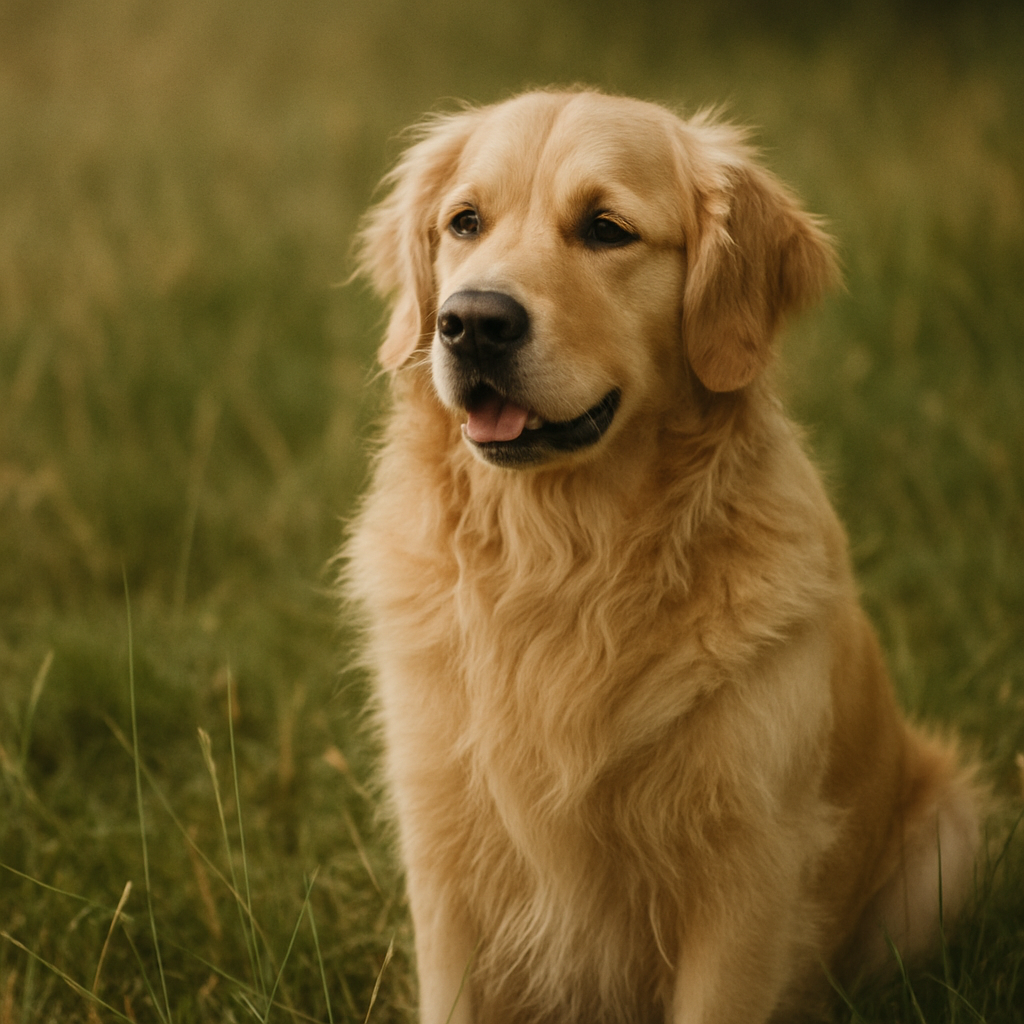 Conversion quality is downstream of photo quality, and this is doubly true for dogs. Before charting anything:
The dog-photo checklist
- Get on their level. Camera at the dog's eye height, not looming above.
- Sharp focus on the eyes. The eyes carry the whole portrait.
- Even, soft light. Daylight from a window beats flash. Avoid harsh shadow across the face.
- Fill the frame with the dog — don't shoot from across the room.
- Show the markings. Angle the dog so its distinctive markings are visible.
- Contrast with the background — a dark dog against a dark couch is hard to separate; a light dog against snow, likewise.
Our full guide on photographing your pet for cross-stitch goes deeper, and it applies to every breed.
A phone is more than enough camera — see converting an iPhone photo to a pattern for the mobile workflow.
Designing the pattern, step by step
Once you have a good photo, here's how to turn it into a faithful, stitchable chart with StitchThis:
1. Upload your photo straight from your phone or computer — no app to install, browser-based.
2. Isolate your dog from the background. A busy background steals detail the chart should be spending on your dog. The Advanced image tools let you remove or simplify the background so the conversion focuses entirely on the dog. This is the single biggest quality lever for a pet portrait — and remember, these tools refine the source photo before it's charted; the stitches are always rendered faithfully from the prepared image.
3. Crop tight and choose a shape. Frame the dog so its face and markings dominate. A rectangle suits most portraits; a circle or oval makes a charming ornament-style piece.
4. Let StitchSense protect the face. This is the heart of a good dog portrait. StitchSense keeps detail sharp where it matters — the eyes, the muzzle, the markings — while calming the uniform fur, so you get a recognizable, characterful portrait instead of confetti. It's exactly the behavior that solves the dark-dog and fur-confetti problems described above.
5. Set the complexity. Choose a Quality level from Simplified to Full Color. For most dog portraits, Balanced or Detailed gives lifelike results while keeping the stitch count sane. (The tool flags that Full Color can introduce confetti — for a furry subject, that warning is worth heeding.)
6. Pick coat-appropriate colors. Set your palette from multi-brand floss — DMC, Anchor, Cosmo, Gamma, Madeira, or Metro. Dog coats live in browns, blacks, creams, and greys, and having the right range of near-tones is what makes fur read as fur. Our forthcoming palette guide covers building a coat-accurate scheme; the DMC vs Anchor guide helps if you're working from a specific stash.
7. Generate, refine, and stitch. You get a real chart with a full symbol legend and a clean PDF export, opened in a built-in viewer with a stitch tracker. If a patch of background fur went a little speckly, the viewer's editing tools (fill a region, replace a color, paint individual stitches) let you tidy it without starting over.
Make your dog's portrait free You can turn a photo of your dog into a clean, stitchable pattern on StitchThis free StitchSense keeps the face and markings sharp; you choose the complexity and the floss. Try StitchThis free →
Breed-specific pointers
A few notes for common coat types:
- Dark/solid coats (black Lab, black Poodle, dark brindle): choose a Detailed quality so the conversion keeps the many near-blacks that describe the face. Make sure your photo has light on the dog so there's form to capture.
- White/cream coats (Samoyed, Bichon, cream Golden): soft, even light is essential — avoid blowing out the highlights. The pattern will lean on subtle greys and ivories.
- Double-marked/tricolor (Bernese, Beagle, Cavalier): photograph the dog square-on so the marking boundaries are crisp, and crop to keep them in frame.
- Spotted/merle (Dalmatian, merle Aussie): these read best at a slightly higher stitch count so the spots stay distinct rather than merging.
- Long, flowing coats (Afghan, Setter): a Painterly source-image treatment can tame chaotic fur into more stitchable shapes while keeping the silhouette.
There's no single "right" setting — it depends on your dog and your patience. The point is that you get to choose, and the face stays protected either way.
A portrait worth giving
A cross-stitch portrait of someone's dog is one of the most treasured gifts in the craft — for a dog-loving friend, a new puppy's family, or as a quiet way to honor a dog who's no longer around. (For that gentler kind of project, our pet memorial guide is written with care.). If you find yourself making dog portraits people keep asking to buy, that's a business — our forthcoming guide on selling pet portrait commissions covers turning the skill into income.
Frequently asked questions
Can I make a cross-stitch pattern of my specific dog instead of a generic breed chart? Yes — and it's the better choice if you want it to actually look like your dog. Convert a good photo of your dog into a pattern; the breed character comes through automatically because your dog is the breed. StitchThis lets you do this free.
Why does my dog's pattern look like a black blob / white blob? Solid dark or light coats lose detail in careless conversions. Use a well-lit photo with form on the dog's face, choose a Detailed quality setting, and rely on detail-preserving conversion (StitchSense) to find the near-tones that describe the face rather than flattening it.
How do I keep fur from turning into confetti? Choose a simpler complexity setting and use a conversion that preserves detail on the face and markings while calming uniform fur. Removing the background first also helps the chart focus its detail on the dog. See our confetti survival guide.
What's the best photo for a dog cross-stitch pattern? Eye-level, sharp focus on the eyes, soft even light, the dog filling the frame, distinctive markings visible, and good contrast with the background. A phone photo is plenty.
How do I keep my dog's markings recognizable? Photograph the dog so the markings are clearly visible and crop to keep them in frame. A conversion that preserves crisp marking boundaries (rather than blurring them) keeps the portrait true. A slightly higher stitch count helps for spotted or intricate markings.
What floss colors do I need for a dog portrait? Mostly a range of browns, blacks, creams, and greys — and crucially, several near-tones within each, since that's what makes fur read as fur. Multi-brand palettes let you assemble a coat-accurate set and match what you already own.
Is the pattern AI-generated? No. The chart is rendered faithfully from your photo — every stitch maps to the source image. Optional advanced tools help you clean up the source before charting; the stitches themselves are not invented.
Your dog, stitched
The best dog pattern isn't the most polished stock chart of the breed — it's the one that captures the dog actually lying at your feet, with the breed character that comes built in. The challenges that make dogs tricky to convert are all solvable: start with a good, well-lit photo, isolate your dog from the background, keep the face and markings protected, and choose a complexity that suits the coat.
You can do all of it free. Make a pattern of your dog on StitchThis — upload a photo, keep the face sharp, pick your floss, and stitch straight from the built-in tracker. From pattern creation through floss tracking to in-browser viewing and editing — plus a community of stitchers around it — StitchThis is the whole pipeline in one place. no AI in the stitching — just your dog, charted faithfully. Try StitchThis free →
Ready to turn your photo into a cross-stitch pattern?
Try StitchThis freeTwo patterns per month. No card required.