Cross-Stitch Pattern Maker for Mac: The Definitive Guide
The most-recommended cross-stitch software is Windows-only. Here's the honest, up-to-date guide to making cross-stitch patterns on a Mac — desktop and web options, compared.
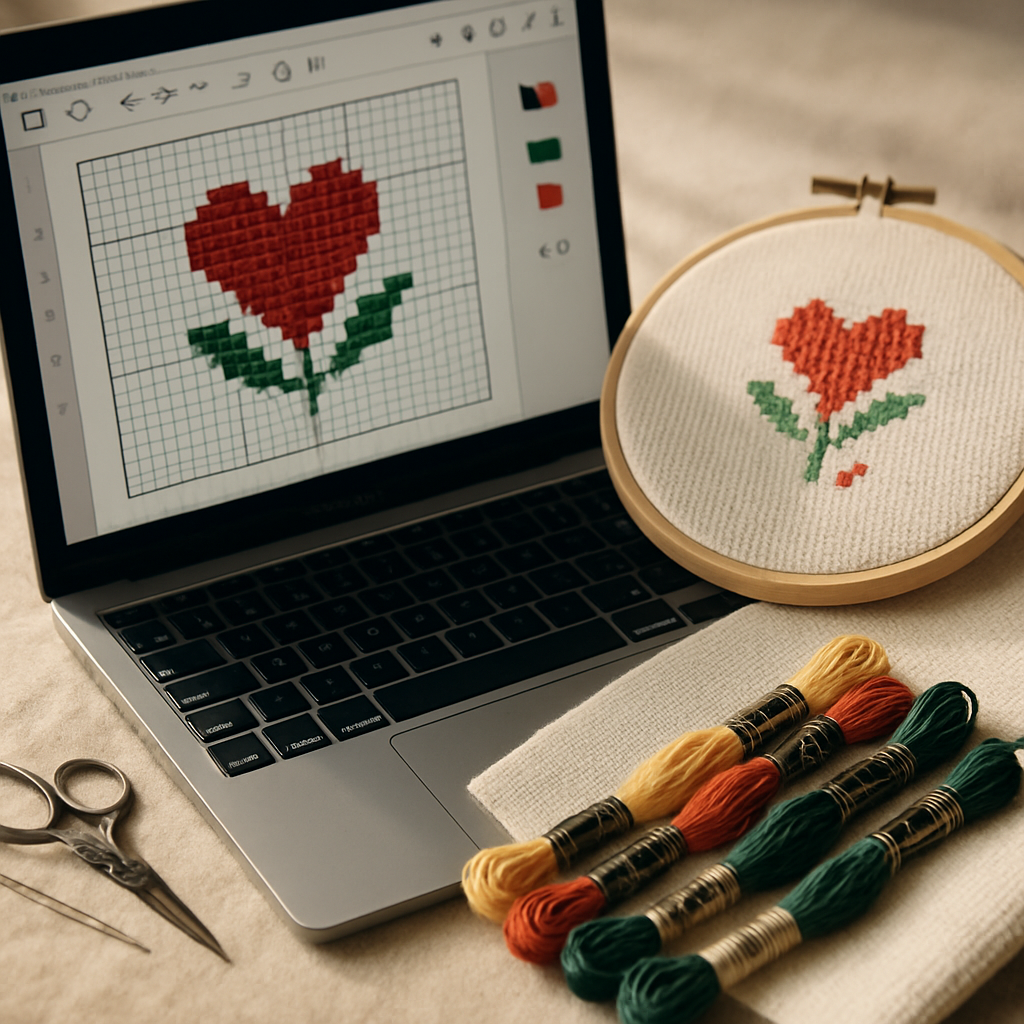
Every Mac-using stitcher knows the moment. You ask for cross-stitch software recommendations, someone enthusiastically says "PCStitch!", you go to download it — and discover it's Windows-only. The next suggestion is usually some variation of "well, you could install Windows on your Mac," at which point a simple hobby project starts to feel like an IT job.
Here's the good news: making cross-stitch patterns on a Mac is genuinely easy in 2026, and you almost certainly don't need to touch Windows to do it. You have two solid paths, and this guide lays out both honestly — what each does well, where each falls short, and how to pick. No emulation, no compatibility roulette, no nonsense.
Why Mac users get stuck
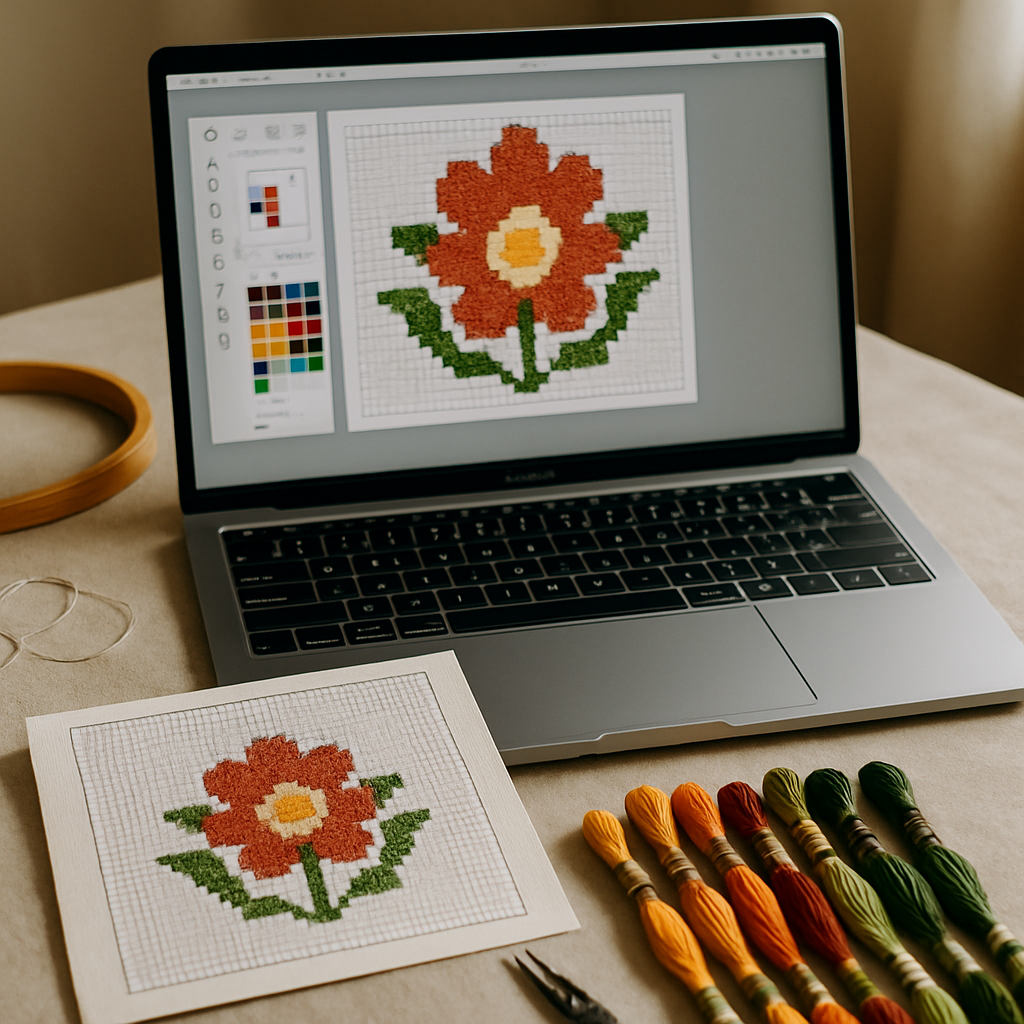 The cross-stitch software world grew up on Windows. Several of the most established, most-recommended desktop programs — PCStitch chief among them — were built for Windows and have never had a true Mac version. So a Mac user following the usual advice hits a wall almost immediately, then gets pointed toward workarounds that range from "inconvenient" to "please no."
Why "just run Windows on your Mac" is bad advice
You can run Windows software on a Mac via Boot Camp (on older Intel machines) or virtualization tools like Parallels. For most stitchers, you shouldn't. It means buying and maintaining a Windows license, dedicating disk space, learning a second operating system, and — on modern Apple-silicon Macs (M1, M2, M3 and later) — wrestling with the fact that Boot Camp is gone and emulation gets more complicated. That's an enormous amount of overhead to draw some Xs on a grid.
The far simpler truth: there are now real options that run natively on your Mac as-is.
The two real paths for Mac users today
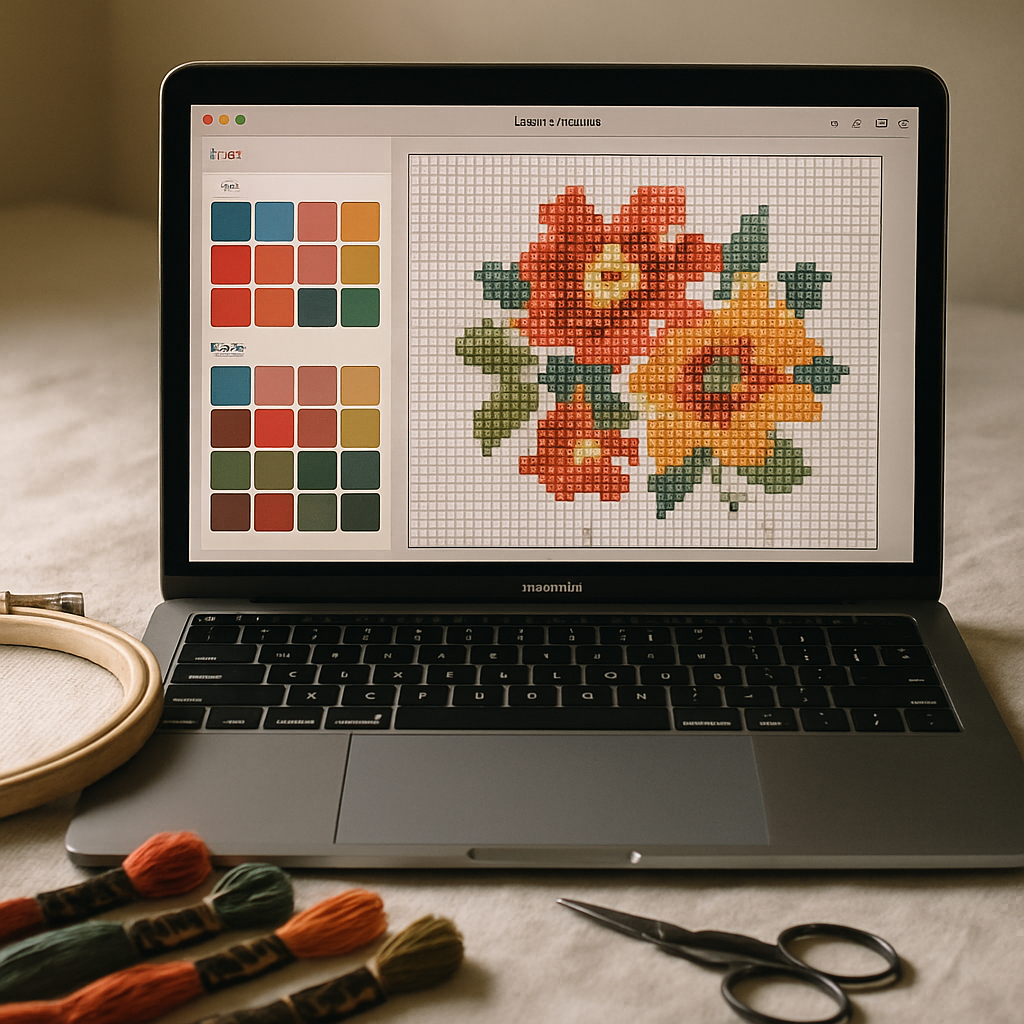
Path 1 — a dedicated Mac desktop app
There is a genuine, long-standing Mac desktop program for cross-stitch design: MacStitch (from Ursa Software), the Mac counterpart to its Windows sibling WinStitch. It's a capable, mature charting application made specifically for the Mac, and for a certain kind of user it's a great fit.
Where it wins: it runs offline, it's a one-time purchase rather than a subscription, and it offers deep, granular manual charting control that desktop power-users love. If you stitch on a cabin weekend with no Wi-Fi, or you simply prefer owning software outright, a dedicated desktop app is a legitimate, sensible choice. (Always check the developer's site for current pricing and Apple-silicon compatibility before buying.)
Where it asks more of you: it's a download to install and keep updated, it lives on one machine, and — like most traditional charting tools — its strength is manual charting rather than high-quality photo conversion.
Path 2 — a web-based tool (no OS question at all)
The other path sidesteps the entire problem. A browser-based pattern maker doesn't care whether you're on a Mac, a MacBook, an Intel machine, or the newest Apple silicon — it runs the same in Safari or Chrome as it does anywhere else. Nothing to install, nothing to update, no compatibility worries.
This is where StitchThis fits. Because it runs in your browser, "does it work on Mac?" simply isn't a question — if you can open this page, you can use it. You upload a photo or design from scratch, the work lives in your account rather than on one computer, and you can pick it up on a different device later. (For the broader landscape across all platforms, see our best cross-stitch software guide.)
The tradeoff, stated plainly: a web tool needs an internet connection, and StitchThis is web-only today — there's no offline desktop app, and native mobile is still in development. If guaranteed offline access is non-negotiable for you, Path 1 is your friend. For most Mac users, "open a browser and go" wins easily — and you can find out in five minutes. Try StitchThis free on your Mac right now →
Desktop vs. web on Mac: an honest comparison
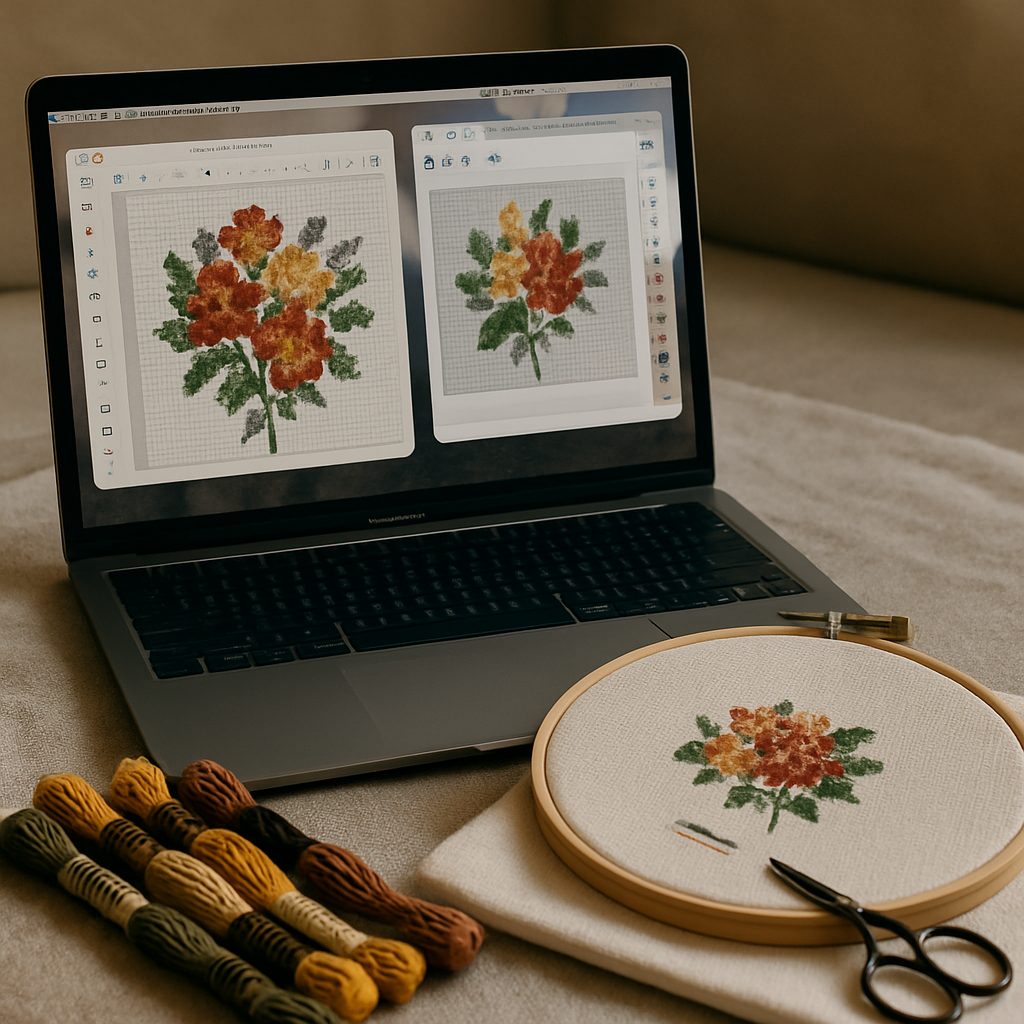
| Dedicated Mac desktop app | Web-based tool | |
|---|---|---|
| Install required | Yes, download & update | No, runs in browser |
| Works on Apple silicon | Check current version | Yes, automatically |
| Offline use | Yes | No (needs internet) |
| Cost model | Often one-time purchase | Often free tier + subscription |
| Photo conversion quality | Varies; charting-focused | A core strength of modern tools |
| Use across devices | Tied to one machine | Yes, from any device |
| Best for | Offline power-users, one-time buyers | Convenience, conversion, cross-device |
Neither column is "the winner." They serve different people. The question is which row matters most to you.
What to look for in a Mac cross-stitch pattern maker
Whichever path you lean toward, judge any tool on these.
Photo conversion quality
If you plan to turn photos — pets, kids, travel shots — into patterns, conversion quality is everything, and it's where tools differ most. A weak converter maps every pixel to its nearest floss color and hands you confetti: scattered single stitches in dozens of near-identical shades that are miserable to stitch and muddy when finished. That single factor is the most common reason a finished pattern looks bad.
StitchThis's conversion uses StitchSense, which varies how aggressively each area is simplified — keeping detail where the eye lands (a face, a focal subject) while calming busy backgrounds — so you start from something stitchable rather than a confetti field. If you want the full process, our guide on turning a photo into a pattern walks through it. You can also tidy a source image first with the built-in image tools — background removal, contrast, and more.
Editing and importing existing patterns
A lot of Mac users don't just want to create — they want to fix or tweak a chart they already have. This is where StitchThis does something unusual for a browser tool: its pattern editor lets you import an existing PDF or OXS pattern, edit it in the browser, and re-export a clean PDF. If you've ever wanted to adjust a chart without rebuilding it from scratch, that capability is rare among web-based platforms.
Apple-silicon and "will it keep working?"
Apple silicon (M-series): what to know Browser-based tools run natively on Apple silicon with zero special steps — there's nothing to be "compatible" with beyond your browser. For desktop apps, always confirm the current version supports your chip before buying. This is one area where web tools quietly remove a whole category of worry.
Is there a free cross-stitch pattern maker for Mac?
Yes — and you don't need Windows for it. StitchThis has a genuine free tier: The whole workflow lives in StitchThis — build the pattern, manage your floss stash, view and track and edit the chart in the browser, and stitch alongside a community of other cross-stitchers. nothing to download. For a Mac user who just wants to try converting a photo or sketching a small design, that's a no-risk way to start. (We dig into getting good results at no cost in our guide to free patterns from your own photos.)
If you grow into heavier use — bigger designs, or selling your patterns — you'll eventually want a paid plan, the same as you'd eventually pay for a desktop app. The free tier exists so you can find out whether a web tool suits you before spending anything.
Making your first pattern on a Mac (web path)
Start to finish, on any Mac, no install:
- Open your browser (Safari, Chrome, whatever you like) and create a free account.
- Upload a photo or start a freehand design.
- Prep the image if needed — remove the background, boost contrast — with the built-in tools.
- Convert, letting StitchSense keep detail where it matters and calm the busy areas.
- Refine in the editor — adjust colors, symbols, or imported charts.
- Export a PDF with a color legend, ready to print and stitch.
That's the whole workflow, and your Mac never once asked about Windows. For how this slots into a full design routine, see our pattern-making workflow.
Why StitchThis is the simplest answer for most Mac users The browser path doesn't just dodge the OS problem — it does the work better for the things most people actually want:
- Runs on any Mac — Intel or Apple silicon — with nothing to install, nothing to update, no compatibility worries.
- StitchSense turns photos into clean, stitchable patterns instead of confetti — the conversion quality desktop charting tools rarely match.
- Built-in image tools (background removal, contrast, two-photo merge, painterly style) prep your photo right in the browser.
- An in-browser pattern editor that imports PDF/OXS and re-exports clean PDFs — rare among web tools.
- FORGE batch generation, multi-brand palettes, a floss stash tracker, and a freehand designer for everything from a quick photo convert to serious design work.
- A free tier to start — two patterns a month, up to 200×200 stitches, no card. Make a pattern on your Mac, free →
Which should you choose?
For most Mac users, the answer is the web path — it converts photos better, installs nothing, works across devices, and lets you try before you pay. The OS question simply disappears. There's really only one situation where a desktop app wins:
- Choose a web-based tool (like StitchThis) if you want clean photo-to-pattern conversion, zero installs and updates, the ability to edit and re-export existing charts, and a free way to start. This fits the large majority of Mac stitchers and designers.
- Choose a dedicated Mac desktop app (like MacStitch) only if guaranteed offline access is non-negotiable or you specifically want one-time-purchase ownership. Verify Apple-silicon support and current pricing first.
If you're cross-shopping specific tools, our Pattern Keeper alternatives guide and the comparison pages go deeper on individual platforms — but for "I just want to make patterns on my Mac," the browser is the shortest path there.
Frequently asked questions
Does PCStitch work on Mac? No. PCStitch is Windows-only software with no native Mac version. You'd have to run Windows on your Mac to use it, which most people don't need to do — there are both dedicated Mac desktop apps and web-based tools that run on macOS directly.
Is there a free cross-stitch pattern maker for Mac? Yes. Web-based StitchThis offers a free tier (the whole workflow lives in StitchThis — build the pattern, manage your floss stash, view and track and edit the chart in the browser, and stitch alongside a community of other cross-stitchers, no download) that works in any Mac browser. It's the easiest no-cost way to try making a pattern on a Mac.
Do I need to install Windows to make cross-stitch patterns on a Mac? Almost never. A dedicated Mac app or a browser-based tool will cover most needs without any Windows emulation. Reserve Boot Camp/Parallels for the rare case where you truly need a specific Windows-only program.
Will cross-stitch software run on Apple silicon (M1/M2/M3)? Browser-based tools run on Apple silicon automatically — there's nothing to configure. For desktop apps, check that the current version supports Apple silicon before purchasing.
What's the best option for Mac users who sell patterns? Sellers benefit from strong photo conversion, the ability to edit and re-export clean PDFs, and working across devices — areas where web-based tools are strong. Features like batch generation (FORGE) and multi-brand palettes also help a designer workflow. Weigh that against offline ownership if that matters to you.
Can I use a web-based pattern maker offline? No — web tools need an internet connection. If you frequently stitch or design somewhere without reliable Wi-Fi, a dedicated desktop app is the better fit for that scenario.
The OS question, finally settled
Mac users spent years being told the answer was "buy Windows software." It never really was. Today you have a genuine dedicated Mac app for the offline, one-time-purchase crowd, and browser-based tools that make the operating system irrelevant for everyone else. Pick based on how you stitch, not on what platform you happen to own.
Want to make a pattern on your Mac in the next five minutes? Try StitchThis free — it runs right in your browser on any Mac, Intel or Apple silicon, with no download and Upload a photo and watch the OS question disappear. Try StitchThis free →
Ready to turn your photo into a cross-stitch pattern?
Try StitchThis freeTwo patterns per month. No card required.