I migliori software di punto croce per iPad nel 2026
I migliori software di punto croce per iPad nel 2026, a confronto in modo onesto: tracker, designer e convertitori — cosa funziona su iPad, cosa no e il miglior all-in-one.
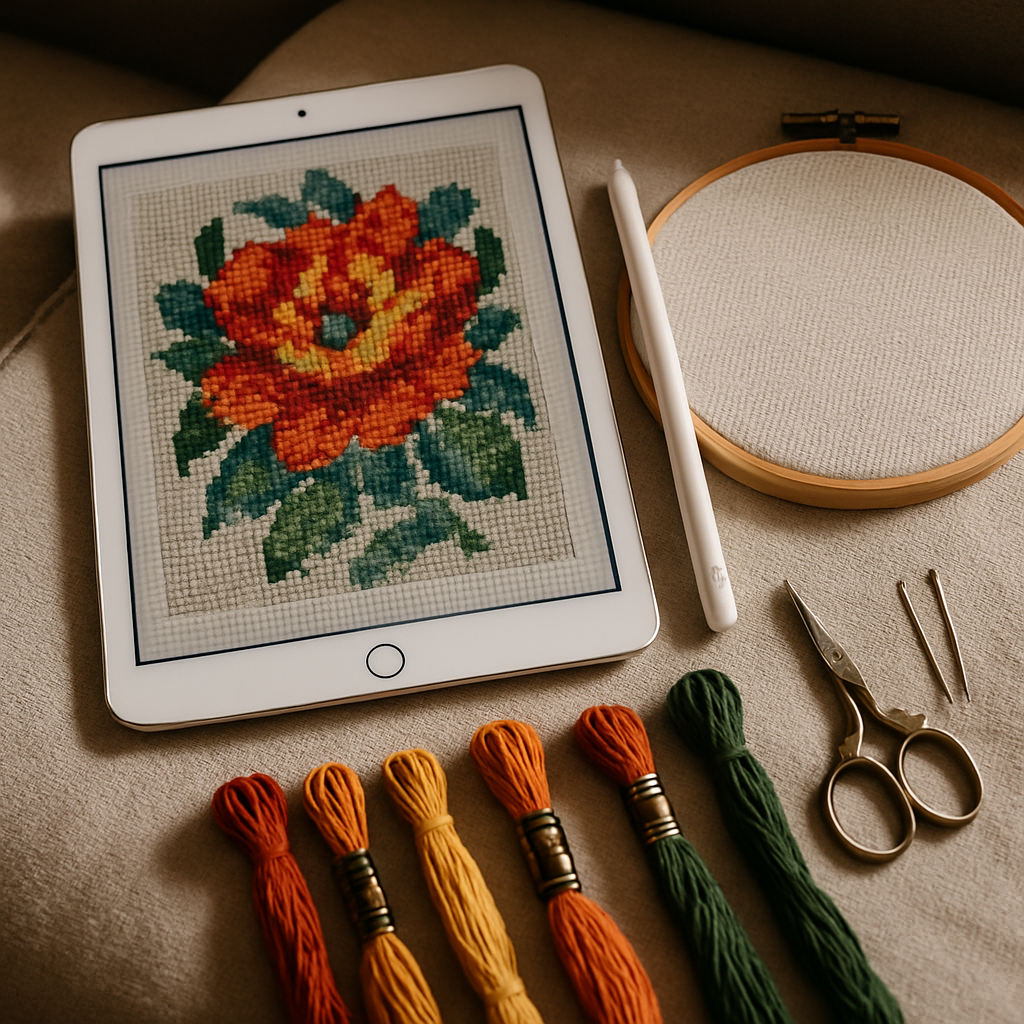
L'iPad è praticamente il compagno ideale per il punto croce. Lo schermo è abbastanza grande da leggere uno schema fitto, è leggero da tenere sul divano, si ingrandisce e si sposta con un semplice gesto a pizzico e una Apple Pencil lo trasforma in una tavoletta grafica. Non sorprende quindi che "miglior software di punto croce per iPad" sia una delle ricerche più frequenti nell'hobby.
È anche una delle più confuse — perché "software di punto croce" non è una cosa sola, e molti dei nomi famosi in realtà non funzionano affatto su iPad. Questa guida fa chiarezza: quali sono davvero le categorie, quali strumenti funzionano su iPad e quali no, un confronto onesto testa a testa e un consiglio chiaro a seconda di cosa vuoi davvero fare.
Prima di tutto, cosa vuoi che faccia il tuo iPad?
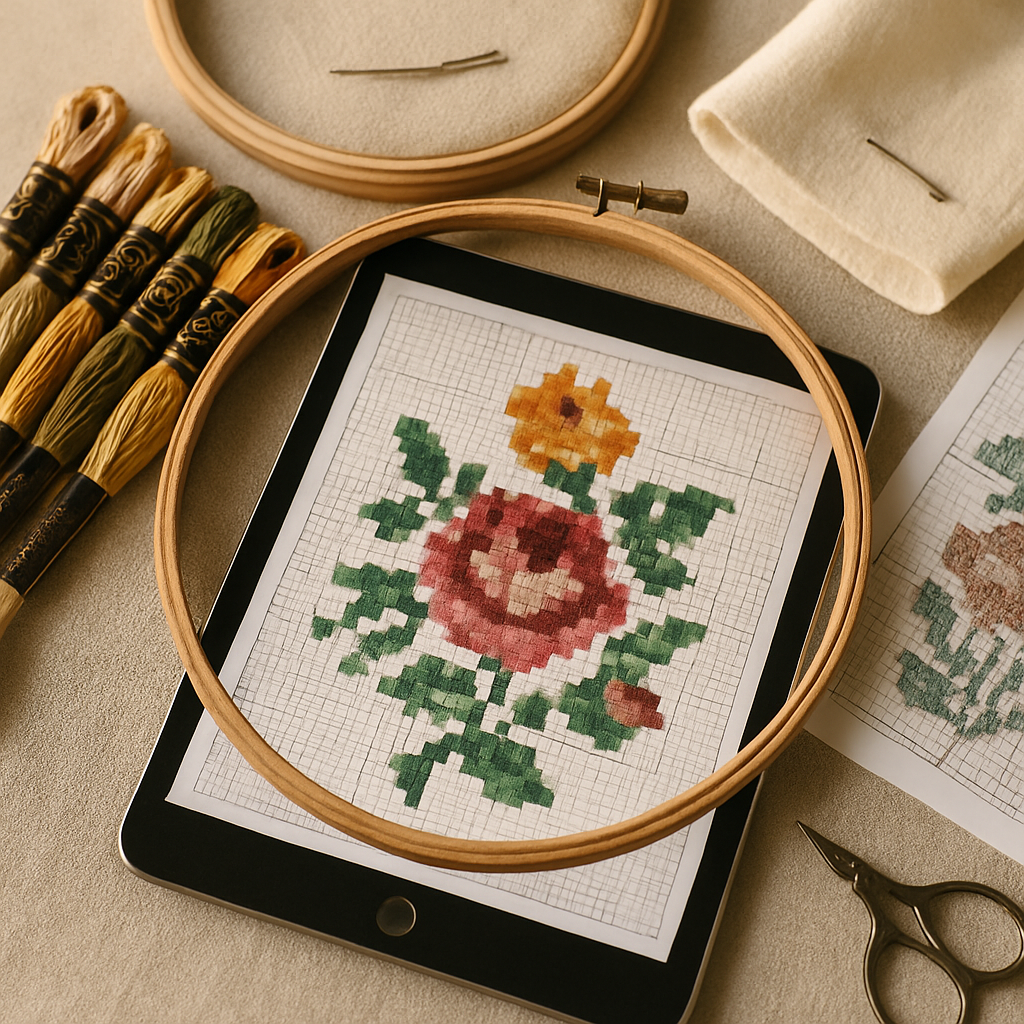 "Software di punto croce" si divide in tre lavori, e la maggior parte degli strumenti ne fa bene solo uno:
- Creare schemi — trasformare una foto in uno schema, o disegnarne uno da zero.
- Tenere traccia del ricamo — caricare uno schema finito e spuntare i punti man mano che li fai.
- Gestire l'hobby — organizzare la tua scorta di fili, i tuoi progetti e connetterti con altri ricamatori.
Decidi quale di questi ti interessa, perché cambia completamente la risposta. Un puro tracker è inutile se vuoi disegnare; un designer per desktop è inutile se vuoi ricamare dal divano.
La fregatura che nessuno menziona: la maggior parte dei software desktop non funziona su iPad
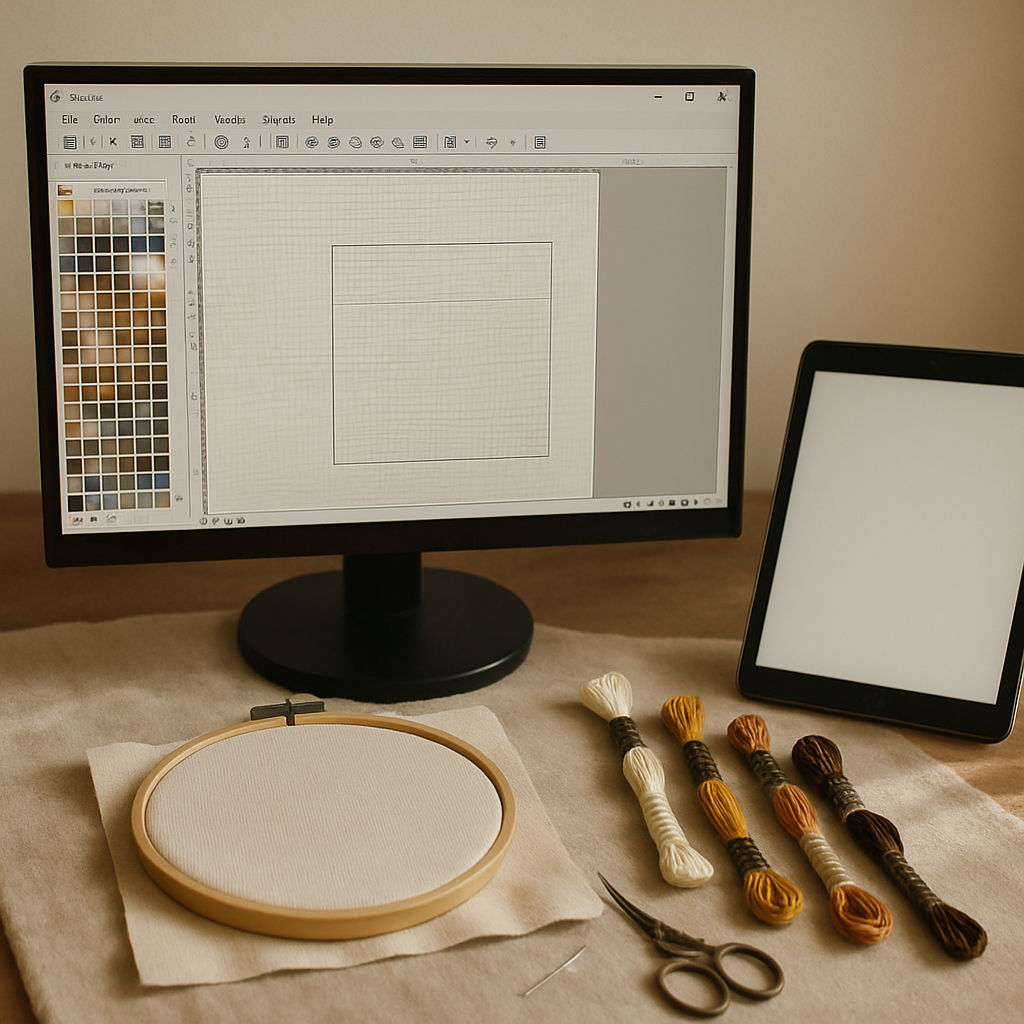 Ecco la trappola in cui cascano in molti. I leggendari programmi di disegno per punto croce — PCStitch (Windows), MacStitch/WinStitch — sono applicazioni desktop. Non funzionano su un iPad. Per quanto tu lo voglia, PCStitch non si installerà mai su iPadOS. Se la tua ricerca di "software di punto croce per iPad" era in realtà una ricerca della potenza di disegno desktop, la risposta onesta è che non esiste in quella forma su iPad (e la nostra guida ai pattern maker per Mac spiega perché gli strumenti basati su browser sono diventati silenziosamente la strada migliore comunque).
Rimangono due tipi di strumento che funzionano su iPad:
- App native per iPad dall'App Store (Pattern Keeper, Stitchly, Markup R-XP) — perlopiù tracker.
- Strumenti basati su browser che girano in Safari sull'iPad (StitchThis, Stitch Fiddle, Pic2Pat) — nessuna installazione, funzionano su qualunque iPad.
I contendenti, onestamente
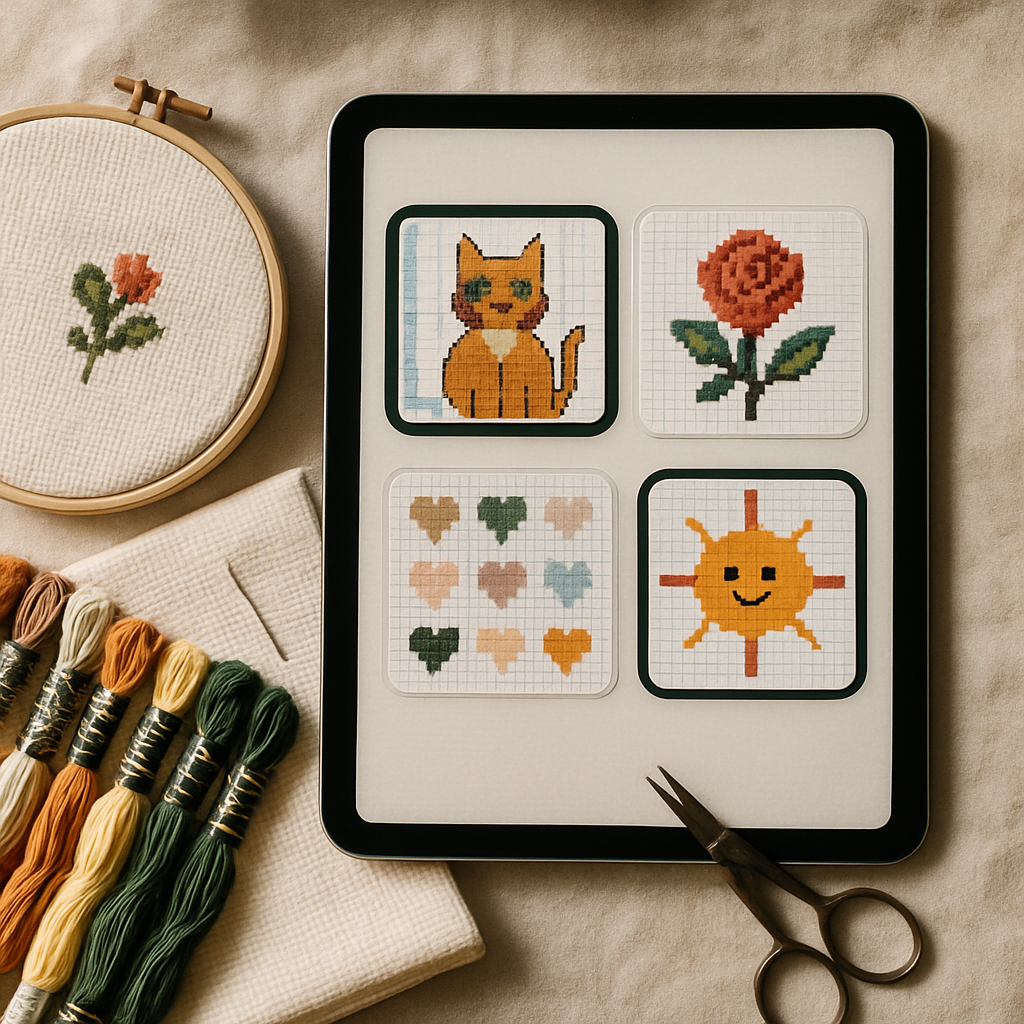 Ognuno di questi è davvero bravo in qualcosa. Ecco dove vince ciascuno:
- Pattern Keeper — il tracker di riferimento per seguire i punti. Se hai già una libreria di schemi in PDF e vuoi solo la migliore esperienza di tracciamento possibile, è uno dei consigli più facili dell'hobby. Non crea schemi ed è solo per il tracciamento.
- Stitchly — un creatore-e-tracker curato e nativo per dispositivi mobili per iPhone e iPad. Ottimo se vuoi un flusso di lavoro interamente basato su app, utilizzabile offline.
- Markup R-XP — un tracker molto amato che importa PDF, foto e schemi cartacei scansionati. Ideale per digitalizzare una libreria cartacea esistente. Solo tracker, in abbonamento.
- Stitch Fiddle — il designer manuale gratuito basato su browser più conosciuto. Eccellente per disegnare a mano, quadretto per quadretto; il piano gratuito è generoso. Nessuna funzione automatica foto in schema.
- Pic2Pat — il classico convertitore foto-a-schema "one-shot". Carichi un'immagine, ottieni uno schema base, senza registrazione. Va bene per qualche conversione occasionale.
- PCStitch — decenni di potenza desktop su Windows, con formati di file legacy nativi. Uno strumento da specialisti — ma, di nuovo, non disponibile su iPad.
Ognuno è la risposta giusta per un'esigenza ristretta. Il problema è che chi ricama davvero non ha esigenze ristrette — vuoi creare uno schema, seguirlo mentre ricami, gestire i fili e magari vendere il tuo lavoro, tutto sullo stesso dispositivo. È qui che uno strumento prende il largo.
La tabella di confronto onesta
Ecco come si schierano gli strumenti principali. (Riprende il nostro hub di confronto completo, ridotto a ciò che conta su iPad.)
| Caratteristica | StitchThis | Pattern Keeper | Stitchly | Markup R-XP | Stitch Fiddle | Pic2Pat | PCStitch |
|---|---|---|---|---|---|---|---|
| Funziona su iPad | ✓ (browser) | ✓ | ✓ | ✓ | ✓ (browser) | ✓ (browser) | ✗ (Windows) |
| Piano gratuito | ✓ | ✗ | ✗ | ✗ | ✓ | ✓ | ✗ |
| Foto in schema | ✓ | ✗ | ✓ | ✗ | ✓ | ✓ | ✓ |
| Designer a mano libera | ✓ | ✗ | ✓ | ✗ | ✓ | ✗ | ✓ |
| Importazione schemi | ✓ | ✓ | ✓ | ✓ | ✗ | ✗ | ✓ |
| Preservazione intelligente dei dettagli | ✓ | ✗ | ✗ | ✗ | ✗ | ✗ | ✗ |
| Tracker della scorta di fili | ✓ | ✓ | ✓ | ✗ | ✗ | ✗ | ✗ |
| Tracker dei punti in-app | ✓ | ✓ | ✓ | ✓ | ✗ | ✗ | ✗ |
| Strumenti immagine avanzati | ✓ | ✗ | ✗ | ✗ | ✗ | ✗ | ✗ |
| Generazione in batch | ✓ | ✗ | ✗ | ✗ | ✗ | ✗ | ✗ |
| Uso commerciale | ✓ | ✓ | ✓ | ✓ | ✓ | ✓ | ✓ |
| Forum della comunità | ✓ | ✗ | ✗ | ✗ | ✗ | ✗ | ✗ |
| App mobile nativa | ✗ | ✓ | ✓ | ✓ | ✗ | ✗ | ✗ |
Guarda la colonna di StitchThis: è l'unico strumento che spunta quasi tutte le caselle — e l'unico a offrire preservazione intelligente dei dettagli, strumenti immagine avanzati, generazione in batch e un forum della comunità. Su iPad in particolare, fa in una sola scheda del browser ciò che altrimenti richiede tre app separate.
Perché StitchThis è il miglior all-in-one per iPad
Il discorso è semplice: è l'unica opzione che copre l'intero hobby, su un dispositivo che ogni iPad ha già — il browser.
Crea, non solo segue. Pattern Keeper e Markup R-XP sono tracker eccellenti, ma non sanno creare uno schema. StitchThis trasforma una foto in uno schema e ti permette di disegnare da zero con un designer a mano libera (la Apple Pencil funziona benissimo su iPad).
Preserva i dettagli che contano. È l'unica colonna che nessun concorrente può spuntare. StitchSense è progettato per preservare i dettagli che rendono un soggetto riconoscibile, riducendo al contempo le aree piene di punti isolati che rendono frustrante ricamare le conversioni fotografiche tradizionali. La maggior parte dei convertitori ti costringe a ripulire il pasticcio a mano; StitchThis fa più di quel lavoro a monte. (Vedi la nostra guida di sopravvivenza ai confetti per capire perché è importante.)
Segue e modifica. Ecco un vero elemento distintivo rispetto ai tracker più diffusi: app come Pattern Keeper e Markup R-XP ti permettono di spuntare i punti completati, ma non puoi cambiare nemmeno un punto dello schema. Il visualizzatore di StitchThis è sia un tracker di progresso che un editor — riempi una zona, sostituisci un colore o copri un punto vagante proprio dove stai ricamando. Tracciamento e correzione nello stesso posto.
Gestisce tutto l'hobby. Tracker della scorta di fili, organizzazione dei progetti, un'esportazione PDF pulita, tavolozze multi-marca (DMC, Anchor, Cosmo, Gamma, Madeira, Metro) e un forum della comunità — tutto nello stesso posto.
È pensato anche per chi vende. Per i designer che gestiscono un'attività di schemi, FORGE genera in batch decine di varianti di schema in una sola esecuzione, automaticamente classificate in modo che la migliore venga in cima — sostituendo il lavoro uno-per-uno. Nessuna app per iPad offre qualcosa di simile. (Le nostre prossime guide su marchi di schemi su Etsy e prezzi vanno più a fondo.)
Niente da installare, sincronizza ovunque. Essendo basato su browser, non c'è alcun download dall'App Store, niente aggiornamenti, e lo stesso progetto ti segue da iPad a iPhone al portatile. Inizia uno schema sul tuo iPad, perfezionalo sul Mac, torna a ricamarlo sull'iPad.
Prova l'all-in-one gratis sul tuo iPad Apri StitchThis in Safari sul tuo iPad — senza installazione — e crea uno schema gratis: dalla creazione dello schema al tracciamento dei fili, alla visualizzazione e modifica nel browser — più una comunità di ricamatori intorno — StitchThis è l'intero processo in un unico posto. Converti una foto, disegna con la Apple Pencil, segui il tuo ricamo e gestisci i tuoi fili, tutto in una sola scheda. Prova StitchThis gratis →
Il limite onesto: nessuna app nativa (per ora)
Giusto è giusto: StitchThis è l'unico strumento di quella tabella senza un'app mobile nativa. Oggi funziona nel browser dell'iPad, non come app scaricata dall'App Store, e un'app nativa è in sviluppo. Per la maggior parte dei ricamatori questo non è un problema — Safari su un iPad moderno la gestisce senza intoppi, e l'essere basato su browser porta veri vantaggi (nessuna installazione, sincronizzazione istantanea tra dispositivi). Ma se vuoi specificamente un'app scaricata, completamente offline e nient'altro, un tracker nativo come Pattern Keeper ha il vantaggio su quel singolo punto. Preferiamo dirtelo piuttosto che fingere il contrario.
Quindi quale dovresti scegliere?
- Vuoi solo seguire i PDF che già possiedi, completamente offline → Pattern Keeper o Markup R-XP.
- Vuoi un flusso di lavoro creare-e-seguire basato solo su app mobile → Stitchly.
- Vuoi disegnare a mano, quadretto per quadretto, gratis → Stitch Fiddle.
- Vuoi una conversione fotografica veloce e occasionale → Pic2Pat.
- Vuoi creare, convertire, seguire, gestire i fili e vendere — tutto sul tuo iPad, in un unico posto → StitchThis.
Per la maggior parte dei ricamatori — quelli che fanno più di uno di questi lavori — StitchThis è la scelta evidente, proprio perché è l'unica che non ti costringe a cucire insieme il tuo flusso di lavoro con tre app diverse.
Domande frequenti
Si possono usare software di punto croce su un iPad? Sì, in due modi: app native dell'App Store (soprattutto tracker come Pattern Keeper, Stitchly, Markup R-XP) e strumenti basati su browser che girano in Safari (StitchThis, Stitch Fiddle, Pic2Pat). I programmi di disegno per desktop come PCStitch non funzionano su iPad.
Qual è la migliore app per creare schemi di punto croce su iPad? Per creare schemi su un iPad, uno strumento basato su browser è l'opzione più potente perché i potenti designer per desktop non sono disponibili su iPadOS. StitchThis è il più completo: foto-a-schema con preservazione intelligente dei dettagli, un designer a mano libera (ottimo con la Apple Pencil), importazione, scorta di fili, tracker ed esportazione — gratis per iniziare.
Pattern Keeper permette di modificare o creare schemi? No. Pattern Keeper è un tracker dedicato — è eccellente per segnare i progressi sugli schemi che già possiedi, ma non può creare né modificare uno schema. Per creare e modificare ti serve uno strumento diverso.
Esiste un'app gratuita di punto croce per iPad? Sì. StitchThis ha un piano gratuito (dalla creazione dello schema al tracciamento dei fili, alla visualizzazione e modifica nel browser — più una comunità di ricamatori intorno — StitchThis è l'intero processo in un unico posto) che funziona nel browser dell'iPad. Anche Stitch Fiddle e Pic2Pat hanno un accesso gratuito da browser. Vedi la nostra guida onesta agli schemi gratuiti.
Posso usare una Apple Pencil per disegnare punto croce su iPad? Sì — un designer a mano libera basato su browser come quello di StitchThis funziona bene con la Apple Pencil per disegnare schemi da zero, che vengono poi quantizzati in modo pulito in punti.
Devo scaricare un'app per usare StitchThis su iPad? No. Funziona in Safari (o in qualunque browser) sull'iPad — niente da installare, e i tuoi progetti si sincronizzano su ogni dispositivo su cui accedi. Un'app nativa è in sviluppo.
Posso seguire il mio ricamo su iPad? Sì. StitchThis include un tracker dei punti in-app — tocca ogni punto man mano che lo completi e i tuoi progressi si salvano tra una sessione e l'altra — e, a differenza delle app solo tracker, ti permette anche di modificare lo schema nello stesso posto.
In conclusione per il 2026
Se devi portarti via una cosa: i migliori software per il disegno di punto croce desktop non funzionano sul tuo iPad, quindi la vera scelta è tra app tracker native e all-in-one basati su browser. I tracker sono meravigliosi nell'unica cosa che fanno. Ma se vuoi che il tuo iPad sia tutto il tuo angolo del ricamo — creare schemi, convertire foto preservando i dettagli dove servono, seguire i punti, gestire i fili e perfino vendere il tuo lavoro — l'all-in-one basato su browser vince, e StitchThis è il più completo disponibile.
Puoi provarlo subito, gratis, sull'iPad che probabilmente hai già in mano. Apri StitchThis sul tuo iPad — dalla creazione dello schema al tracciamento dei fili, alla visualizzazione e modifica nel browser — più una comunità di ricamatori intorno — StitchThis è l'intero processo in un unico posto. Nessuna installazione. Prova StitchThis gratis →
Letture correlate su StitchThis:
Ready to turn your photo into a cross-stitch pattern?
Try StitchThis freeTwo patterns per month. No card required.