Канва аїда 14 чи 16 чи 18: повний посібник з каунту для вишивки хрестиком
Канва аїда 14 чи 16 чи 18 простими словами: що таке каунт, як він змінює готовий розмір і деталізацію, скільки ниток брати та який каунт обрати.
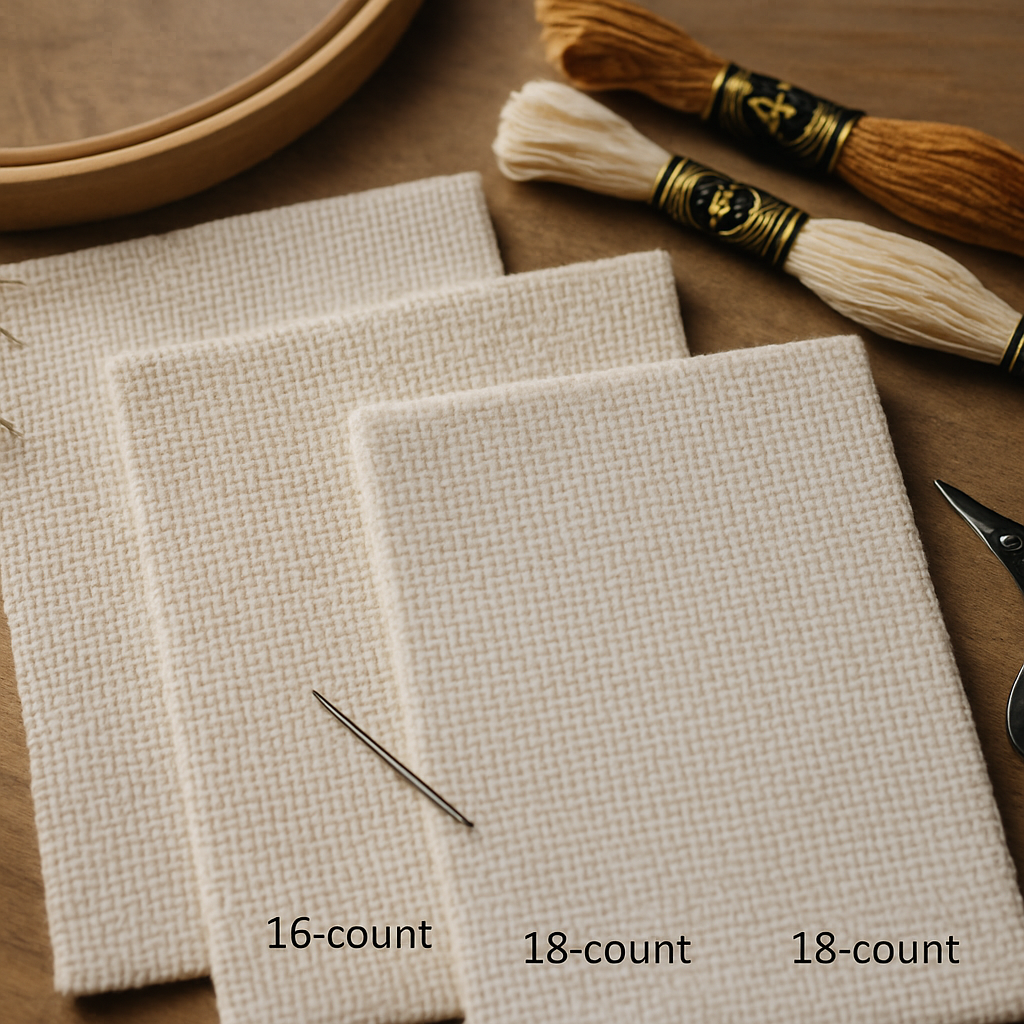
Ось факт, який збиває з пантелику більшість новачків у вишивці: більший каунт аїди дає менший готовий розмір, а не більший. Здається, що навпаки. Адже більше число — це ж більша канва? Але «каунт» вимірює не розмір канви — він показує, скільки хрестиків ви вкладаєте в кожен дюйм. Чим більше їх вкладається, тим менший кожен хрестик і тим меншою виходить уся робота.
Коли це усвідомиш, вибір між 14, 16 і 18 каунтом перестає бути ворожінням. У цьому посібнику ми розберемо, чим саме відрізняються три найпоширеніші каунти аїди — за розміром, деталізацією, складністю та необхідними нитками й голками — і дамо простий спосіб обрати потрібний каунт для будь-якого проєкту.
Що насправді означає «каунт аїди»
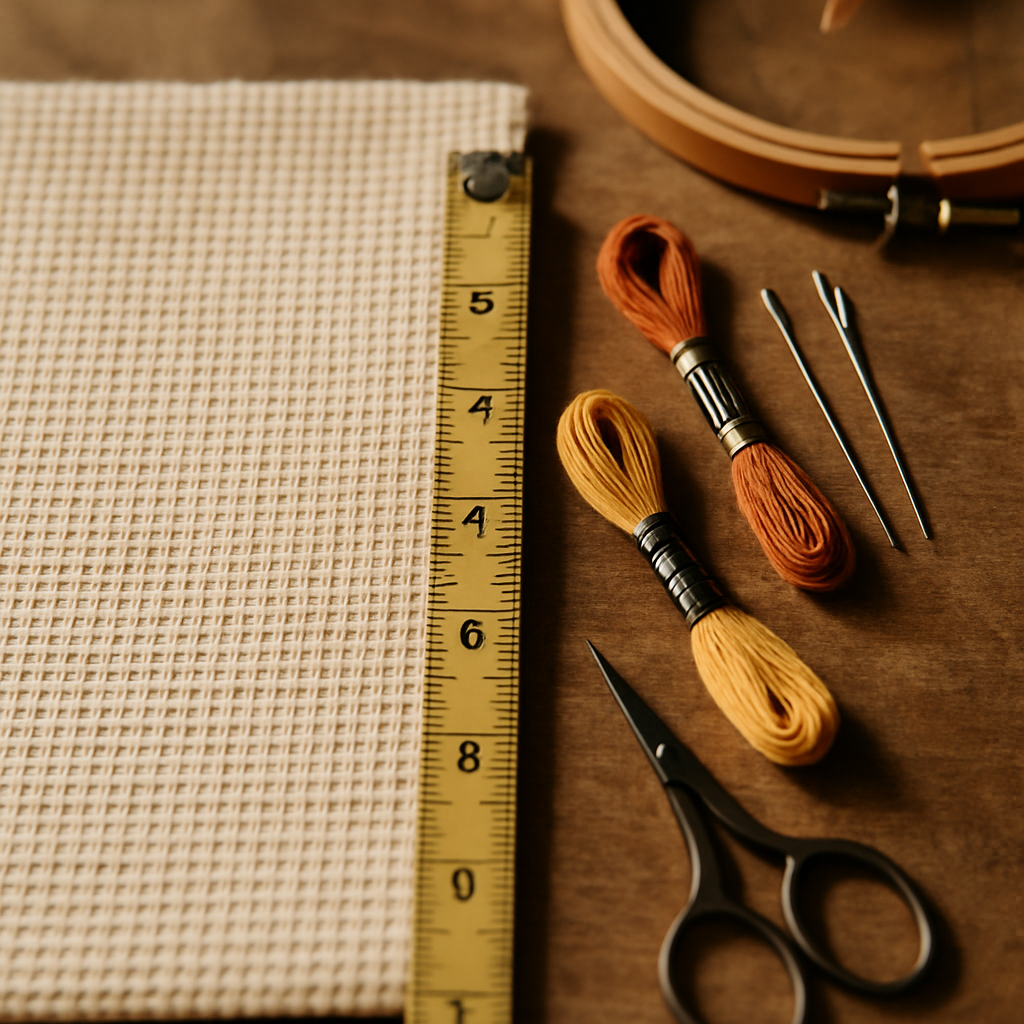 Аїда — це жорстка рівномірно зіткана канва, з якої починає більшість вишивальниць хрестиком. Її поверхня — це сітка з маленьких квадратиків, і кожен квадратик вміщує один хрестик. «Каунт» — це кількість таких квадратиків — а отже, і кількість хрестиків — на один дюйм.
- 14 каунт = 14 хрестиків на дюйм
- 16 каунт = 16 хрестиків на дюйм
- 18 каунт = 18 хрестиків на дюйм
Це єдине число визначає все інше: який буде готовий розмір роботи, скільки тонких деталей вона може вмістити та наскільки важко це буде для очей і рук.
Найголовніше: більший каунт означає менші хрестики, а не більшу канву
 Цю думку варто витатуювати з внутрішнього боку торбинки для вишивання.
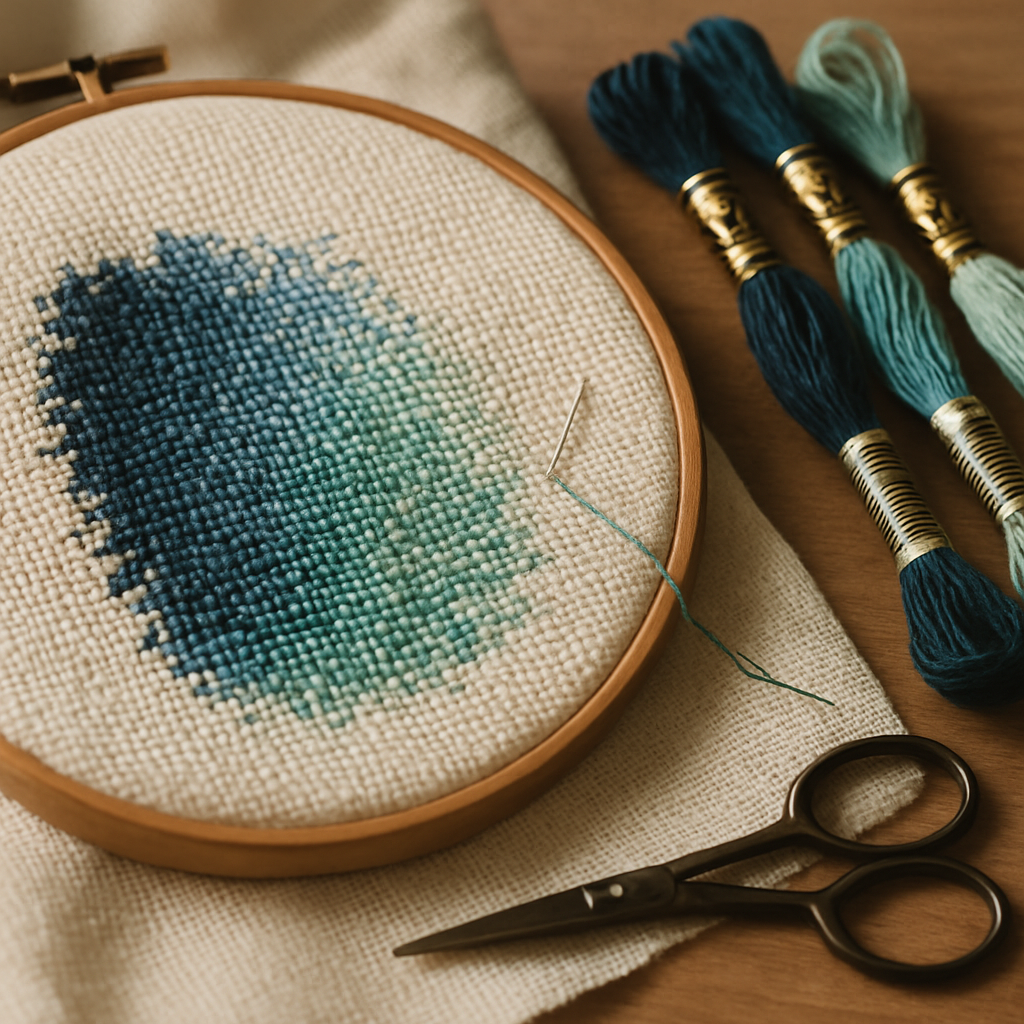
Схема для вишивки хрестиком має кількість хрестиків — скажімо, 140 хрестиків у ширину на 140 у висоту. Це число не змінюється, на якій би канві ви не вишивали. Що справді змінюється — це наскільки великими виходять ці 140 хрестиків, і залежить це повністю від каунту канви.
Пастка каунту Більше число каунту = менші хрестики = менший готовий розмір. Та сама схема буде найбільшою на 14 каунті й найменшою на 18 каунті. Якщо потрібна більша готова робота — беріть менший каунт.
Тож якщо ваш проєкт вийшов на диво крихітним (чи навпаки величезним), винний майже завжди каунт канви — а не схема.
Канва аїда 14 чи 16 чи 18 — коротко
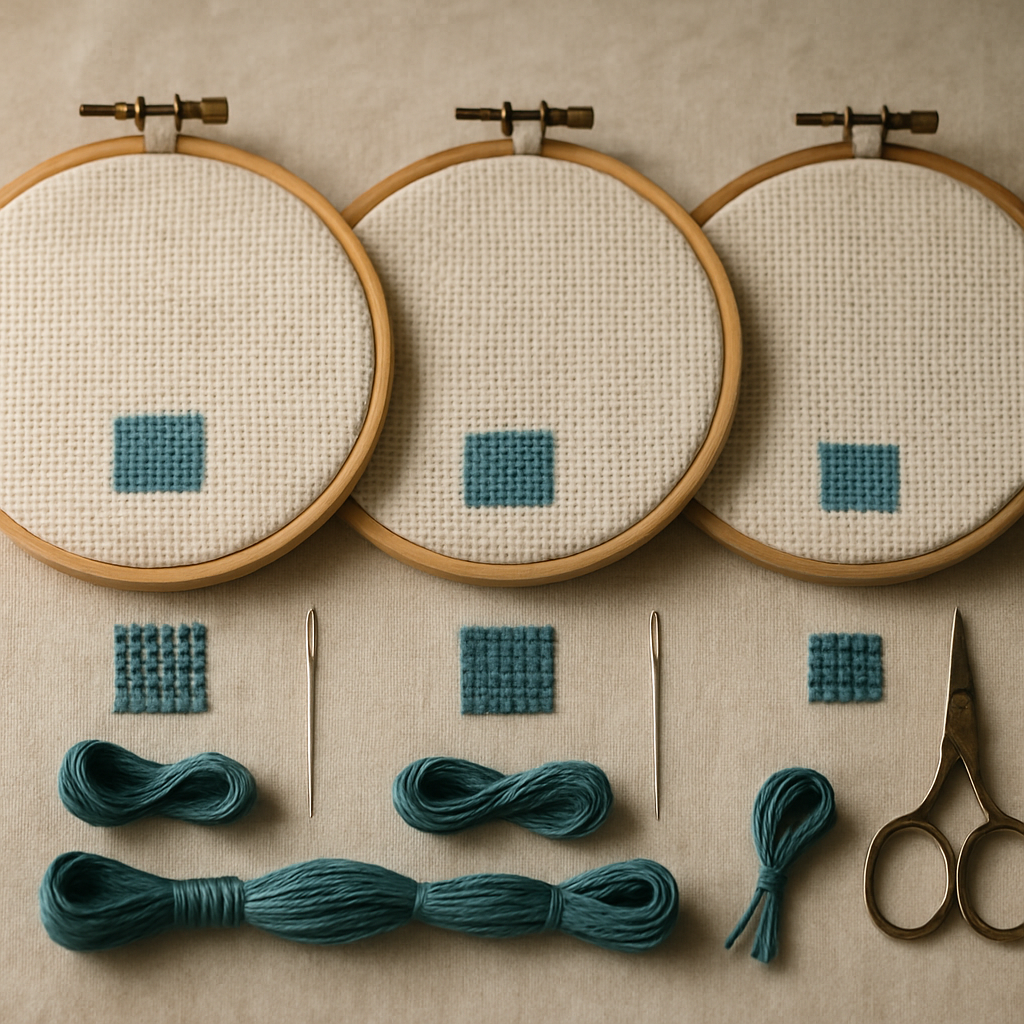
| 14 каунт | 16 каунт | 18 каунт | |
|---|---|---|---|
| Хрестиків на дюйм | 14 | 16 | 18 |
| Розмір хрестика | Найбільший | Середній | Найменший |
| Готовий розмір (та сама схема) | Найбільший | Середній | Найменший |
| Потенціал деталізації | Добрий | Кращий | Найкращий |
| Навантаження на очі | Найменше | Помірне | Найбільше |
| Найкраще для | Початківців, дітей, яскравих сюжетів | Середнього рівня, збалансованих проєктів | Деталізованих портретів, малих робіт |
| Зазвичай ниток | 2 | 2 | 2 (або 1 для тонкої роботи) |
14 каунт — дружній стандарт
Якщо ви новачок — починайте звідси. У 14 каунту великі, чітко окреслені дірочки, які легко побачити і в які легко просунути голку, тож сама вишивка йде швидше й куди менш марудно. Це найпоширеніший каунт у продажу, тому схем, наборів і кольорів канви тут — хоч греблю гати.
Компроміс — деталізація: лише 14 хрестиків на дюйм дуже тонкі риси (вигин повіки, дрібні літери) мають менше місця, щоб проявитися. Для яскравих, графічних сюжетів і більшості проєктів для початківців це не проблема. А от для дуже деталізованого портрету може знадобитися більша роздільна здатність. Зовсім нова в цьому ремеслі? Наш посібник для початківців ідеально пасує до старту на 14 каунті.
16 каунт — золота середина
16 каунт — тихий улюбленець багатьох досвідчених вишивальниць. Він лише на два каунти тонший за 14, але цього досить, щоб помітно загострити деталі та зменшити готовий розмір, а дірочки ще можна знайти без лупи при доброму світлі. Дві нитки муліне дають гарне покриття. Якщо 14 здається трохи грубуватим, а 18 лякає — 16 буде комфортною серединою.
18 каунт — тонкі деталі (і тонші голки)
18 каунт — це коли потрібна різка деталізація та маленька, наче ювелірна, готова робота. Портрети, складні семплери та речі, які ви хочете зберегти компактними, виграють від нього. Ціна — складність: дірочки маленькі, хрестики крихітні, і більшості людей потрібне добре освітлення, а часто й лупа. Багато вишивальниць переходять на одну нитку для повного покриття на цьому каунті або ж лишаються на двох заради більшої щільності — спершу попрактикуйтеся на клаптику.
Порада для очей Чим більший каунт, тим більше працюють очі. Лампа денного світла та (для 18 каунту і вище) лупа з кріпленням роблять тонкі каунти справді приємними, а не виснажливими. Якщо очі швидко втомлюються — немає жодного сорому обрати менший каунт.
Як каунт змінює готовий розмір
Математика приємно проста:
Готовий розмір (дюйми) = кількість хрестиків ÷ каунт канви
Візьмемо схему 140 × 140 хрестиків:
| Каунт канви | Розрахунок ширини | Готовий розмір |
|---|---|---|
| 14 каунт | 140 ÷ 14 | 10,0 дюйма |
| 16 каунт | 140 ÷ 16 | 8,75 дюйма |
| 18 каунт | 140 ÷ 18 | ~7,8 дюйма |
Та сама схема — три зовсім різні розміри. Завжди додавайте кілька дюймів запасу з усіх боків — на оформлення в рамку і щоб помістилася в п'яльця. Якщо не хочеться возитися з арифметикою — наш калькулятор кількості хрестиків у дюйми і калькулятор розміру канви зроблять це миттєво.
Кількість ниток і голки за каунтом
Покриття й комфорт змінюються разом із каунтом. Коротка шпаргалка:
| Каунт | Ниток муліне (повне покриття) | Гобеленова голка |
|---|---|---|
| 14 | 2 нитки | Розмір 24 |
| 16 | 2 нитки | Розмір 24–26 |
| 18 | 1–2 нитки | Розмір 26 |
Це відправні точки, а не закони. Товщина муліне та потрібний вам вигляд теж мають значення — тож провишивайте невеликий тест-фрагмент на клаптику, перш ніж братися за великий проєкт.
Як каунт і деталізація схеми працюють разом
Ось частина, яку більшість посібників про канву пропускають. Вибір великого каунту «заради більшої деталізації» допомагає лише тоді, коли в самій схемі справді є та деталізація. Вишийте каламутну, бідну на деталі схему на 18 каунті — і ви просто отримаєте меншу каламутну роботу, бо ви не можете додати чіткість, якої в дизайні ніколи не було.
Саме тут схема й канва стають парою. Деталізованому портрету потрібен і вищий каунт, і схема, яка з самого початку зберегла деталі — особливо на обличчі та в очах, де поспішна конвертація схильна розчинити все в конфетті. (Саме така невідповідність — поширена причина того, що готова робота виглядає гірше, ніж очікувалося.)
Коли ви створюєте схему на StitchThis, ви задаєте кількість хрестиків у дизайні, а StitchSense тримає деталізацію там, де вона важлива — на фокусному об'єкті й обличчі — водночас заспокоюючи завантажені ділянки. А отже, коли ви таки вишиваєте на тоншому каунті, додаткова роздільна здатність справді показує справжні деталі, а не збільшує шум. Визначайте кількість хрестиків і каунт канви разом — і готова робота вийде того розміру й тієї чіткості, які ви собі уявляли. (Повний процес перетворення — у статті як перетворити фото на схему.)
Чому це важливо для вибору каунту Беріть більший каунт аїди для деталізованих сюжетів (портретів, тонкого шрифту) — але спершу переконайтеся, що ваша схема несе цю деталізацію. На StitchThis ви можете безкоштовно зібрати чисту схему зі збереженням деталей і обрати кількість хрестиків під ту канву, що у вас на думці. Спробувати безкоштовно →
Чи можна вишивати схему на іншому каунті?
Так — схема не прив'язана до каунту. Сама схема лишається такою ж; змінюється лише готовий розмір. Візьміть схему «розраховану на 14 каунт» і вишийте її на 18 — отримаєте той самий дизайн, тільки меншого розміру. Просто перерахуйте розмір (кількість хрестиків ÷ новий каунт канви), щоб купити достатньо канви й не отримати сюрпризу в підсумку.
Одне застереження: перехід на значно більший каунт робить кожен хрестик меншим, а роботу — складнішою, тож зміна не безкоштовна — це рішення стосовно комфорту та зору не менше, ніж стосовно розміру.
Як обрати (швидкий гайд)
Оберіть свій каунт аїди
- Початківець, вишиваєте з дітьми чи хочете легкого для очей варіанту? → 14 каунт
- Хочете балансу деталізації й комфорту? → 16 каунт
- Деталізований портрет, тонкий шрифт чи маленька готова робота? → 18 каунт (добре світло + можливо, лупа)
- Хочете більшу готову роботу? → беріть менший каунт (14)
- Хочете меншу готову роботу? → беріть більший каунт (18)
Єдиного «найкращого» каунту не існує — лише найкращий для цього проєкту, ваших очей і того розміру, який ви хочете бачити на стіні. Коли вагаєтеся — 14 чи 16 збережуть комфорт.
Поширені запитання
Який каунт аїди найпростіший для початківців? 14 каунт. Його більші дірочки й більші хрестики найлегше бачити та виконувати, тому більшість наборів для початківців використовують саме його. 16 — гарний наступний крок, коли ви вже освоїлися.
Чи змінює каунт канви кількість хрестиків у моїй схемі? Ні. Кількість хрестиків у схемі фіксована. Каунт канви впливає лише на розмір готової роботи — більший каунт робить її меншою, менший каунт — більшою.
Скільки ниток муліне брати під кожен каунт? Як відправна точка: дві нитки на 14 і 16 каунті, одна-дві нитки на 18 каунті залежно від того, наскільки щільне покриття вам потрібне. Завжди тестуйте на клаптику.
Чи можна вишити схему під 14 каунт на 18-каунтовій аїді? Так. Дизайн буде ідентичним; вийде просто менший. Перерахуйте готовий розмір (кількість хрестиків ÷ 18), щоб відрізати достатньо канви, і будьте готові до меншої, тоншої роботи.
Чому більші каунти втомлюють очі? Менші дірочки й хрестики змушують очі працювати більше, щоб поставити кожен хрестик. Добре природне освітлення та лупа роблять великі каунти набагато комфортнішими — або ж просто оберіть менший каунт.
Які еквіваленти для рівномірки та льону? Рівномірку й льон зазвичай вишивають «через дві» нитки, тому 28-каунтова рівномірка через дві нитки дає 14 хрестиків на дюйм — те саме, що 14-каунтова аїда. Саме так вишивальниці зіставляють каунти між різними типами канви.
Каунт без містики
Каунт аїди — це просто хрестики-на-дюйм у плутаній назві. Запам'ятайте одне правило — більший каунт, менші хрестики, менша готова робота — і решта складеться сама: 14 заради легкості й розміру, 16 заради балансу, 18 заради тонкої деталізації в компактній роботі. Підбирайте каунт канви під проєкт, очі та потрібний розмір — і вас більше ніколи не приголомшить несподіваний підсумковий розмір.
Плануєте проєкт? Ви можете безкоштовно зібрати схему на StitchThis — задати кількість хрестиків, утримати деталі там, де вони важливі, і поєднати її з каунтом аїди, який дасть потрібний розмір і чіткість. StitchThis охоплює весь робочий процес — створення схеми з вашого фото, трекер ниток для багатьох брендів, переглядач у браузері, який водночас є редактором схем, і спільнота вишивальниць, щоб не зупинятися. Спробувати StitchThis безкоштовно →
Повний робочий процес StitchThis
Що б ви не робили — роботу для початківця, меморіальний портрет, подарунок чи схему на продаж — конвеєр StitchThis той самий: кілька шматочків працюють разом, і кожен побудований навколо дрібних незручностей, що вбивають інші інструменти.
- Перетворення фото на схему зі StitchSense утримує деталі там, куди падає погляд (обличчя, очі, фокусні об'єкти), і спрощує те, що позаду, тож готова робота схожа на свого героя, а не на мазанину з конфетті.
- Шість брендів муліне в умовних позначеннях — DMC, Anchor, Cosmo, Gamma, Madeira, Metro — тож схема приходить у тому бренді, що у вас уже є.
- Трекер запасу муліне з завантаженням CSV (з наявної таблиці) або завантаженням фото (сфотографуйте свій органайзер для мотків, щоб імпортувати за секунди, без ручного введення).
- Переглядач у браузері, який водночас є редактором схем — тапніть по кожному хрестику, щоб відстежувати прогрес, малюйте чи заливайте нові хрестики інструментами малювання, замінюйте всі екземпляри одного кольору на інший, редагуйте фракційні хрестики (пів-, тричвертні, чвертні) й бекстіч.
- Дизайнер для малювання від руки для створення схем з нуля або додавання імен, дат і особистих штрихів до згенерованої схеми.
- Пакетна генерація FORGE на тарифі Studio для дизайнерів, які роблять багато варіацій з одного джерела.
- Чистий експорт у PDF, готовий до друку, обміну чи продажу.
- Увесь робочий процес в одному місці — створення схеми, трекер ниток, переглядач у браузері з редактором схем і спільнота вишивальниць, які підбадьорюють одне одного.
Спробувати StitchThis безкоштовно — робочий процес побудований навколо дрібних тертів, що вбивають інші інструменти, тож ви можете витрачати час на вишивку, а не на боротьбу з програмою.
Дотичні матеріали на StitchThis:
Ready to turn your photo into a cross-stitch pattern?
Try StitchThis freeTwo patterns per month. No card required.