Cross-Stitch Stitch Count to Inches Calculator (Formula, Tables & Examples)
Convert cross-stitch stitch count to inches in seconds. The simple formula, conversion tables for every fabric count, the 2-over-2 rule, and how much extra fabric to add.
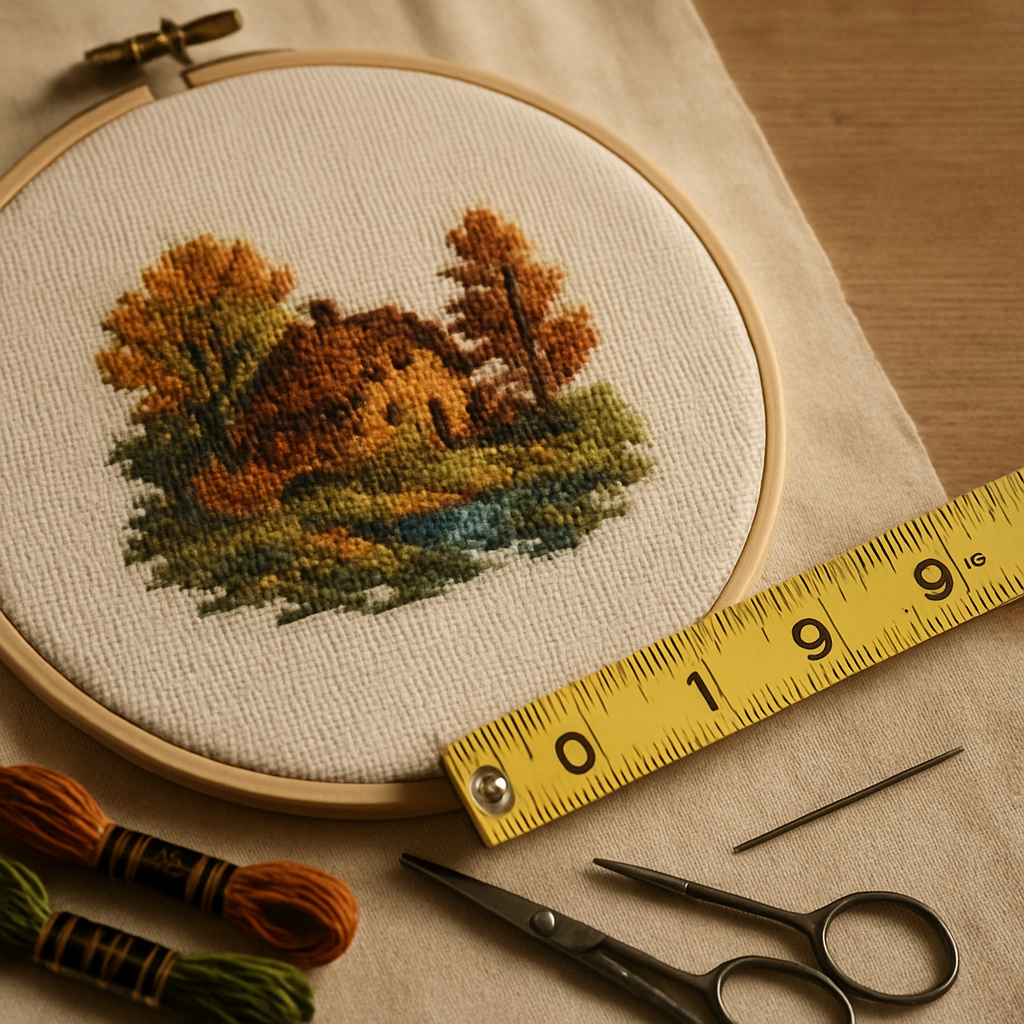
Quick answer: To convert stitch count to inches, divide the number of stitches by the fabric count. For example, a design that's 140 stitches wide on 14-count Aida finishes at 140 ÷ 14 = 10 inches wide. Do the same for the height, add a few inches of margin for framing, and you have your finished size.
That's the whole calculation. The rest of this page is the tables, the one rule that trips everyone up (evenweave and linen), and a few worked examples so you never have to second-guess the size of a project before you buy fabric.
The formula
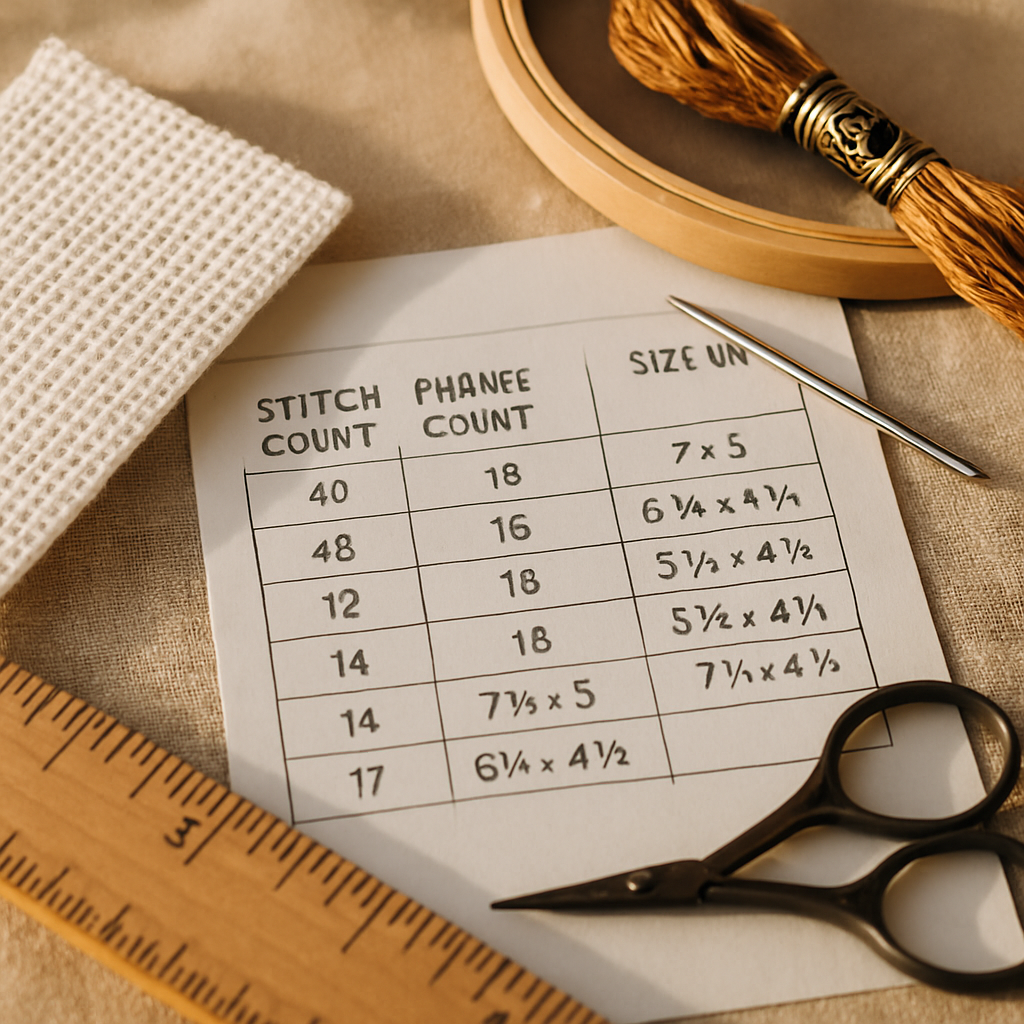
Finished size (inches) = stitch count ÷ fabric count
Two definitions make this click:
- Stitch count is how many stitches wide and tall your design is. It's printed on every pattern (e.g. "168 W × 224 H").
- Fabric count is how many stitches fit in one inch of fabric. On Aida, the count is the stitches per inch — 14-count Aida = 14 stitches per inch.
So a 168 × 224 design on 14-count Aida finishes at 168 ÷ 14 = 12 inches wide and 224 ÷ 14 = 16 inches tall, before margins.
To go the other way — inches to stitches — just multiply: stitches = inches × fabric count. A 6-inch-wide design on 16-count needs 6 × 16 = 96 stitches.
The rule everyone forgets: evenweave and linen stitch "2 over 2"
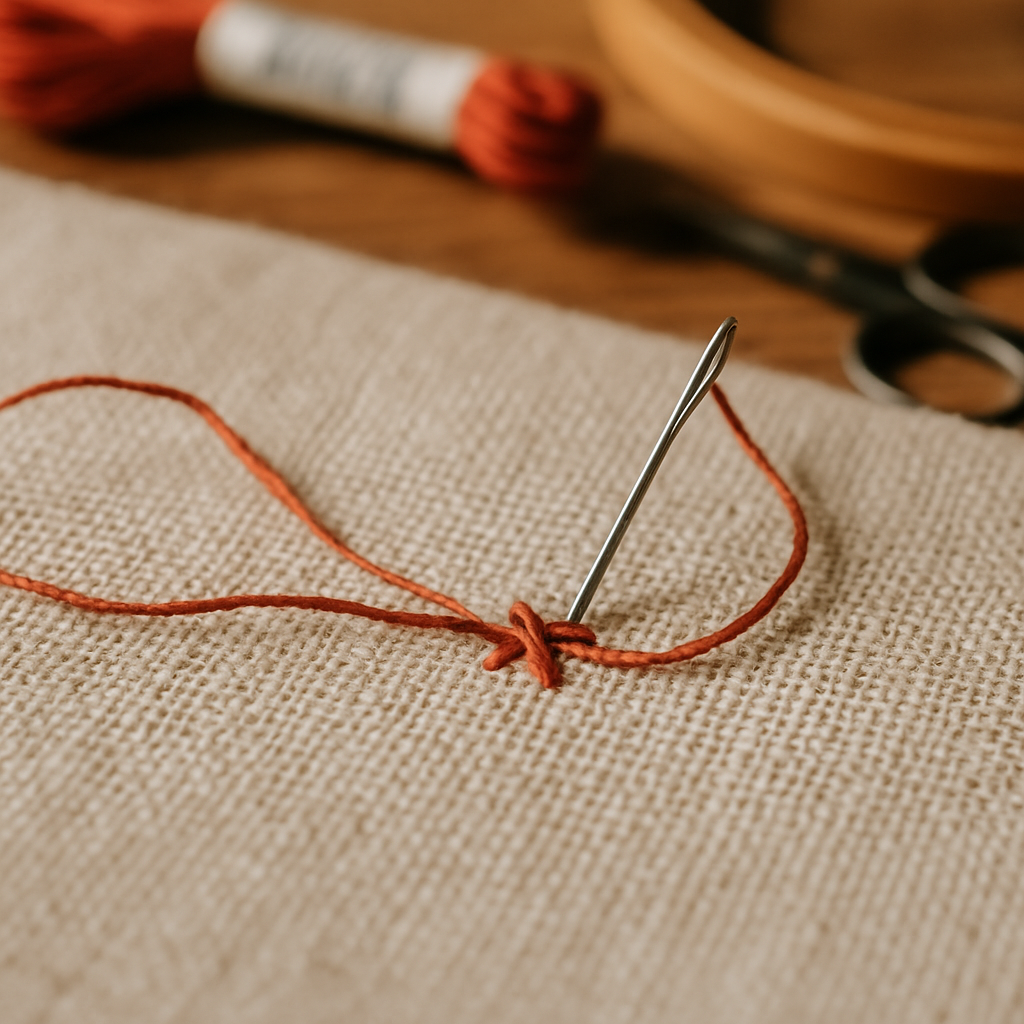 This is the single biggest source of sizing mistakes. On Aida, you stitch one square per stitch, so the count equals stitches per inch. But on evenweave and linen, most stitchers work "two over two" — each stitch crosses two fabric threads. That halves the effective count:
On evenweave/linen stitched 2-over-2: stitches per inch = fabric count ÷ 2
So 28-count linen stitched 2-over-2 = 14 stitches per inch — exactly the same finished size as 14-count Aida. That's why a 28-count linen and a 14-count Aida are often listed as interchangeable. If you stitch 1-over-1 instead, use the full count.
Conversion table: how big does a design finish?
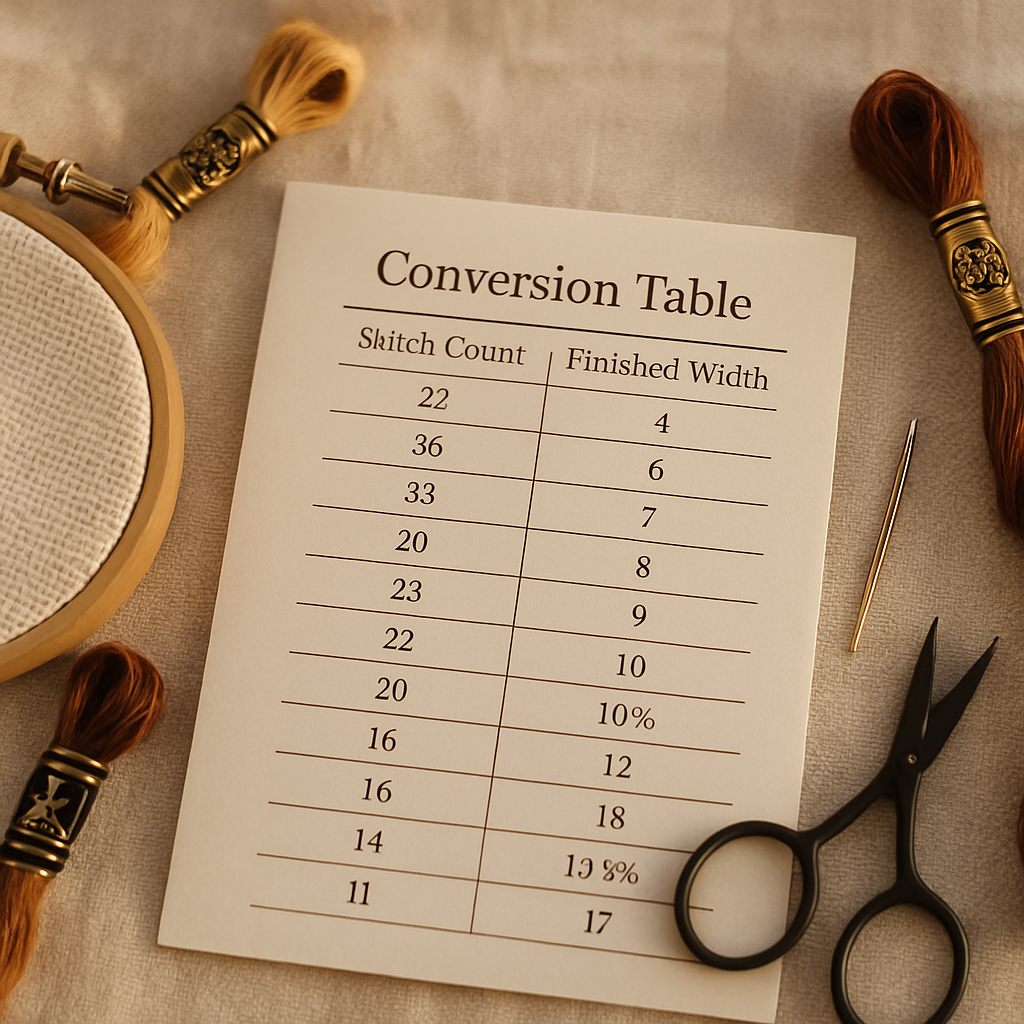 Finished width (inches) for a given design width in stitches, across common fabric counts. Read down your stitch count, across to your fabric.
| Design width (stitches) | 11-ct | 14-ct | 16-ct | 18-ct | 22-ct |
|---|---|---|---|---|---|
| 50 | 4.5" | 3.6" | 3.1" | 2.8" | 2.3" |
| 100 | 9.1" | 7.1" | 6.3" | 5.6" | 4.5" |
| 150 | 13.6" | 10.7" | 9.4" | 8.3" | 6.8" |
| 200 | 18.2" | 14.3" | 12.5" | 11.1" | 9.1" |
| 250 | 22.7" | 17.9" | 15.6" | 13.9" | 11.4" |
| 300 | 27.3" | 21.4" | 18.8" | 16.7" | 13.6" |
The same chart finishes smaller on a higher count, because more stitches are packed into each inch. Higher counts mean finer detail in a smaller piece; lower counts stitch faster and easier on the eyes. Our Aida 14 vs 16 vs 18 guide walks through choosing.
Don't forget the fabric margin
Your fabric needs to be bigger than your stitched design — for framing, hooping, and finishing. The standard rule:
Add about 3 inches to each side — so roughly 6 inches total to both the width and the height of the stitched size.
Example: a stitched area of 10 × 14 inches needs a piece of fabric about 16 × 20 inches. For small pieces you can get away with less; for anything you'll frame or mount, don't skimp — running short on margin is a genuinely frustrating way to ruin a finished piece.
Worked examples
- A 14-count Aida design, 84 × 112 stitches: 84 ÷ 14 = 6", 112 ÷ 14 = 8". Finished ~6 × 8 in; cut fabric ~12 × 14 in.
- The same design on 18-count Aida: 84 ÷ 18 = 4.7", 112 ÷ 18 = 6.2". Finished ~4.7 × 6.2 in — noticeably smaller and finer.
- A 196 × 196 design on 28-count linen, 2-over-2: effective count 14, so 196 ÷ 14 = 14". Finished ~14 × 14 in; cut fabric ~20 × 20 in.
Skip the math entirely
The arithmetic is simple, but you don't have to do it by hand. When you create a pattern in StitchThis, the finished size and stitch count are calculated for you automatically — and if you change the fabric count, the finished dimensions update so you can see exactly how big the piece will be before you commit. It's a fast way to size a project, especially a photo-based one where you're choosing dimensions and detail together. Try StitchThis free to size and build your pattern in one place.
It's the same math behind sizing any project — a wedding portrait, a bouquet keepsake, or fitting a design onto a Christmas stocking.
Frequently asked questions
How do I convert stitch count to inches? Divide the design's stitch count by the fabric count. A 140-stitch-wide design on 14-count Aida is 140 ÷ 14 = 10 inches wide. Repeat for the height.
What does 14-count fabric mean? On Aida, 14-count means 14 stitches per inch. The higher the count, the smaller and finer each stitch, and the smaller the finished design.
How do I calculate size on linen or evenweave? Most stitchers work 2-over-2 on these fabrics, so divide the fabric count by 2 to get stitches per inch. 28-count linen stitched 2-over-2 equals 14 stitches per inch — the same as 14-count Aida.
How much extra fabric should I add? Add about 3 inches on every side (roughly 6 inches to both total dimensions) for framing and finishing. More if the piece is large or you're mounting it.
How do I convert inches to stitch count? Multiply inches by the fabric count. A 6-inch design on 16-count needs 6 × 16 = 96 stitches.
Does StitchThis calculate finished size for me? Yes — it reports the stitch count and finished size when you make a pattern, and recalculates the dimensions when you change the fabric count, so you can size a project without doing the math by hand.
Size it once, stitch it right
Two numbers — stitch count and fabric count — decide the entire finished size of your project. Divide for inches, remember the 2-over-2 rule on linen, and add your margin. Or let StitchThis do the arithmetic while you focus on the design.
Try StitchThis free and see your finished size update as you build.
The full StitchThis workflow
Whatever you're making — a beginner piece, a memorial portrait, a gift, a pattern to sell — the StitchThis pipeline is the same handful of pieces working together, and each one is built around a friction that kills other tools.
- Photo-to-pattern conversion with StitchSense keeps the detail where the eye lands (faces, eyes, focal subjects) and simplifies what's behind it, so the finished piece looks like the subject rather than a confetti smear.
- Six floss brands in the legend — DMC, Anchor, Cosmo, Gamma, Madeira, Metro — so the pattern arrives in the brand you actually own.
- Floss stash tracker with CSV upload (from an existing spreadsheet) or photo upload (snap your skein organiser to import in seconds, no manual data entry).
- In-browser viewer that doubles as a chart editor — tap each stitch to track progress, paint or fill new stitches with the draw tools, change all instances of one colour to another, edit fractional stitches and backstitch.
- Freehand designer for drawing patterns from scratch or adding names, dates, and personal touches to a generated chart.
- Studio-tier FORGE batch generation for designers producing multiple variations from one source.
- Clean PDF export ready to print, share, or sell.
- The whole workflow in one place — pattern creation, floss tracking, the in-browser viewer with chart editor, and a community of stitchers cheering each other on.
Try StitchThis free — the workflow is built around the small frictions that kill other tools, so you can spend the time stitching instead of fighting your software.
Related reading on StitchThis:
Ready to turn your photo into a cross-stitch pattern?
Try StitchThis freeTwo patterns per month. No card required.