How to Make a Cross-Stitch Pattern of Your Wedding Bouquet
Your bouquet wilted, but the memory doesn't have to. How to turn a wedding bouquet photo into a faithful, stitchable cross-stitch pattern — the source-photo strategy that works.
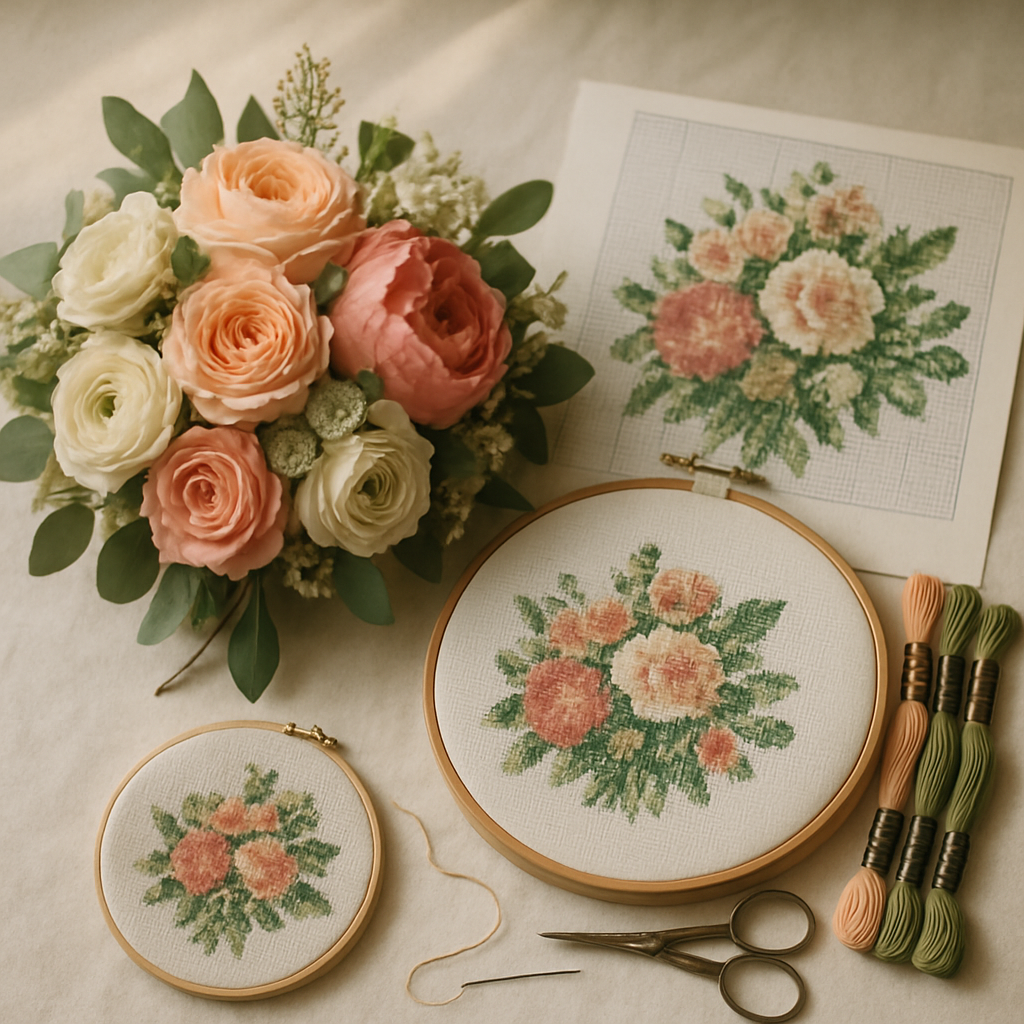
The bouquet is the one part of a wedding designed to die. You carry it for a few hours, toss it, and a week later it's brown in a vase. People go to real lengths to keep it — pressing the flowers, paying a service to dry and resin-set the whole arrangement, framing it in a shadow box. Those services are lovely and often cost well into the hundreds, and the result is still fragile and prone to fading.
A cross-stitch version solves the problem differently. Charted from a photo and stitched in floss, your bouquet becomes something that won't wilt, won't fade in a season, and carries your own hours in it. Hang it next to a charted portrait from the same day and you've got a matched pair of keepsakes for the price of some fabric and thread.
The whole project comes down to one thing: the source photo. Get that right and the pattern almost makes itself. Get it wrong and you're fighting a tangle of near-identical greens. This guide is the source-photo strategy that actually works — and you can try StitchThis free to follow along with your own bouquet.
Why a bouquet is harder to chart than a face
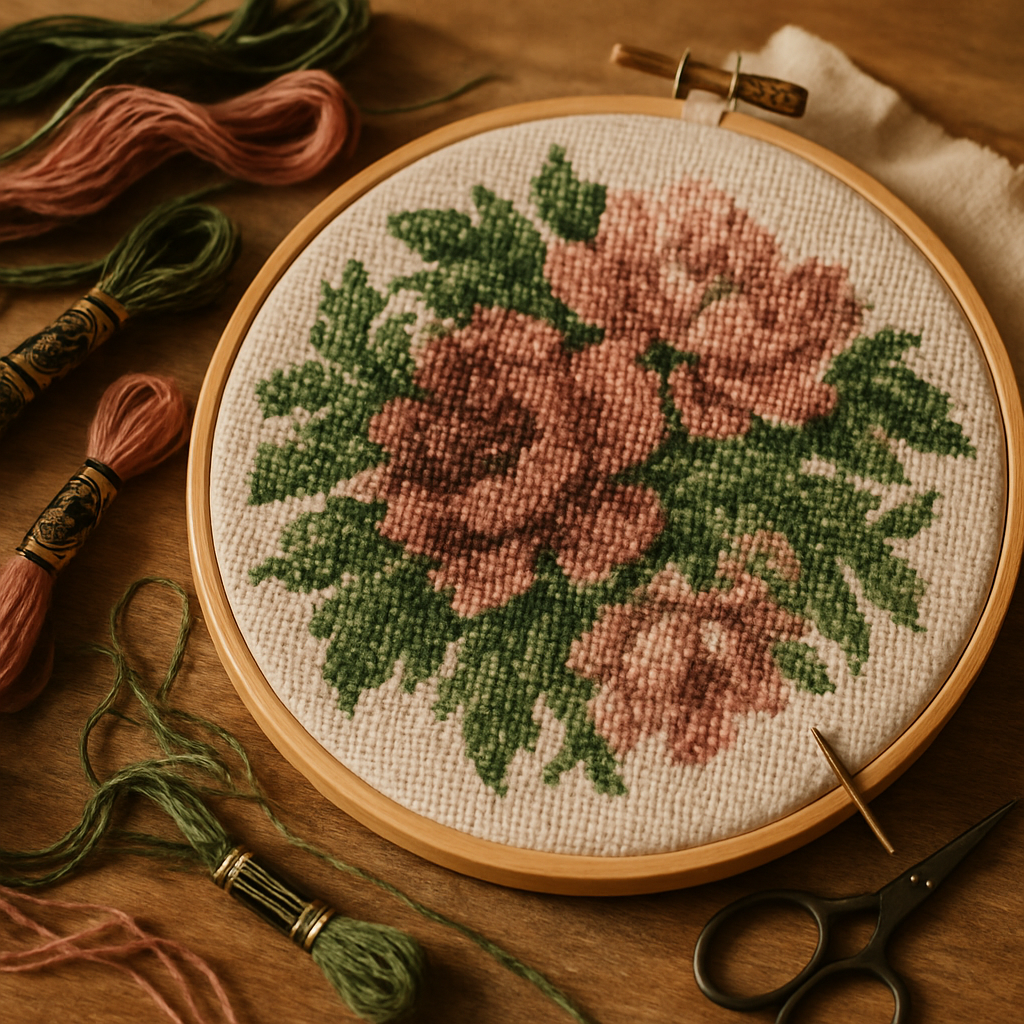 A portrait has one obvious focal point and a lot of forgiving background. A bouquet is the opposite: it's all detail, and most of that detail is variations on a theme — a dozen shades of green, three pinks that are nearly the same pink, petals layered on petals. Convert it carelessly and you get the classic mess of confetti: hundreds of isolated single stitches in colors you can barely tell apart, which is miserable to stitch and reads as noise from across the room.
So the goal isn't to capture every petal. It's to keep the bouquet recognizable — the shapes of the main blooms, the overall palette, the way it was arranged — while calming the chaos everywhere else. That balance is exactly what the right source photo plus the right tools deliver.
The source-photo strategy
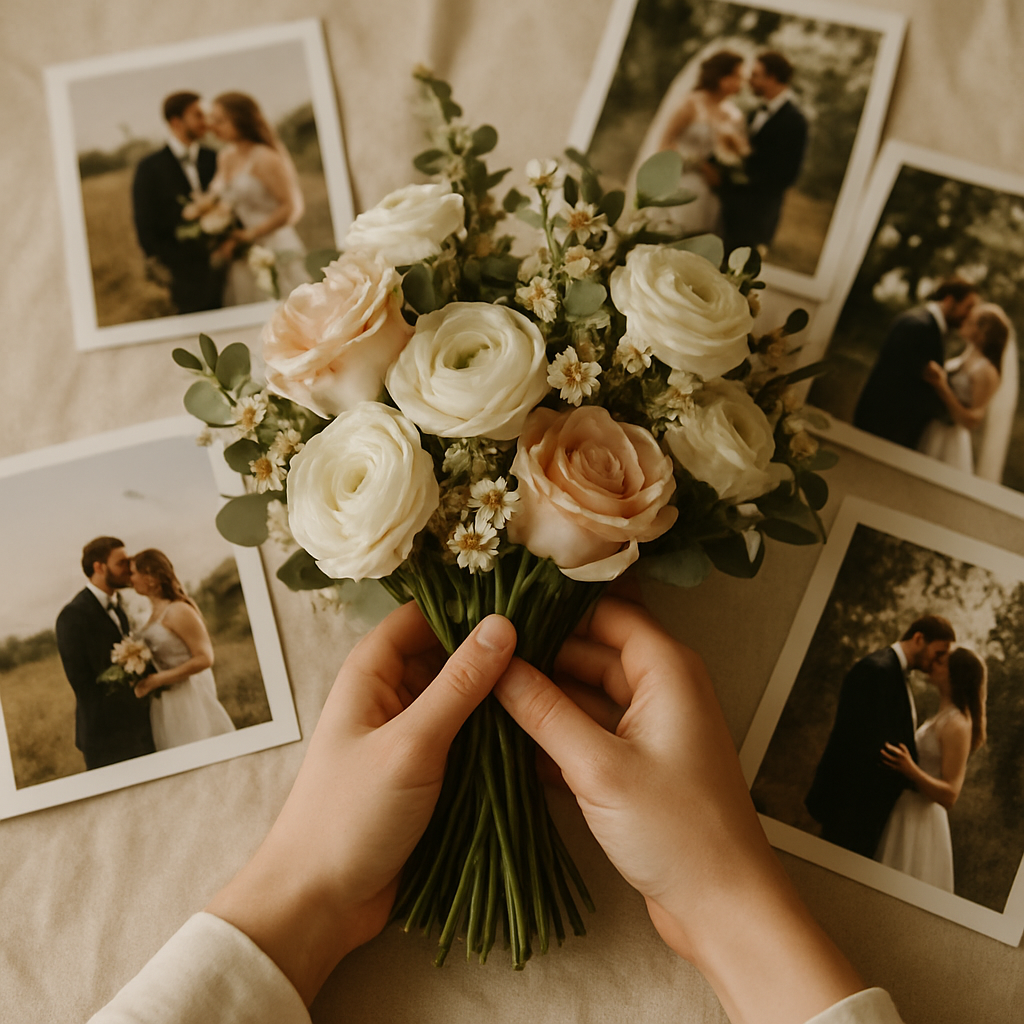 Here's the truth most people don't realize until they go looking: you probably don't have a good bouquet photo. What you have is the bouquet half-hidden in your hands across forty wedding shots. The strategy is about getting from that to a clean, chartable image.
Best case: photograph the bouquet on its own
If your wedding hasn't happened yet, or the bouquet is still fresh, take five minutes to shoot it deliberately:
- Lay it on a plain background — a white sheet, a dark tablecloth, anything uncluttered. This is the single biggest favor you can do the pattern.
- Use soft, even light. Near a window on an overcast day is perfect. Avoid harsh midday sun that blows out the lighter flowers.
- Shoot straight on and fill the frame. Get the whole arrangement, sharp, with the main blooms clearly separated.
- Do it while it's fresh. Even a day later the flowers slump and the colors dull.
A clean, isolated shot like this charts beautifully with almost no fuss.
Real case: rescue the bouquet from a wedding photo
Most people are working after the fact, with the bouquet buried in a busy photo. That's fine — it's a fixable problem, and it's where StitchThis's tools do the heavy lifting:
- Background removal lifts the bouquet out of the busy scene — your dress, the venue, the people behind you — so the pattern spends every color on the flowers instead of the clutter.
- Contrast adjustment helps separate pale flowers (and that white dress behind them) from a bright background, so the bouquet's silhouette stays crisp.
- Pick the frame where the bouquet is largest and sharpest and crop in before you start. A small, soft bouquet in the corner of a wide shot won't chart well at any size.
If you've already read our guide to charting a wedding photo, this is the same toolkit aimed at the flowers instead of the faces.
Turning the photo into a stitchable pattern
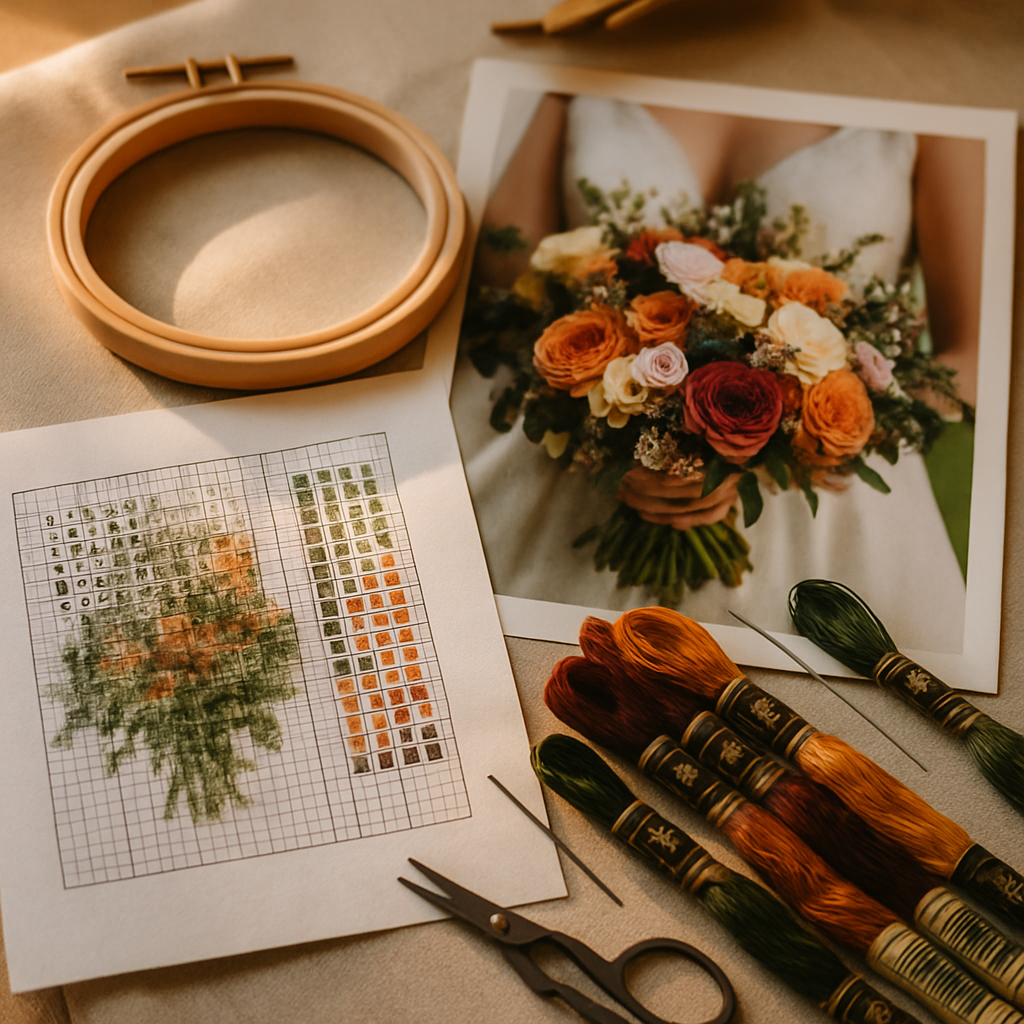 With a good source image in hand, the conversion is the easy part. StitchThis's image-to-pattern engine charts your bouquet into a real, counted cross-stitch pattern — symbols mapped to specific floss colors, not a fuzzy picture. Two tools do most of the work of making it stitchable rather than chaotic:
- Painterly treatment simplifies the fussy petal-on-petal texture into smooth, readable shapes. This is your single best weapon against bouquet confetti — it consolidates those near-identical petals into stitchable blocks.
- StitchSense preserves the detail in the focal point, so the main blooms — the roses, peonies, whatever anchored your arrangement — stay sharp and recognizable while the filler greenery is allowed to simplify.
And to be clear, because the cross-stitch world is rightly wary of AI fakes: the tools clean and prepare your source image; the pattern is charted faithfully from it, stitch by stitch. You get a genuine, countable chart and a printable PDF — never a fake "finished" render pretending to be a pattern. (More on why that matters in free cross-stitch patterns from your own photos.)
Getting the flower colors right
Bouquets live and die on color, and this is where a thoughtful palette pays off. A real arrangement has more green than people expect and several closely related blooms, so you want a palette that captures the range without ballooning into eighty barely-different skeins.
StitchThis lets you chart against multi-brand palettes — DMC, Anchor, Cosmo, Gamma, Madeira, and Metro — so you can match real, buyable floss in whatever brand you already stitch with. Greens and soft pinks are the two families worth fussing over; a small, well-chosen set of each does more for the finished look than a sprawling color list ever will. (A deeper dive on choosing colors is coming in our color-palette selection guide.)
Why StitchThis suits a bouquet project: background removal rescues the flowers from a busy wedding photo, painterly tames the petal confetti, StitchSense keeps the main blooms faithful, multi-brand palettes nail the greens and pinks in real floss, and a clean PDF (or the in-app pattern viewer) lets you stitch and track your progress to the finish. Start free →
Make it a keepsake, not just a chart
A few touches turn a nice floral into your wedding bouquet:
- Add the date. A small stitched "[Month Day, Year]" under the arrangement, charted in the freehand designer or placed with the pattern editor, anchors it to the day.
- Pair it with a portrait. A charted bouquet beside a charted photo from the same wedding makes a matched set — and a meaningful anniversary gift down the line.
- Pick a finishable size. Bouquets reward a bit of detail, so don't go tiny — but don't go to bedsheet scale either. Higher fabric counts pack detail into a smaller finish; our Aida 14 vs 16 vs 18 guide helps you choose, and the stitch count to inches calculator tells you the finished size before you cut fabric, and you can stitch from a bigger screen with our pattern maker for Mac walkthrough — same toolset in any browser.
When the chart's ready, stitch it directly from the pattern viewer and mark off completed stitches as you go, so a detailed bouquet stays a series of clear, finishable sessions instead of one intimidating wall of green.
Frequently asked questions
Can I turn my wedding bouquet photo into a cross-stitch pattern? Yes. The key is a clean source image — ideally the bouquet on a plain background, or rescued from a wedding photo with background removal. From there StitchThis charts a faithful, stitchable pattern.
My bouquet already wilted — can I still do this? If you have a photo of it fresh, absolutely. The pattern is made from the image, so a good photo from the day is all you need. No surviving flowers required.
How do I keep a bouquet from turning into confetti? Simplify before you chart. The painterly treatment consolidates fussy petal texture into stitchable shapes, while StitchSense keeps the main blooms sharp — so you cut the chaos without losing the flowers that matter.
How many colors will a bouquet need? Fewer than the photo suggests once it's simplified. Focus your palette on a tight set of greens and a few key flower colors rather than every subtle shade; it stitches faster and looks more intentional.
Is this cheaper than professional bouquet preservation? Far cheaper. Drying-and-framing services often run into the hundreds and the result still fades over time. A charted, stitched bouquet costs fabric and floss, won't wilt, and carries your own work in it.
Can I add our wedding date? Yes — chart it in the freehand designer or add it with the pattern editor, placed wherever it fits the arrangement.
Keep the bouquet that was meant to die
The flowers were temporary by design. The memory doesn't have to be. With a clean source photo and StitchThis's tools, you can chart your bouquet into a faithful pattern, match the colors to real floss, add your date, and stitch a keepsake that outlasts any dried arrangement.
Try StitchThis free and turn your bouquet into a pattern today — then make the matching portrait from the same day.
The full StitchThis workflow
Whatever you're making — a beginner piece, a memorial portrait, a gift, a pattern to sell — the StitchThis pipeline is the same handful of pieces working together, and each one is built around a friction that kills other tools.
- Photo-to-pattern conversion with StitchSense keeps the detail where the eye lands (faces, eyes, focal subjects) and simplifies what's behind it, so the finished piece looks like the subject rather than a confetti smear.
- Six floss brands in the legend — DMC, Anchor, Cosmo, Gamma, Madeira, Metro — so the pattern arrives in the brand you actually own.
- Floss stash tracker with CSV upload (from an existing spreadsheet) or photo upload (snap your skein organiser to import in seconds, no manual data entry).
- In-browser viewer that doubles as a chart editor — tap each stitch to track progress, paint or fill new stitches with the draw tools, change all instances of one colour to another, edit fractional stitches and backstitch.
- Freehand designer for drawing patterns from scratch or adding names, dates, and personal touches to a generated chart.
- Studio-tier FORGE batch generation for designers producing multiple variations from one source.
- Clean PDF export ready to print, share, or sell.
- The whole workflow in one place — pattern creation, floss tracking, the in-browser viewer with chart editor, and a community of stitchers cheering each other on.
Try StitchThis free — the workflow is built around the small frictions that kill other tools, so you can spend the time stitching instead of fighting your software.
Related reading on StitchThis:
Ready to turn your photo into a cross-stitch pattern?
Try StitchThis freeTwo patterns per month. No card required.